Automate WhatsApp
Read your inbox, reply in context, and send updates or run group polls, no Business API needed.
Messaging
Find the voice notes contact sent me on WhatsApp this week, transcribe them and summarize what they said.
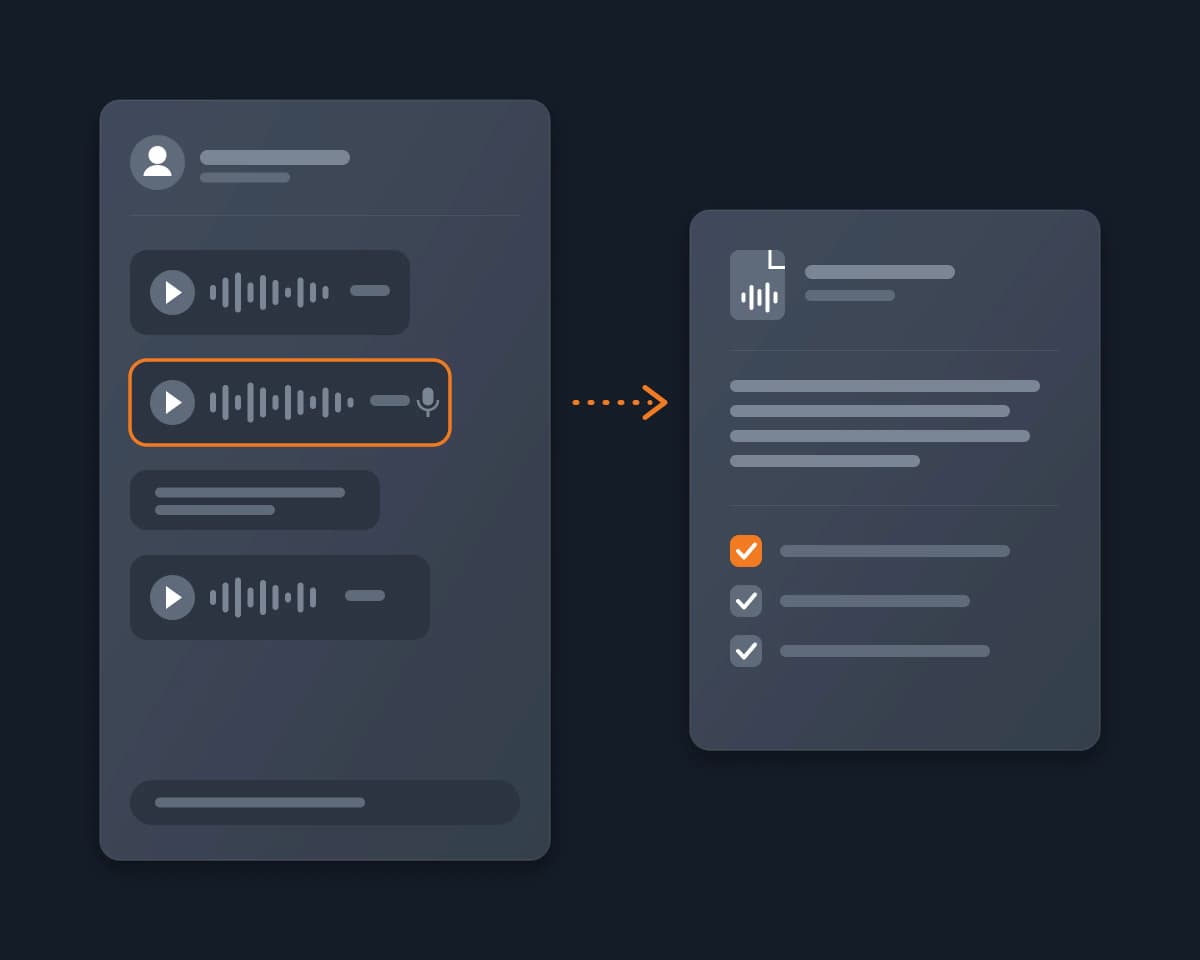
Reduck is a universal MCP (Model Context Protocol) server: it turns the websites you are signed in to into tools your agent can call, through browser automation in your own Chrome. For WhatsApp, that is a WhatsApp MCP. To deal with voice notes, your agent lists your chats, reads one, keeps its voice notes and downloads each one as an audio file. Then it transcribes them and summarizes what was said.
WhatsApp has no API for a personal account. The WhatsApp Business Platform only works for a business number that people write to. WhatsApp's own transcription works one voice note at a time, on your phone, in the languages it supports. The community WhatsApp MCP servers link a new device to your account with a QR code and run a local bridge that you have to install and keep running.
Reduck's WhatsApp scripts run in your own Chrome, on the WhatsApp Web session you already have. get_inbox lists your chats without opening them. get_conversation reads a chat's messages, as many as you ask for, where a voice note has the type ptt, without marking anything as read. download_voice_note saves one voice note as an .ogg file in your Downloads folder, checks the file against WhatsApp's own fingerprint, and returns its path, its length and when it was sent. Nothing is played, so a voice note you have not listened to yet stays unheard for the sender. Your agent then transcribes the files and writes the summary.
Install the Reduck extension in Chrome and sign in. Link WhatsApp Web in that Chrome, then close its tab before you ask your agent: the scripts use the same session, and they stop if a WhatsApp Web tab is open in that browser.
Add the Reduck MCP server, https://mcp.reduck.ai, to your client. It is a remote server over streamable HTTP with OAuth sign-in.
Claude Code:
claude mcp add reduck --transport http --scope user https://mcp.reduck.ai
Claude Desktop and ChatGPT: add a custom connector named reduck with the URL https://mcp.reduck.ai. Other clients: the settings to use.
To transcribe on your Mac, install whisper.cpp and ffmpeg once:
brew install whisper-cpp ffmpeg
Then download a model, for example ggml-base.bin from the whisper.cpp models.
Ask: "Find the voice notes Lucile sent me on WhatsApp this week, transcribe them and summarize what she said."
The first time your agent downloads several voice notes in a row, Chrome can ask whether web.whatsapp.com may download multiple files. Allow it, or the download stops.
| Script | What it does | Takes |
|---|---|---|
get_inbox |
Your chats, most recent first, with unread counts and the last message, without opening them | a tab (all, unread, groups…), how many |
get_conversation |
A chat's messages, as many as you ask for, with the type of each one (ptt for a voice note) |
the chat id from get_inbox, how many |
download_voice_note |
One voice note or audio message saved as a file, with its length, format and date, without playing it | the message id |
Every script only reads. None of them sends a message, plays a voice note or marks a chat as read.
The script stops at the audio file: the transcript and the summary are your agent's work. In our test, Claude Code converted the .ogg file with ffmpeg, ran whisper.cpp with the base model on the Mac, and got the French sentence right, with the language found automatically. Any speech-to-text tool your agent can run works the same way.
| Your agent | Find and download voice notes | Transcribe |
|---|---|---|
| Claude Code, Codex, Cursor | Yes | Yes, with a tool on your computer (whisper.cpp, Whisper) |
| Claude chat (claude.ai) | Yes | No: the chat cannot run a tool on a file of your computer |
| ChatGPT chat (chatgpt.com) | Yes | No: the chat cannot run a tool on a file of your computer |
| Community WhatsApp MCP (whatsmeow, Baileys) | Kaption AI | Reduck | |
|---|---|---|---|
| Setup | Clone a repo, run a Go or Node bridge, scan a QR code | Chrome extension, remote MCP connector | One MCP URL, WhatsApp Web linked in Chrome |
| New linked device | Yes | Not documented | No: it uses your WhatsApp Web session |
| Downloads voice notes | Yes, in most of them | Not documented | Yes, checked against WhatsApp's fingerprint |
| Transcription | Often built in (Whisper, whisper.cpp) | Built in | By your agent, on your computer |
| Sender sees the voice note as played | Not documented | Not documented | No, tested |
| Runs | A bridge that stays connected | While WhatsApp Web or its desktop app is open | Only when you or your agent asks |
Read your inbox, reply in context, and send updates or run group polls, no Business API needed.
MessagingA Discord MCP server that acts as your own user account, not as a bot. Reduck gives ChatGPT, Claude or any MCP client tools to read your servers, channels and DMs and reply as you, through browser automation in your own Chrome, with no bot to invite and no user token to paste.
MessagingLet Claude, ChatGPT or any AI agent automatically read your Discord DMs and the messages that mention you, and answer them from your own account, through the Reduck MCP. Run it on a schedule to reply on its own, or keep a draft-and-approve step. No bot to add, no selfbot, no user token to paste.
Messaging