Overview
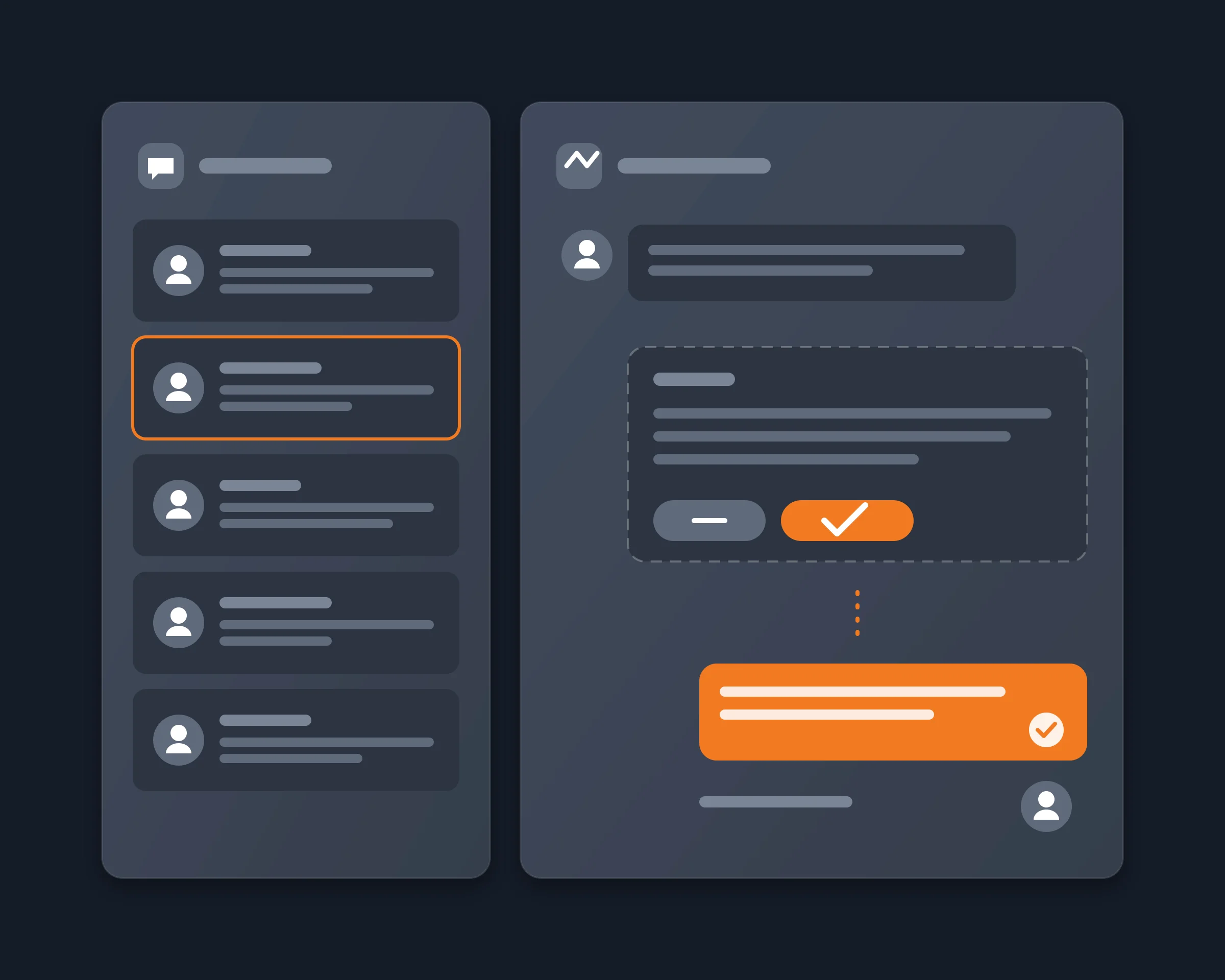
Your Discord DMs and mentions pile up, and you want your AI agent to read them and answer for you. With the Reduck MCP, Claude, ChatGPT or any AI agent reads your Discord messages as you and replies from your own account. Run it on a schedule and it answers on its own, or keep a step where you approve each reply.
Why it's hard
Discord gives AI two doors, and neither does what people ask for. A bot is the route Discord designs for, but it posts as a bot, someone with the Manage Server permission has to add it to each server, and it never sees your DMs. A selfbot posts as you and answers on its own: projects such as Discord-AI-Selfbot or discord.py-self-mcp log in with your user token. Discord's terms forbid that automation, their own READMEs warn that an account can be banned, and you give a program a token that works like your password.
How Reduck does it
Reduck runs Discord actions in your own Chrome, where you are already signed in, so there is no token to paste. Through the MCP, your agent calls whoami to get your user id, list_dms and read_messages to read your DMs, and search_messages to find the messages that mention you in a server. It skips the conversations you already answered, writes a reply to each message that needs you, and sends it with reply_to_message for a message in a server, or send_dm for a DM.
- Automatic: run the prompt on a schedule, for example with /loop in Claude Code, and the agent reads and answers new messages on its own while it runs.
- With approval: ask the agent to show you the drafts first, and it sends only the ones you accept.
Tools
| Script |
What it does |
Takes |
whoami |
Which Discord account the browser is signed in as, with its user id |
nothing |
list_dms |
Your one-to-one and group DMs, most recent first |
nothing |
read_messages |
The latest messages of a channel, thread, forum post or DM, newest first |
its url, how many |
search_messages |
Messages in one server that mention you, or match words, authors or channels |
the server id, your user id |
reply_to_message |
A reply to one message, shown as a reply in Discord |
the message's url, the text |
send_dm |
A direct message to one user |
their username, the text |
Connect it
- Install the Reduck extension in Chrome and stay signed in to Discord there, in one tab only.
- Add Reduck to your client: Claude Code, Claude Desktop, ChatGPT or any other MCP client.
- Ask: "Read my latest Discord DMs and the messages that mention me in {server name}, skip the ones I already answered, and reply to each one that needs me, in my tone."
- To make it automatic, in Claude Code:
/loop 15m followed by the same prompt.
Ways to auto reply to Discord messages with AI
| Method |
Replies show up as |
Reads your DMs |
Your secret |
Answers on its own |
| Copy into ChatGPT by hand |
You |
Yes, by hand |
None |
No |
| Discord bot |
The bot, with a bot tag |
No |
A bot token |
Yes, always on |
| AI selfbot |
You |
Yes |
Your user token |
Yes, always on |
| Reduck MCP |
You |
Yes |
None |
Yes, on your agent's schedule, or after your OK |
Use a bot when you own a server and want an assistant that answers everyone, all the time, as a bot. Use Reduck when you want your agent to answer your own messages, as you, without giving it your token.
Who it's for
- Community managers and founders with more Discord DMs and mentions than they can answer
- People who tried an AI selfbot and would rather not give away their user token
- Anyone who wants their AI agent to answer Discord messages, with or without a final check