Overview
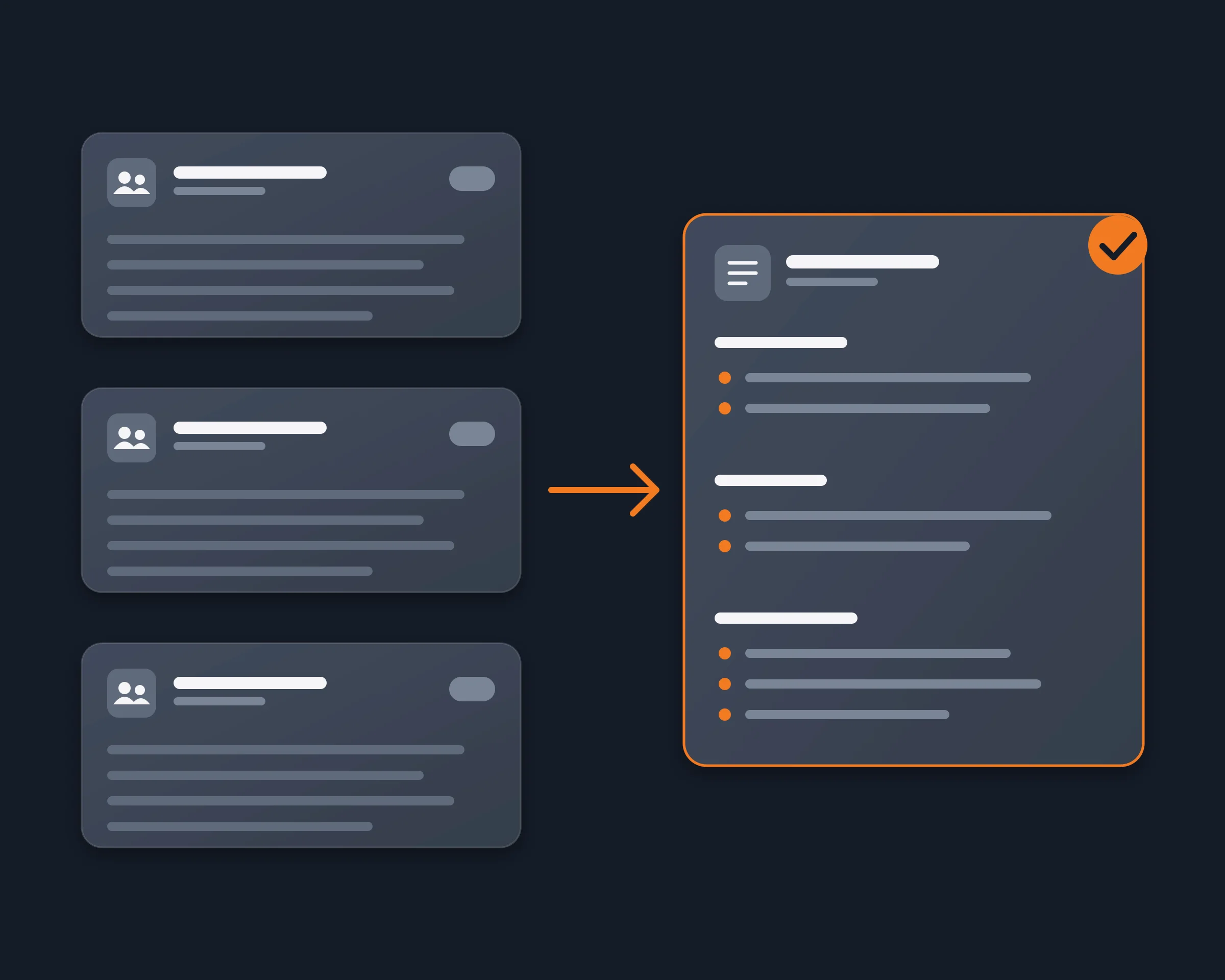
Founders, investors, community managers and crypto traders are often in dozens of busy Telegram groups: project groups, communities, deal flow, alpha. Reading them all every day takes hours, and muting them means missing the one message that matters. With Reduck, your AI agent reads the groups you are in, signed in as you, and writes one summary: what was decided, who asked you something, which links were shared.
Why it's hard
- Telegram's own AI does not summarize groups. Its AI summaries, added in its first 2026 update, cover channel posts and Instant View pages.
- A summary bot has to be added by an admin. A bot sees only the groups it was added to. With Telegram's privacy mode on, which is the default, a bot in a group receives only the messages meant for it, so summary bots ask the admins to turn privacy mode off or to make the bot an admin. In a group where you are only a member, you usually cannot do either.
- A bot starts from zero. It cannot read the messages from before it joined.
- The API way needs a developer setup. A Telethon or Pyrogram script can read your groups as you, after you get an api_id at my.telegram.org, sign in with a phone code and keep a session file that gives full access to your account.
- Exporting and pasting is manual. Telegram Desktop exports one chat at a time, and you upload each file again every day.
How Reduck does it
Reduck runs scripts in your own Chrome, where you are already signed in to web.telegram.org. Your agent:
- Lists your groups with get_inbox, each with its peer id, unread count and unread mentions.
- Reads each group with get_conversation, 40 messages a call, back to the start of the window you asked for, with the sender, the time, the text and the reply link of each message.
- Writes the summary, one section per group: the decisions, the questions addressed to you, the links shared, and anything that needs an answer. search_messages finds your name or a keyword across every chat in one call.
You get one summary of every group you chose, history included, without a bot in any of them and without marking anything as read.
How to start
- Create a free account at reduck.ai.
- Install the Reduck extension in Chrome and pair it.
- Connect Reduck to your agent: docs.reduck.ai.
- Ask: "Summarize what was said in the last 24 hours in my Telegram groups {group names}, one section per group, with the decisions, the questions addressed to me and the links shared. Do not mark anything as read."
Sign in to web.telegram.org in that Chrome first.
Ways to summarize Telegram groups
| Method |
Groups you only belong to |
History before setup |
Needs |
| Telegram's AI summaries |
No, channel posts only |
Not applicable |
Nothing |
| A summary bot (Shmity AI, Doublegram Scribe, Metricgram) |
Only if an admin adds it |
No |
An admin, privacy mode off or admin rights |
| Export from Telegram Desktop, then upload |
Yes |
Yes |
One export per chat, each time |
| Telethon or Pyrogram script |
Yes |
Yes |
An api_id, Python, a phone login, a session file |
| Reduck |
Yes |
Yes |
Telegram Web open in your Chrome |
Where Reduck is weaker: a bot in the group runs on a server around the clock and can answer the whole group with a /summary command. Reduck summarizes for you only, and runs while your Chrome is open.