App Logo
Messaging

Summarize a Discord server with Claude or ChatGPT: catch up on missed messages without a bot or admin rights (2026)

Prompt template

Read the channels of my Discord server server name and summarize what I missed since date, with the decisions, the open questions and links to the key messages.

Overview

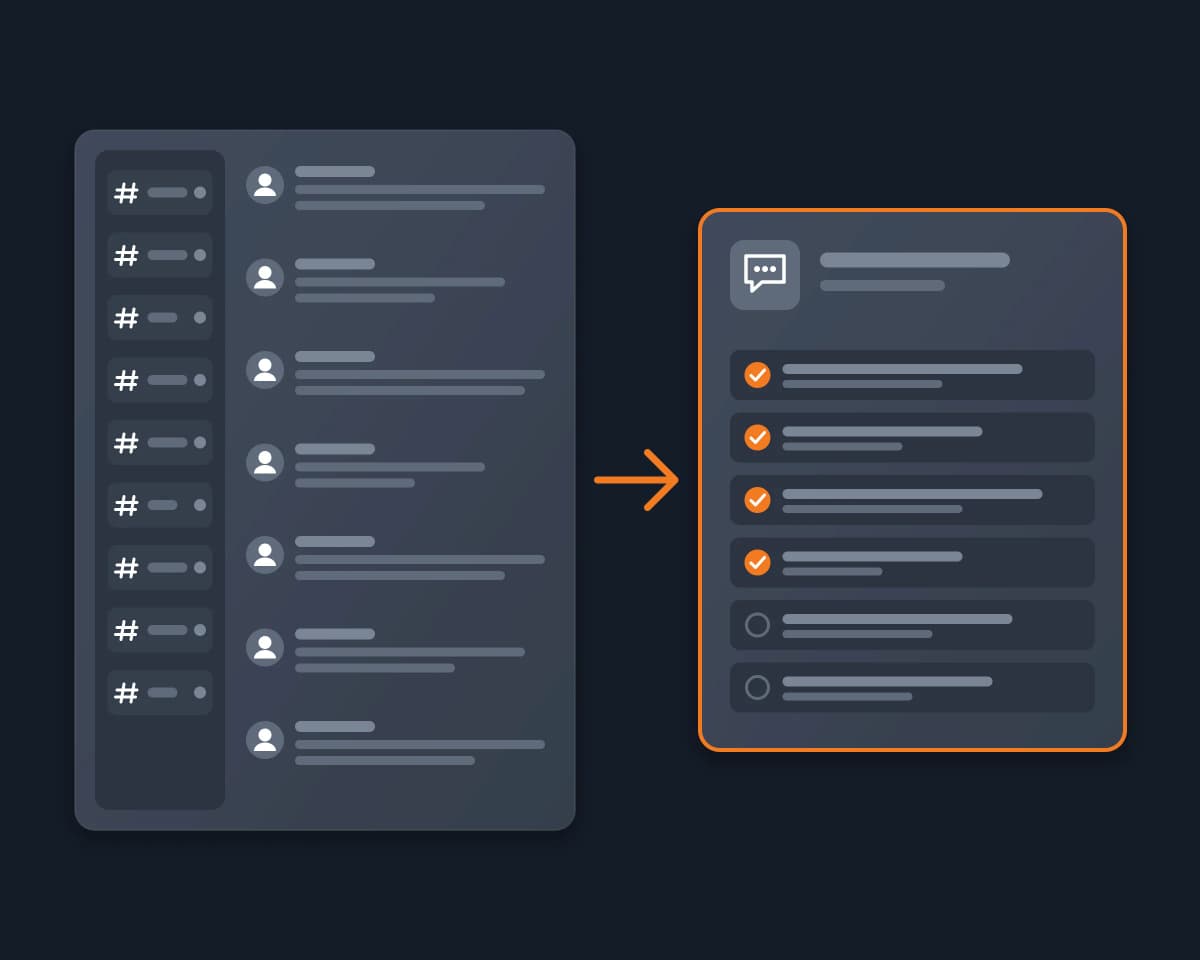
A busy Discord server moves faster than you can read it. Come back after a day and there are hundreds of messages across a dozen channels, and the decisions, questions and links that matter to you are somewhere in the middle.

Why it's hard

Discord's own conversation summaries are an experiment limited to a few servers. Summary bots work, but someone with the Manage Server permission has to add them, so as a member you have to ask. Bot-based Discord MCP servers have the same limit, and the ones that log in with your user token ask you to paste a secret that works like your password. Copying messages into ChatGPT by hand works for one channel, once.

How Reduck does it

Reduck reads Discord in your own Chrome, where you are already signed in, so your agent sees exactly the servers and channels you see as a member. list_servers and list_channels give it the map, read_messages reads the newest messages of each channel you name, and search_messages searches the whole server's history with Discord's own search. The agent then writes the summary you asked for: what was decided, what is still open, what mentions you, with a link to each source message.

Tools

Script What it does Takes
list_servers The servers your account is in nothing
list_channels A server's channels and categories, with their links the server id
read_messages The newest messages of a channel, thread or forum post: author, time, text the channel link, how many
search_messages Discord's own search on one server, 25 a page, with a link to each message the server id, words, authors, channels
list_forum_posts The posts of a forum channel, with their opening message the forum link

The full list of Discord scripts is on the Discord MCP page.

Connect it

  1. Install the Reduck extension in Chrome and stay signed in to Discord there.
  2. Add Reduck to your client: Claude Code, Claude Desktop, ChatGPT or any other MCP client.
  3. Ask: "Summarize what I missed since Monday in #announcements and #general on my Discord server, with links to the key messages."

Ways to catch up on a Discord server

Discord's summaries Summary bots Bot-token MCP servers Copy into ChatGPT Reduck
Available A few servers (experiment) Servers that added the bot Servers that added the bot Anywhere Any server you are a member of
Admin needed No Yes, to add the bot Yes, to add the bot No No
Reads as Discord The bot The bot You, by hand You, in your own Chrome
Called from your AI agent No No Yes By hand Yes

Who it's for

  • Members of busy community, gaming or crypto servers who want the short version
  • Founders and teams who run their community on Discord and need a daily recap
  • Anyone in several servers who checks them once a day, not once an hour

FAQ

Yes, but only in some servers. Discord's help center describes In-Channel Conversation Summaries, which group a channel's messages into topics, and says the feature is an experiment limited to a few servers. Server owners and admins with the Manage Channel permission can also hide it. If your server does not show it, you need another way to catch up.
Usually not. Bots such as Summary Bot or Catch Me Up have to be added to the server by someone with the Manage Server permission, so a member has to ask a moderator. Reduck needs no bot: it reads the server as you, in your own Chrome, so it works in any server you are a member of and can see.
No. Neither has a Discord connector for your own account, and copying messages into the chat by hand is the usual answer. With Reduck added to Claude or ChatGPT, your agent lists your servers and channels, reads the messages and writes the summary in the same conversation.
read_messages returns the newest messages of a channel, as many as you ask for. Tested on 2026-10-15: asked for 100 messages, it returned 100, with author, time and text. There is no date filter in the script: ask for enough messages and the agent keeps the ones after the date you give. To look further back across the whole server, search_messages uses Discord's own search, 25 results a page, with the total count and a link to each message.
No, one channel after the other. Discord sometimes allows only one active tab per account, so the agent reads the channels you name in sequence. Name the channels that matter (announcements, general, a project channel) rather than all of them on a big server. Forum channels are read with list_forum_posts, then each post with read_messages.
Yes. Your direct messages and group DMs are read the same way, from their links. The Discord MCP page lists every Discord script, including the DM ones.
Discord's terms restrict automated user accounts ("self-bots"). Reduck is not a bot running on its own. Each script runs only when you or your agent asks for it, one at a time, in your own browser. Decide whether that fits how you use Discord. The summaries contain other members' messages: keep them for yourself, and ask before you share them outside the server.
No. Listing servers and channels, reading and searching change nothing. Posting, replying and reacting are separate scripts that run only when you ask for them.

Similar use cases

Discord

Discord MCP

Reduck is a universal MCP server that gives ChatGPT, Claude or any MCP client a virtual Discord MCP, built on browser automation in your own Chrome. It reads your servers, channels and DMs as you, with no bot to invite and no token to paste.

Messaging
Discord

Search Discord with AI

Ask ChatGPT or Claude what was said in your Discord servers and DMs. Every way to do it, compared, and one that reads both as you, with no bot and no token.

Messaging
X (Twitter)

X (Twitter) daily digest

Your AI agent reads the X accounts and lists you choose, or your feed, and gives you one short summary each morning, with links. Stop doomscrolling, with no X API.

Social media

Start building not clicking