Overview
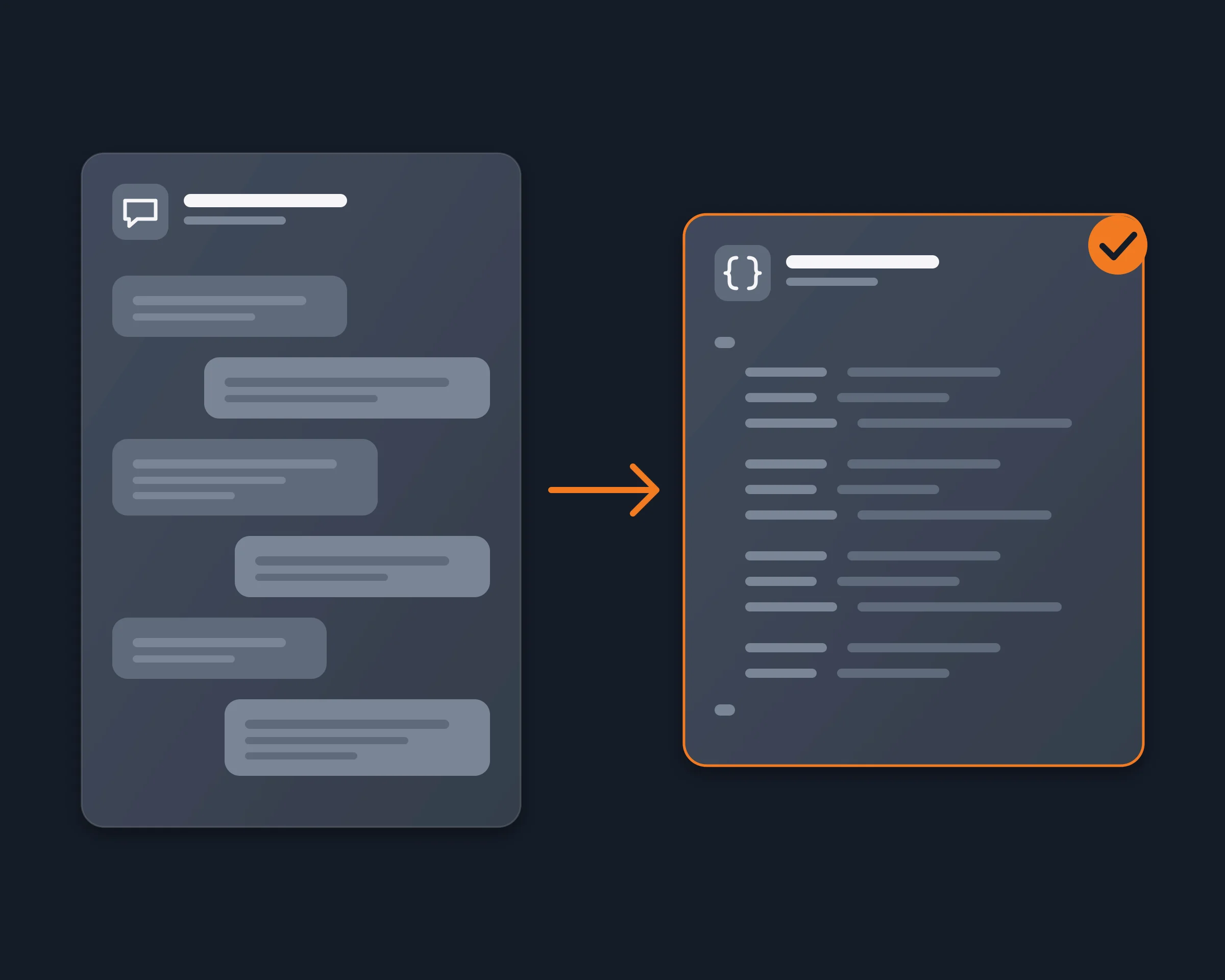
People export a Telegram chat to give it to an AI: a founder who wants the decisions of a project group, a researcher who studies a public channel, someone who wants a summary of a long thread with a friend or a client. The usual way is Telegram Desktop's export, then an upload. With Reduck, your AI agent reads the chat in Telegram Web, signed in as you, writes it to a JSON file, and can analyze it in the same step.
Why it's hard
- Only Telegram Desktop exports chats. The iPhone and Android apps have no export, and Telegram Web has none either.
- A new session waits. Telegram Desktop can delay an export from a session that was signed in recently, as a security check.
- Exports have limits. An export can stop short: in a Telegram Desktop issue (#31328, September 2026), the export of a private supergroup with forwarding disabled kept at most the 10,000 most recent messages.
- The API way needs a developer setup. The MTProto API (Telethon, Pyrogram) can read a chat's history, after you get an api_id at my.telegram.org, sign in with a phone code and keep a session file that gives full access to your account. A bot cannot help: it sees only the chats it was added to, and none of their history from before.
- A whole history is too large to paste. An AI chat takes a file of limited size, so a long export has to be cut into pieces by hand.
How Reduck does it
Reduck runs scripts in your own Chrome, where you are already signed in to web.telegram.org. Your agent:
- Finds the chat with get_inbox, which lists your conversations with their peer id. A public channel also works by its @username.
- Reads the history with get_conversation: 40 messages a call, each with id, date, sender, text, reply link and media kind, and for a channel post its exact view and forward counts. It passes nextBeforeMessageId to the next call until it reaches the first message or the oldest date you asked for.
- Writes the JSON file, and can summarize it, find the decisions or answer your question in the same conversation. download_media saves a message's file, up to 6 MB, when you need it.
For one word across every chat, search_messages searches all your conversations at once, between two dates. Reading does not open the conversation, so nothing is marked as read.
How to start
- Create a free account at reduck.ai.
- Install the Reduck extension in Chrome and pair it.
- Connect Reduck to your agent: docs.reduck.ai.
- Ask: "Export the full history of my Telegram chat {chat name} as a JSON file, one object per message with its date, sender and text, then summarize the main topics and decisions."
Sign in to web.telegram.org in that Chrome first.
Ways to export Telegram chat history
| Method |
Device |
Needs |
AI reads it |
| Telegram Desktop export (JSON or HTML) |
Computer |
Telegram Desktop, sometimes a wait on a new session |
After you upload the file |
| Telethon or Pyrogram script |
Any machine |
An api_id and api_hash, Python, a phone login, a session file |
After you write the code |
| Reduck |
Computer, in Chrome |
Telegram Web open in your Chrome |
Directly: the agent reads the chat itself |
Where Reduck is weaker: Telegram Desktop also exports your whole account in one go, with every chat's media, and it does not need an AI agent. Reduck reads one chat, or one search, at a time.
What the JSON looks like
[
  { "id": "5121", "date": "2026-11-10T08:14:03Z", "senderName": "Ana", "text": "Shipping the beta on Friday.", "replyToMessageId": null, "media": null },
  { "id": "5122", "date": "2026-11-10T08:15:40Z", "senderName": "Sam", "text": "OK, I'll update the docs.", "replyToMessageId": "5121", "media": null }
]