Overview
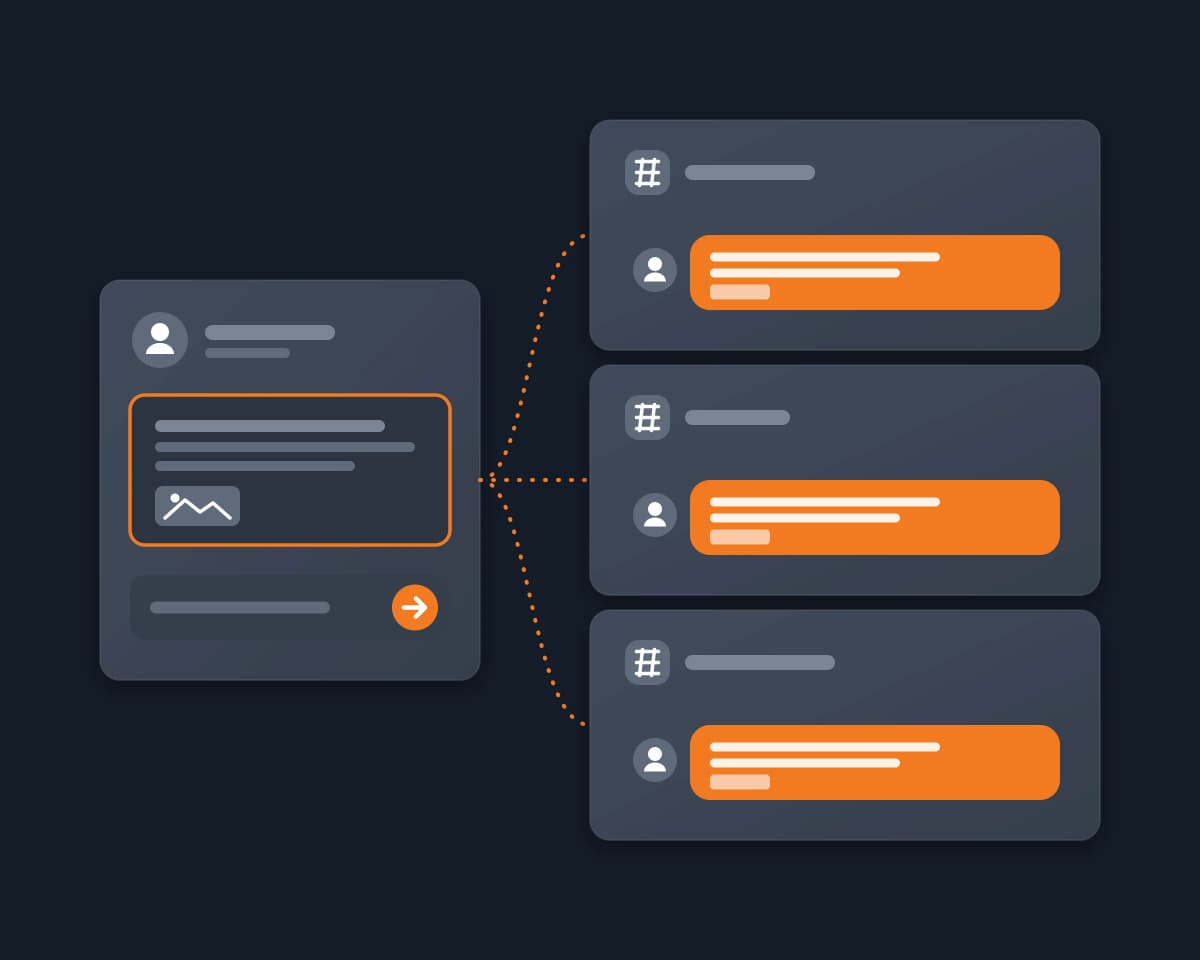
Indie developers, creators, event organizers and community managers often share one piece of news in many Discord servers: a launch, a new version, an event, a giveaway, a job post. They are members of these servers, not admins, and each server has its own place for it: #self-promo, #showcase, #events or a partners channel.
They want the post to go out in every server where it belongs, under their own name, with a link to each post so they can answer the replies. They do not want to open ten servers, find the right channel in each one and paste the same text ten times.
Why it's hard
- Every cross-posting tool assumes that you manage the servers. Xenon's sync says you "need to be an administrator on both servers". CloudMod's Channel Mirror needs the Manage Webhooks permission. PostRite lists "Only servers where you have Administrator or Manage Server permission". SocialMate's bot needs Manage Server on each server, and SocialMate's own guide says that webhooks work for servers you own, not for servers where you are only a member. FoPost connects "every server you manage" through a webhook URL.
- Discord's own Channel Following goes the other way. It only works from an announcement channel, and announcement channels are only available to Community servers. The server that receives the posts must follow you, and only a person with Manage Webhooks there can do it. The posts come from a bot named after your server, and Discord allows 10 publishes per hour.
- By hand, it is one server at a time. For each server, you find the channel where self-promotion is allowed, paste the message, add the image again and send it. Then you keep the links somewhere to come back to the replies.
- A selfbot puts your account at risk. Discord's Self-Bots article says that automating a normal user account outside the OAuth2 or bot API is forbidden and can result in account termination. Selfbot tools also ask for your user token, which works like your password.
- Posting too much looks like spam. Discord's Community Guidelines say: "Do not send unsolicited bulk messages (or spam) to others." SocialMate's guide gives the same warning: posting too often in communities you do not own can get you flagged as spam.
How Reduck does it
Your AI agent runs Reduck's Discord scripts in your own Chrome, where you are already signed in to Discord. You add no bot, create no webhook and paste no token, and each message goes out under your own name.
- It finds the right channels. whoami confirms which Discord account the browser uses. list_servers lists your servers, and list_channels gives the name, category and link of each channel in one server. Your agent shows you the channels whose names fit, such as #self-promo or #showcase, and you pick.
- It checks before it sends. post_message has a dry run: it opens the channel, prepares the message and any file, and sends nothing. If a channel does not open for your account, the run stops with an error.
- It posts as you, one channel after the other. post_message posts the text, up to 2000 characters, with one file if you add one. It returns the message id and the time, so your agent gives you the link of each post. For a forum channel, create_forum_post creates a post with a title and an opening message.
- It adapts the text when you ask. Each post is its own call, so the agent can change the language, the tags or the length for one server.
- It fixes mistakes. edit_message replaces the text of your own message, and delete_message deletes a message.
What you get: your message in every server you picked, under your name, also in servers where you are only a member, with one link per post to follow the replies.
Post where you are welcome
The same message in many servers is useful news or spam, depending on where it goes. Before your agent posts:
- Pick channels made for it. Self-promotion, showcase, events or partners channels, not general chat.
- Read each server's rules. A server can allow self-promotion in one channel only, or only for its active members. The rules are often in a #rules channel or in the pinned messages.
- Post once per server. One channel in each server, not every channel.
- Keep the pace of a person. A few servers, not a mass post, and no unsolicited DMs.
How to start
- Create a free account at reduck.ai.
- Install the Reduck extension in Chrome and pair it.
- Connect Reduck to your agent: docs.reduck.ai.
- Ask: "List my Discord servers and their self-promotion, showcase or announcement channels, then post this message from my own account in the channels I pick: {your message}. Do a dry run in each channel first, then send it and give me the link of each message."
When you already have the channel links, the Reduck CLI posts in all of them, one after the other. Sign in once with login or set REDUCK_API_KEY, and stay signed in to Discord in that Chrome, in one tab only:
npx @reduck-ai/cli@latest run --sequential --script reduck/discord.com/post_message channelUrl=https://discord.com/channels/SERVER_A/CHANNEL_ID "message=Version 2.0 is out: https://example.com" --script reduck/discord.com/post_message channelUrl=https://discord.com/channels/SERVER_B/CHANNEL_ID "message=Version 2.0 is out: https://example.com" --script reduck/discord.com/post_message channelUrl=https://discord.com/channels/SERVER_C/CHANNEL_ID "message=Version 2.0 is out: https://example.com"
Tools to post the same message to multiple Discord servers, compared
As each tool's own page describes it, read on October 30, 2026. "Not documented" means we did not find it on their page.
|
Posts as |
Servers where you are only a member |
What you need in each server |
Edits and deletes |
Price |
| Reduck |
You |
Yes, every channel where you can write |
Nothing beyond your membership |
One by one, with edit_message and delete_message |
There is a free tier |
| Discord Channel Following |
A bot named after the source server |
No, the other server must follow you |
Source: an announcement channel of a Community server. Other server: Manage Webhooks |
Edits update the copies. A delete leaves "[Original Message Deleted]" |
Free, 10 publishes per hour |
| Xenon sync |
The original author's name and avatar |
No |
Administrator on both servers |
Carried over to the copy |
Premium only: $5.99, $10.99 or $15.99 per month |
| CloudMod Channel Mirror |
A webhook |
No |
Manage Webhooks |
Carried over to the copies |
Free plan (main server plus 3 sub-servers). Link $3.99, Network $7.99 per month |
| FoPost |
A webhook |
No, "every server you manage" |
A webhook URL per channel |
Not documented |
"Starting is free", paid prices not on its Discord page |
| PostRite |
Its bot, or a webhook |
No, "Only servers where you have Administrator or Manage Server permission" |
The bot installed, or a webhook per channel |
Not documented |
No free plan, 14-day trial. Basic $4.99 per month for 250 posts, each destination counts as one post |
| SocialMate |
Its bot |
No, its guide says servers you own or manage |
Manage Server for its bot |
Not documented |
"Free forever" account, multi-server posting on all plans |
| Webhooks with Zapier or Make |
The webhook's name and avatar |
No |
Admin access to create each webhook |
Not documented |
Depends on the automation tool |
| Selfbot with your user token |
You |
Yes |
Nothing |
Yes |
Forbidden by Discord: risk of account termination |
Where the others are stronger: a mirror such as Xenon or CloudMod copies every new message by itself, carries edits and deletes over, and runs when your computer is off. Channel Following is built into Discord and free for your own community. FoPost also schedules and repeats posts, and PostRite schedules them. Reduck is for a post that must come from you, in servers that you do not manage, from an agent that also finds the right channel and adapts the text for each server.