App Logo
Messaging Reduck for n8n

Email new Discord channel messages to Gmail with n8n, without a bot or admin rights

Prompt template

Every 15 minutes, read channel URLs and email me the new messages from my Gmail, with the author, the time, the text, the attachments and a link to each message.

Overview

Members of trading-signal groups, paid communities and project servers follow channels where one message matters: a trade call, an announcement, an answer to their question. They do not keep Discord open all day, and they are not admins of these servers. This n8n workflow reads the channels they list every 15 minutes, as their own account, and emails them the new messages from their own Gmail.

Why it's hard

Getting a Discord channel's new messages by email needs something that reads the channel, and the usual tools read it through a bot in the server:

  • IFTTT: its "Get an email when a new Discord message is posted" applet needs IFTTT's bot in the server, and IFTTT says that to add the bot, the user needs the Manage Server permission. Its checks run every hour on the Free plan and every 15 minutes on Starter (read on ifttt.com on 2026-11-12).
  • n8n's Discord node: it reads messages through a bot that you create and add to the server, according to n8n's Discord credentials documentation.

A regular member of someone else's server can add neither. What is left is to open Discord and scroll.

How Reduck does it

Reduck runs Discord and Gmail actions in your own Chrome, where you are already signed in, so it reads every channel you can read. The workflow uses two Reduck scripts in its Reduck nodes:

  • read_messages reads the newest messages of one channel or DM, with their author, time, text, attachments, embeds and replies.
  • send_email sends the email from your signed-in Gmail.

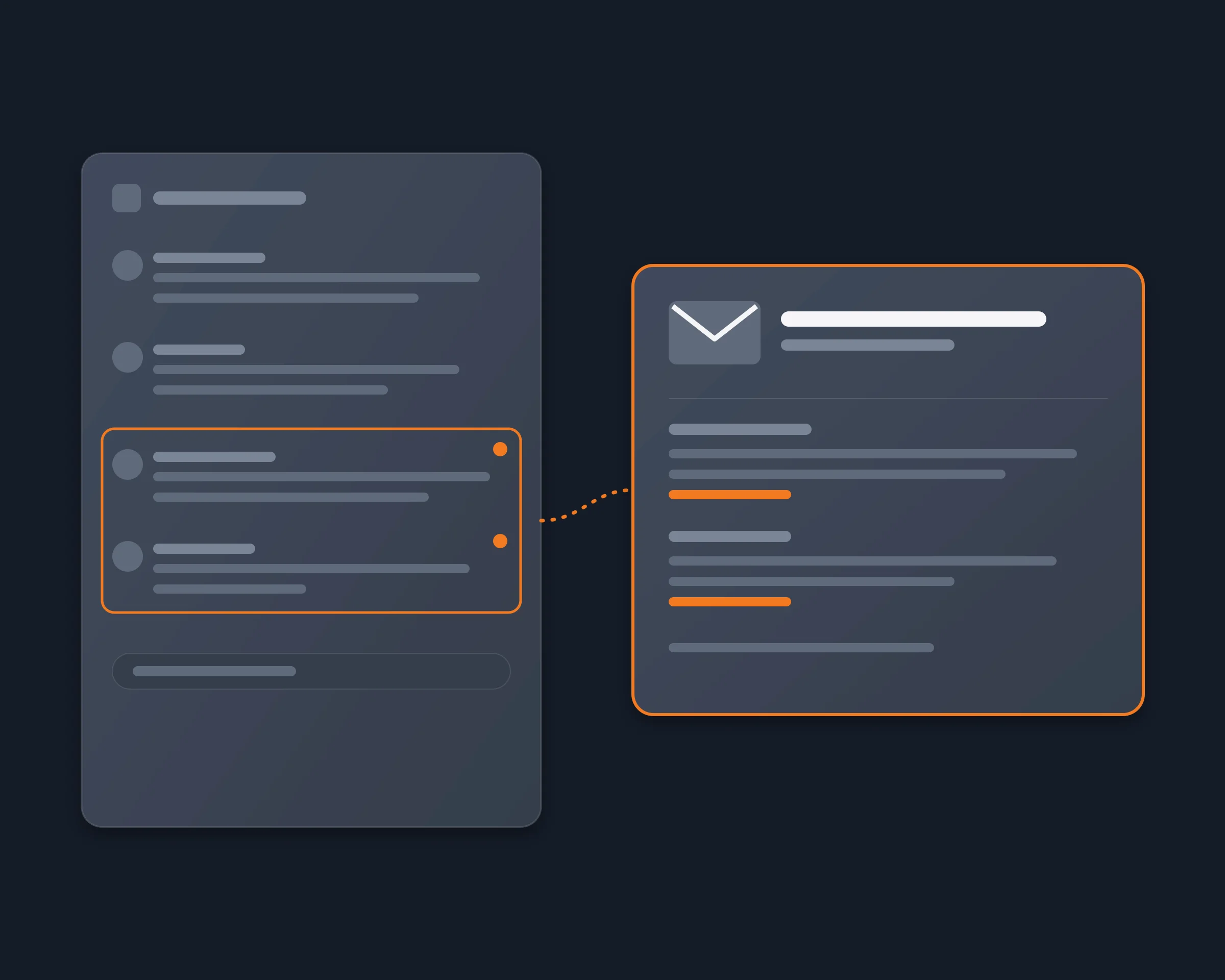
Every 15 minutes, the workflow reads your channels one after the other, keeps the messages after the last one it emailed for each channel (in an n8n Data Table), and sends one email with all of them. A check with nothing new sends nothing. What you gain: every new message of the channels you follow, in your inbox within 15 minutes, with no bot, no admin and no token.

How to start

  1. Create a free account at reduck.ai and an API key at reduck.ai/api-keys.
  2. Install the Reduck extension in Chrome, pair it, and sign in to Discord and Gmail in that Chrome.
  3. Install the Reduck node in n8n: docs.reduck.ai/n8n.
  4. Import the workflow (Workflows > Import from File) and select your Reduck credential in one Reduck node.
  5. In Config, set channels, one per line as Label | channel URL, email_to, and gmail_account when Chrome has several Gmail accounts. Then publish the workflow.

Ways to get Discord channel messages by email

Method As a regular member How often Sends from
IFTTT applet No, its bot needs Manage Server Every hour (Free), 15 min (Starter) IFTTT
n8n Discord node No, a bot added to the server Your schedule Any email node
Reduck n8n workflow Yes Every 15 minutes, or your schedule Your Gmail

For alerts on keywords across a whole server instead of every message of a channel, see Discord keyword alerts.

FAQ

Import the n8n workflow on this page, list your channels in its Config node, and publish it. Every 15 minutes it reads each channel as your own Discord account and sends you one email from your Gmail with the messages that came since the last check. A check with no new message sends nothing.
No. The workflow reads the channels in your own Chrome, where you are signed in to Discord, so it reads any channel you can read. IFTTT's Discord applets need its bot in the server, and IFTTT says that to add the bot, the user needs the Manage Server permission (read on ifttt.com on 2026-11-12). n8n's own Discord node reads messages through a bot that you add to the server, according to n8n's Discord credentials documentation.
No. Reduck never receives your Discord token or password. It reads the Discord tab you are already signed in to, in your own Chrome. It is still automation of your account, which Discord's terms restrict, so we cannot promise Discord will never flag it; one check every 15 minutes keeps the pace of a person.
No. You get an email at the next check, every 15 minutes by default. Change the schedule node to check more or less often.
No. The reads and the email run in your own Chrome, through the Reduck extension. Keep that Chrome open, signed in to Discord and Gmail.
Discord lets one tab of an account read at a time, so that check fails. Nothing is lost. The workflow records the last message it emailed for each channel only after the email is sent, so the next check emails the messages the failed one missed.
One section per channel, oldest message first: the author, the time, the text, the reply it answers, a link to each attachment and embed, and a link to the message in Discord. Discord's attachment links expire after about a day. When more messages came than the workflow reads per check (25 by default), the email says so, so you know to open the channel.
Yes. A DM has a channel URL like a server channel, https://discord.com/channels/@me/<id>. Add it to the channels in Config.
No. The first run only records the last message of each channel. The emails start with the next new messages, so you do not get a channel's whole history.

Similar use cases

Discord

Discord keyword alerts

Set up keyword alerts on the Discord channels you can read, even in servers you don't manage. A short script runs the Reduck CLI on a schedule, searches each channel for your keywords with Discord's own search, as your own account, and sends you only the new messages. No bot to add, no admin rights, no client mod, no user token.

Messaging
Discord

Summarize a Discord server

Let Claude, ChatGPT or any AI agent read the Discord servers you are a member of and summarize what you missed, channel by channel, with links to the messages, from your own account, with no bot to add and no admin rights.

Messaging
Discord

Discord MCP

A Discord MCP server that acts as your own user account, not as a bot. Reduck gives ChatGPT, Claude or any MCP client tools to read your servers, channels and DMs and reply as you, through browser automation in your own Chrome, with no bot to invite and no user token to paste.

Messaging

Start building not clicking