Search Discord with AI
Ask ChatGPT or Claude what was said in your Discord servers and DMs. Every way to do it, compared, and one that reads both as you, with no bot and no token.
Messaging
Archive every message of
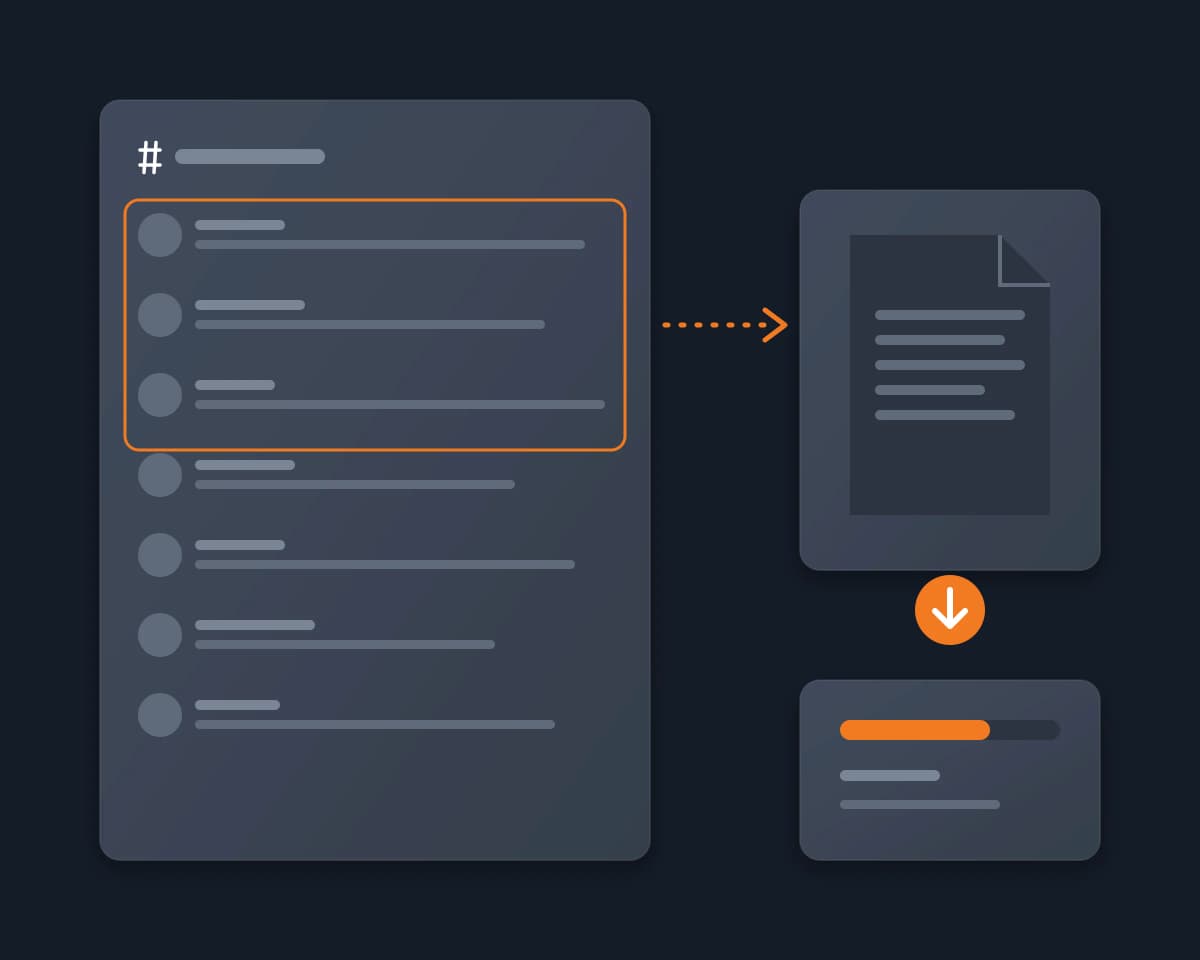
A server you are in will delete a channel, and you want to keep its history. As a regular member you cannot archive it, change its settings or add a bot. With Reduck, Claude, ChatGPT or any AI agent reads the channel as you, page by page, and saves every message to a file before it is gone.
Discord has no export button. Archiving a channel inside Discord, by hiding it, locking it or moving it to an archive category, needs the Manage Channels permission, and an archive bot has to be added by someone with Manage Server. Discord's data package holds only the messages you sent. DiscordChatExporter exports a whole channel, but it asks for your Discord token, which works like your password, and its own FAQ says that automating a user account is technically against Discord's terms. Copying 3,000 messages by hand is not realistic.
Reduck runs Discord actions in your own Chrome, where you are already signed in, so your agent sees every channel you can see, with no token. It finds the server with list_servers and the channel with list_channels. Then it calls search_messages on that channel alone, 25 messages per call, and follows next_offset until the last page: each message comes back with its author, time, text and link, with Discord's total count to check that nothing is missing. It writes them to a file, oldest first if you want, as CSV, JSON or a readable transcript.
| Script | What it does | Takes |
|---|---|---|
list_servers |
The servers you are a member of, with their ids | nothing |
list_channels |
A server's channels, with their ids and links | the server id |
search_messages |
One page of 25 messages of a channel, with the total count and the next page | the server id, the channel id, the offset |
read_messages |
The latest messages of a channel, thread or forum post | its url, how many |
| Copy by hand | Discord data package | Archive bot | DiscordChatExporter | Reduck | |
|---|---|---|---|---|---|
| Other members' messages | Yes | No, only yours | Yes | Yes | Yes |
| Permissions needed | None | None | Manage Server to add it | None | None |
| Your secret | None | None | None | Your Discord token | None |
| Images and files | By hand | Your own | Depends on the bot | Yes, with Download media | No, text and links |
| Formats | Whatever you paste | JSON files | Depends on the bot | HTML, TXT, CSV, JSON | Any file your agent writes |
| Work for 3,000 messages | Hours of copying | A request, then up to 30 days for Discord's email | Someone with Manage Server adds it | One export, once the token is set | About 120 calls by your agent |
| Discord's rules | Allowed | Allowed | Allowed | Automation of your account | Automation of your account |
Ask ChatGPT or Claude what was said in your Discord servers and DMs. Every way to do it, compared, and one that reads both as you, with no bot and no token.
MessagingLet Claude, ChatGPT or any AI agent read the Discord servers you are a member of and summarize what you missed, channel by channel, with links to the messages, from your own account, with no bot to add and no admin rights.
MessagingA Discord MCP server that acts as your own user account, not as a bot. Reduck gives ChatGPT, Claude or any MCP client tools to read your servers, channels and DMs and reply as you, through browser automation in your own Chrome, with no bot to invite and no user token to paste.
Messaging