Short answer
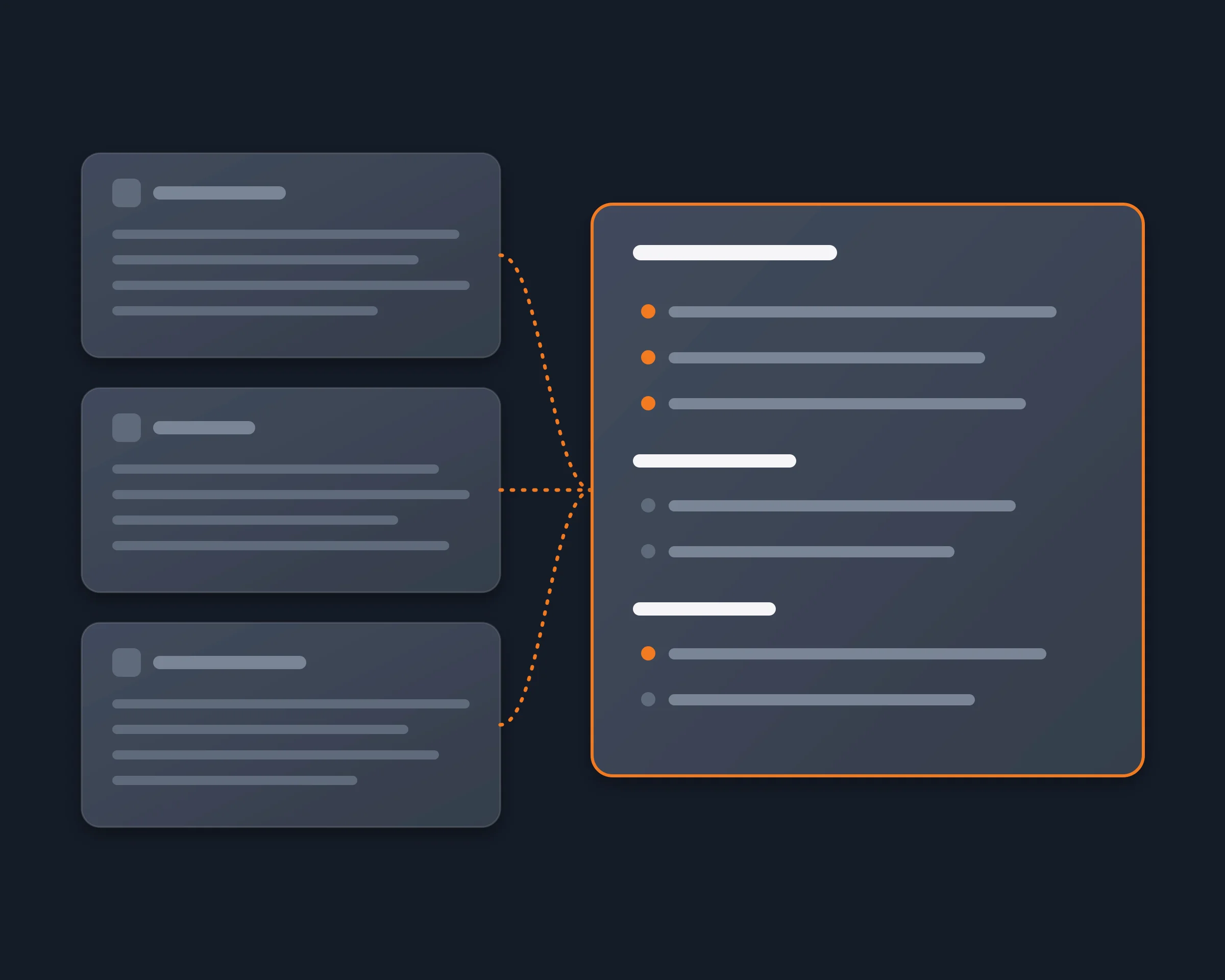
To get an AI summary of a Discord channel when you cannot add a bot, let your own AI agent read the channels as you: it reads the latest messages of each channel you follow and writes what was decided, what is still open and what mentions you, with a link to each message. This page is for members of busy servers (open-source projects, communities, customer and partner servers) who come back to hundreds of unread messages, and for anyone comparing summary bots before adding one.
Why it's hard
- A summary bot is added to the server first. SummaryBot is authorized for a server; Discord Buddy needs View Channel, Send Messages and Read Message History in the channel. As a member, you have to ask an admin.
- Some bots post the summary for everyone. Discord Buddy's /summary posts the recap publicly in the channel.
- Limits by plan. SummaryBot's free trial reads up to 200 messages per summary and looks back 7 days; Team Toolbox is free for 30 days, then $30 a month for the server.
- Copying into ChatGPT stops at one channel and loses the links to the messages.
Discord summary bots compared
As each product's own page describes it, read on November 10, 2026.
|
Who adds it |
Where the summary appears |
How much it reads |
Price |
| SummaryBot |
Authorized for the server |
In Discord, on demand or on a schedule |
Up to 200 messages per summary on the free trial, 10,000 on Power |
Free trial, then $3 to $100 a month |
| Discord Buddy /summary |
Added to the server |
Posted publicly in the channel |
10 to 500 recent messages |
Not documented on its summary page |
| Team Toolbox Chat Summaries |
Added with "Add to Discord" |
In Discord, on demand or scheduled by admins |
By count, date range, or since you last spoke |
30 days free, then $30 a month per server |
| Reduck |
Nobody: your agent reads as you |
In your agent's chat, only for you |
As many messages as your agent asks for |
Free tier |
SummaryBot
Summarizes one channel or the whole server with /summarize, answers questions about the history with /ask, and can post scheduled recaps. Each point links back to its message.
Discord Buddy
A general bot whose /summary reads the last 10 to 500 messages of a channel, sends them to OpenAI, and posts a few sentences in the channel for everyone.
Team Toolbox
Recaps a channel by message count, date range, between two message IDs, or since you last spoke, written by Google Gemini, and rounds up where you were pinged.
Reduck
Your AI agent reads the server from your own signed-in Chrome, channel by channel, and writes the summary you ask for in your chat. Nothing is added to the server and nothing is posted. It reads one channel per script run, so a summary of a large server takes longer than a bot that already has the server's history.
How Reduck does it
list_servers and list_channels give your agent the server and its channels.list_unreads shows what is new since you last read, and list_mentions what mentions you, without marking anything as read.read_messages reads the latest messages of each channel, as many as your agent asks for.- Your agent writes the summary: what was decided, what is still open, what mentions you, each point with a link to its message.
How to start
- Create a free account at reduck.ai.
- Install the Reduck extension in Chrome and pair it.
- Connect Reduck to your agent: docs.reduck.ai.
- Ask: "Summarize the latest 200 messages of each channel I follow in the {server name} Discord server: what was decided, what is still open, and what mentions me, with a link to each source message."
Which one to pick
- You run the server and want recaps for everyone: SummaryBot or Team Toolbox.
- You want a quick recap of one channel and a public post is fine: Discord Buddy.
- You are a member, cannot add a bot, and want the summary only for you: Reduck.