App Logo
Messaging

Discord AI agent that replies as your user account, not as a bot: a selfbot alternative with draft approval, for Claude or ChatGPT (2026)

Prompt template

Read my latest Discord DMs and the messages that mention me in server name, draft a reply to each one that needs me, in my tone, and wait for my OK before you send any.

Overview

Your Discord DMs and mentions pile up, and you want an AI to help you answer them. But most Discord AI tools reply as a bot, with a bot tag and another name, and the ones that reply as you are selfbots that need your user token. With Reduck, Claude, ChatGPT or any AI agent reads your messages as you, drafts a reply to each one, and sends it from your own account after you approve it.

Why it's hard

Discord gives AI two doors, and neither is what people ask for. A bot is the route Discord designs for, but it posts as a bot, someone with the Manage Server permission has to add it to each server, and it never sees your DMs. A selfbot posts as you: projects such as Discord-AI-Selfbot or discord.py-self-mcp log in with your user token and answer on their own. Discord's terms forbid that automation, their own READMEs warn that an account can be banned, and you have to give a program a token that works like your password.

How Reduck does it

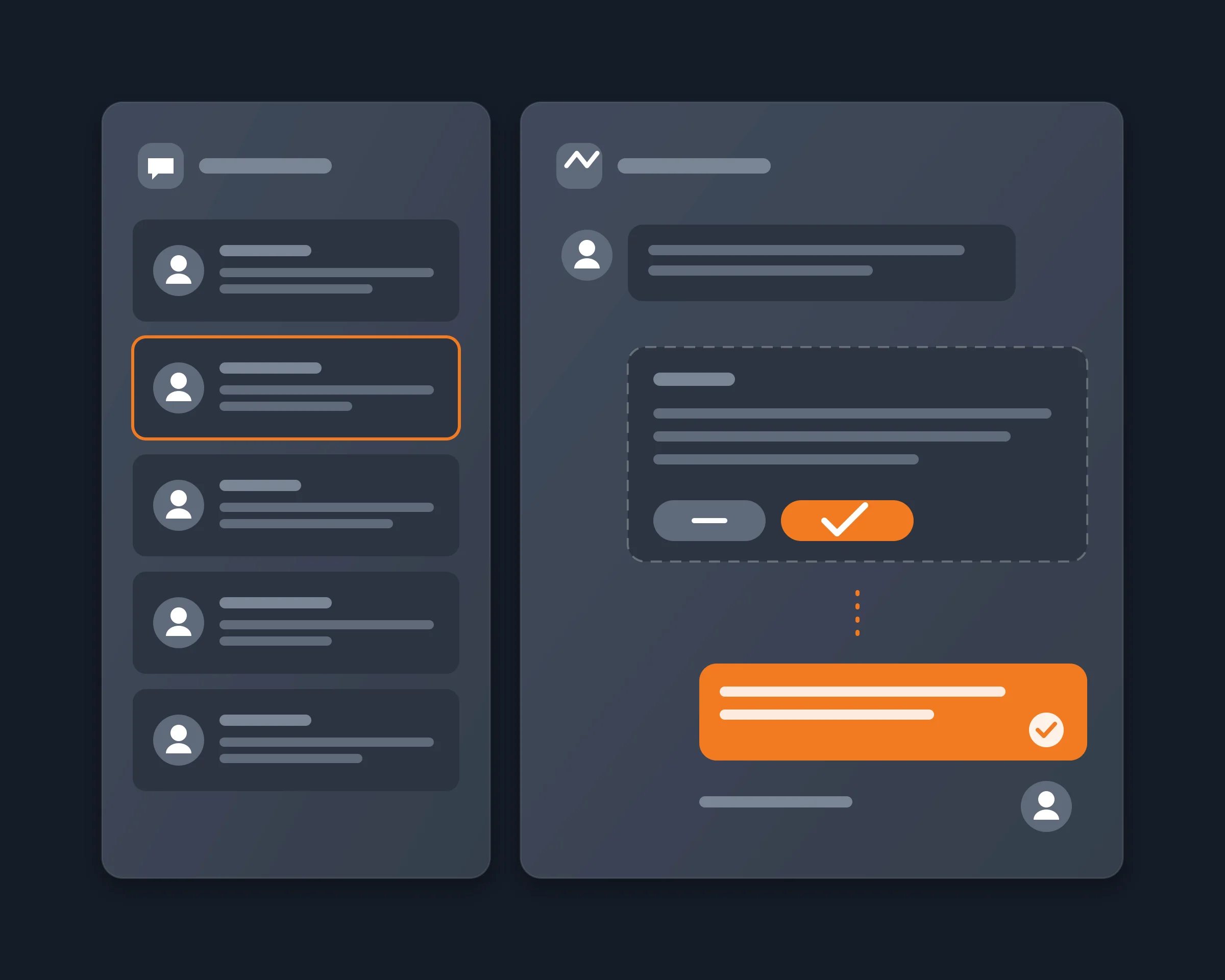
Reduck runs Discord actions in your own Chrome, where you are already signed in, so there is no token to paste. Your agent calls whoami to get your user id, list_dms and read_messages to read your DMs, and search_messages to find the messages that mention you in a server. It writes a draft for each one that needs you and shows you the list. You approve, edit or drop each draft. Only then does it call reply_to_message for a message in a server, or send_dm for a DM. Nothing is sent without your OK, and nothing runs when your agent is not asked.

Tools

Script What it does Takes
whoami Which Discord account the browser is signed in as, with its user id nothing
list_dms Your one-to-one and group DMs, most recent first nothing
read_messages The latest messages of a channel, thread, forum post or DM, newest first its url, how many
search_messages Messages in one server that mention you, or match words, authors or channels the server id, your user id
reply_to_message A reply to one message, shown as a reply in Discord the message's url, the text
send_dm A direct message to one user their username, the text

Connect it

  1. Install the Reduck extension in Chrome and stay signed in to Discord there, in one tab only.
  2. Add Reduck to your client: Claude Code, Claude Desktop, ChatGPT or any other MCP client.
  3. Ask: "Read my latest Discord DMs and the messages that mention me in {server name}, draft a reply to each one that needs me, and wait for my OK before you send any."

Ways to answer Discord messages with AI

Copy into ChatGPT by hand Discord bot AI selfbot Reduck
Replies show up as You The bot, with a bot tag You You
Your DMs Yes, by hand No Yes Yes
Setup None A bot added to each server by someone with Manage Server Your user token in a config file Chrome extension, one MCP URL
Your secret None A bot token Your user token None
Sends on its own No Yes Yes No: you approve each reply
Discord's rules Allowed Allowed Forbidden, ban risk Automation of your account: your decision

Use a bot when you own a server and want an assistant that answers everyone, all the time, as a bot. Use Reduck when you want help answering your own messages, as you, and want to read every reply before it goes out.

Who it's for

  • Community managers and founders with more Discord DMs and mentions than they can answer
  • People who tried an AI selfbot and would rather not give away their user token
  • Anyone who wants AI help with replies but wants the last word on what is sent

FAQ

Yes, if it acts through your own account. A bot always posts with a bot tag and its own name. Selfbots such as Discord-AI-Selfbot or discord.py-self-mcp post as you, but they need your Discord user token. Reduck posts as you from the Discord tab you are already signed in to, in your own Chrome, with no token.
Not on its own. Reduck has no process that stays connected to Discord and answers by itself: a script runs only when you or your agent calls it. The workflow on this page is draft and approve: the agent writes the replies, you read them, and only the ones you approve are sent. If your agent can run on a schedule, it can collect new messages and prepare drafts for you, but we recommend you keep the approval.
Discord's terms restrict automated user accounts ("self-bots"), and the selfbot projects that rank on this question warn that an account can be banned. Reduck acts in your own browser, one message at a time, with no token and no change to the Discord client, but sending a message from a script is still automation of your account. We cannot promise Discord will never flag it. Approving each reply keeps you in control of what goes out, and keeps the pace of a person.
A selfbot logs in with your user token, stays connected, and usually answers on its own when a trigger word or a mention comes in. Your token works like your password, so a selfbot you did not read can take over your account. Reduck never receives your token or your password, and it sends nothing you did not ask for.
Yes. reply_to_message replies to one message by its link, so the reply shows the reference to the original message, as when you click Reply in Discord. It returns the new message's id, its time, its text as Discord stored it, and the id of the message it replied to. Tested on 2026-10-21 in our own server: the reply came back with sent: true and the id of the original message, and the channel showed it under our own username, not a bot. For a DM, send_dm sends to a username and returns the recipient it resolved, so a message never goes to a near-name match.
Your one-to-one and group DMs (list_dms, then read_messages on each), and any channel, thread or forum post you can see in your servers (read_messages). To find what mentions you in a server, search_messages narrows Discord's own search to the messages that mention your user id, which whoami gives.
The writing is done by your agent, not by Reduck. Give it a few of your past messages, or let it read your recent replies with read_messages, and ask it to match them. You see every draft before it is sent, so you can correct the tone.
Yes. Reduck connects to ChatGPT, Claude, Claude Code, Codex, Cursor and any other MCP client. Reading and searching are marked as read-only. Replying and sending a DM are marked as writes, so a client that asks before a write asks you first.

Similar use cases

Discord

Discord MCP

A Discord MCP server that acts as your own user account, not as a bot. Reduck gives ChatGPT, Claude or any MCP client tools to read your servers, channels and DMs and reply as you, through browser automation in your own Chrome, with no bot to invite and no user token to paste.

Messaging
Discord

Summarize a Discord server

Let Claude, ChatGPT or any AI agent read the Discord servers you are a member of and summarize what you missed, channel by channel, with links to the messages, from your own account, with no bot to add and no admin rights.

Messaging
Discord

Search Discord with AI

Ask ChatGPT or Claude what was said in your Discord servers and DMs. Every way to do it, compared, and one that reads both as you, with no bot and no token.

Messaging

Start building not clicking