X (Twitter) MCP
Give Claude, ChatGPT or any MCP client your X account, as you, with no developer app, no API key and no pay-per-use credits.
Social media
Read my X bookmarks, group them by topic, and give me a short summary of each group with the links. Then tell me the 5 I should read first.
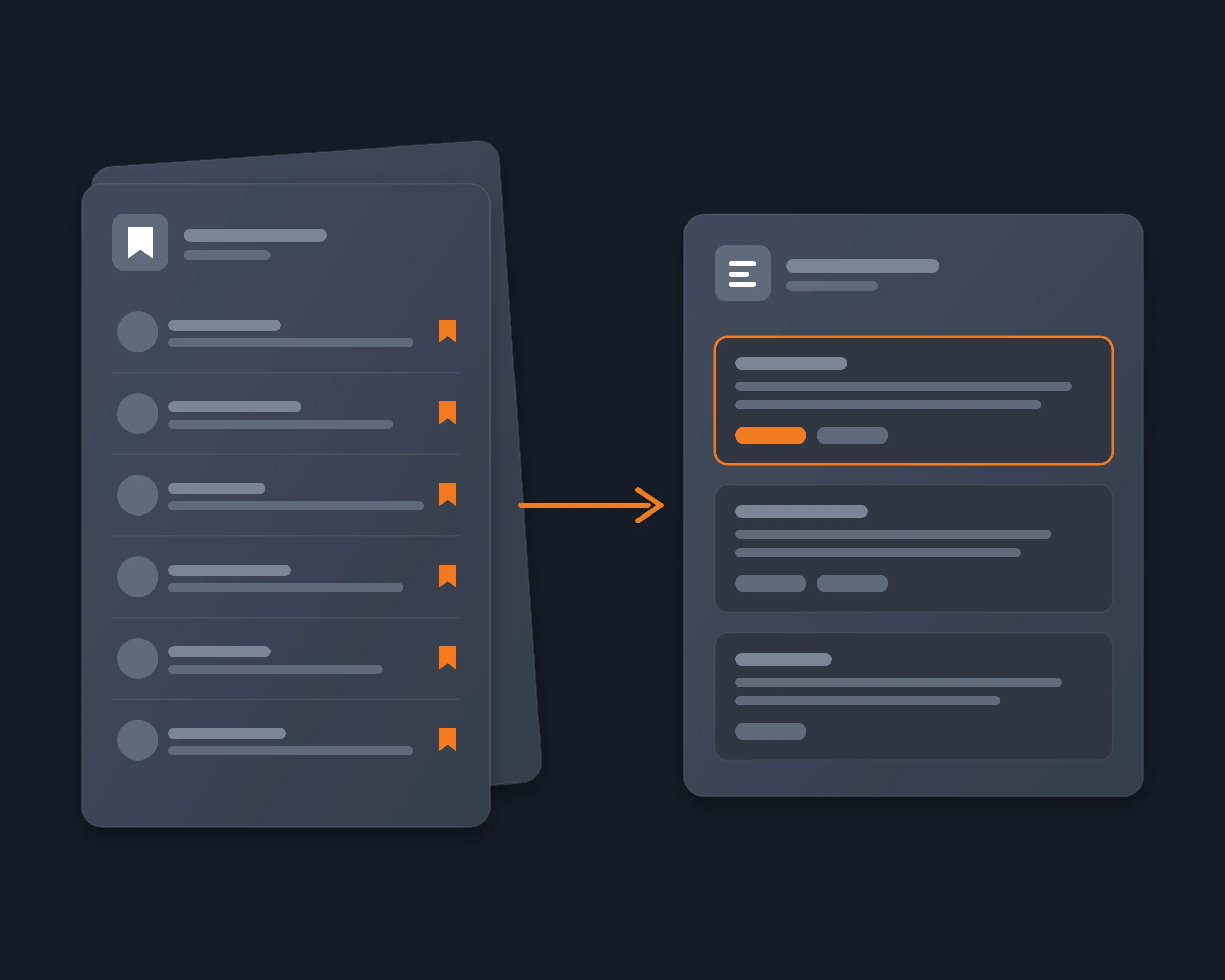
Your X (Twitter) bookmarks, in Claude or ChatGPT: your AI agent reads every post you bookmarked, groups them by topic, and tells you what you saved and what to read first, with a link to each post. For people who bookmark threads, guides and tools on X and never read them again.
With Reduck, your agent reads your bookmarks in your own signed-in Chrome. There is no X API key, no export file and no bookmark manager to sign up for.
X has no export button for bookmarks and no Claude or ChatGPT connection. Your bookmarks are private, so an assistant's web search cannot see them.
The X API has bookmarks endpoints, but X's developer docs ask for an approved developer account, a project, an app and a user token first. X's own MCP server, at api.x.com/mcp, can list your bookmarks too, and it needs the same thing: an OAuth app you create in the X Developer Console. Bookmark managers that connect to Claude exist, but each one asks you to import your bookmarks into its own service, and most put the AI connection on a paid plan.
Reduck's X scripts run in your own Chrome, through the Reduck extension, where you are signed in to X. Your agent reads your bookmarks page: all your bookmarks, not one folder, the most recently bookmarked first, up to 500 in one call. Each one comes with its full text, even for long posts, its author, its counts and the post it quotes.
Then your agent does what you ask in your own words: sum up each topic, find the bookmark about a tool you half remember, list the guides to read this week, or write everything to a CSV. When you ask, it can also bookmark a post or remove one, one at a time.
| X API and X's MCP server | Tweetsmash | ContextBolt | Birdfeeder | Reduck | |
|---|---|---|---|---|---|
| How it reads your bookmarks | Your own X developer app and OAuth sign-in | Its Chrome extension, or the X API | Its Chrome extension | Its own archive of your X account | Your own signed-in Chrome |
| Limit | Your most recent 800, per Tweetsmash | Extension import: no limit stated | 150 bookmarks on the free plan | Search covers the last 7 days without a subscription | Up to 500 per call |
| AI connection | X's MCP server at api.x.com/mcp | MCP server on the Yearly Pass, $99 a year | Claude connection on Pro, $6 a month | MCP server with the subscription, $5 a month or $45 a year | Any MCP client: Claude, ChatGPT, Cursor |
| Imports your bookmarks into its own library | No | Yes | Yes | Yes | No: reads them when you ask |
From each vendor's own pages and X's developer docs, read on November 26, 2026. Where Reduck is weaker: it has no bookmark library or folders of its own, so a search reads your bookmarks again each time.
Give Claude, ChatGPT or any MCP client your X account, as you, with no developer app, no API key and no pay-per-use credits.
Social mediaYour AI agent reads the X accounts and lists you choose, or your feed, and gives you one short summary each morning, with links. No X API needed.
Social mediaPaste an X Article link and your AI agent reads the whole article, title, author, date and full text, then summarizes it, with or without an X account.
Social media