App Logo
IT ops

User access review with Claude: export users and roles from every tool (2026)

Prompt template

For our quarter access review, export users and roles from GitHub, Slack, Notion, Vercel, Cloudflare and Linear, put them in one sheet, and flag anyone who is not on our current team list.

Overview

Every quarter, or every year depending on your controls, a user access review asks the same question for each system in scope: who has access, with which role, and should they? Answering it means opening a dozen admin consoles, copying member lists, and lining them up against your team.

Why it's hard

Each tool keeps its members somewhere different: GitHub's People tab, Slack's admin page, Notion's member settings, Vercel's team page, Cloudflare per account. Some load members as you scroll, some split pending invites from active members, and roles mean different things in each. Each period, the lists are produced again, by hand. Reviews slip, and a leaver keeps a GitHub seat for months.

How Reduck does it

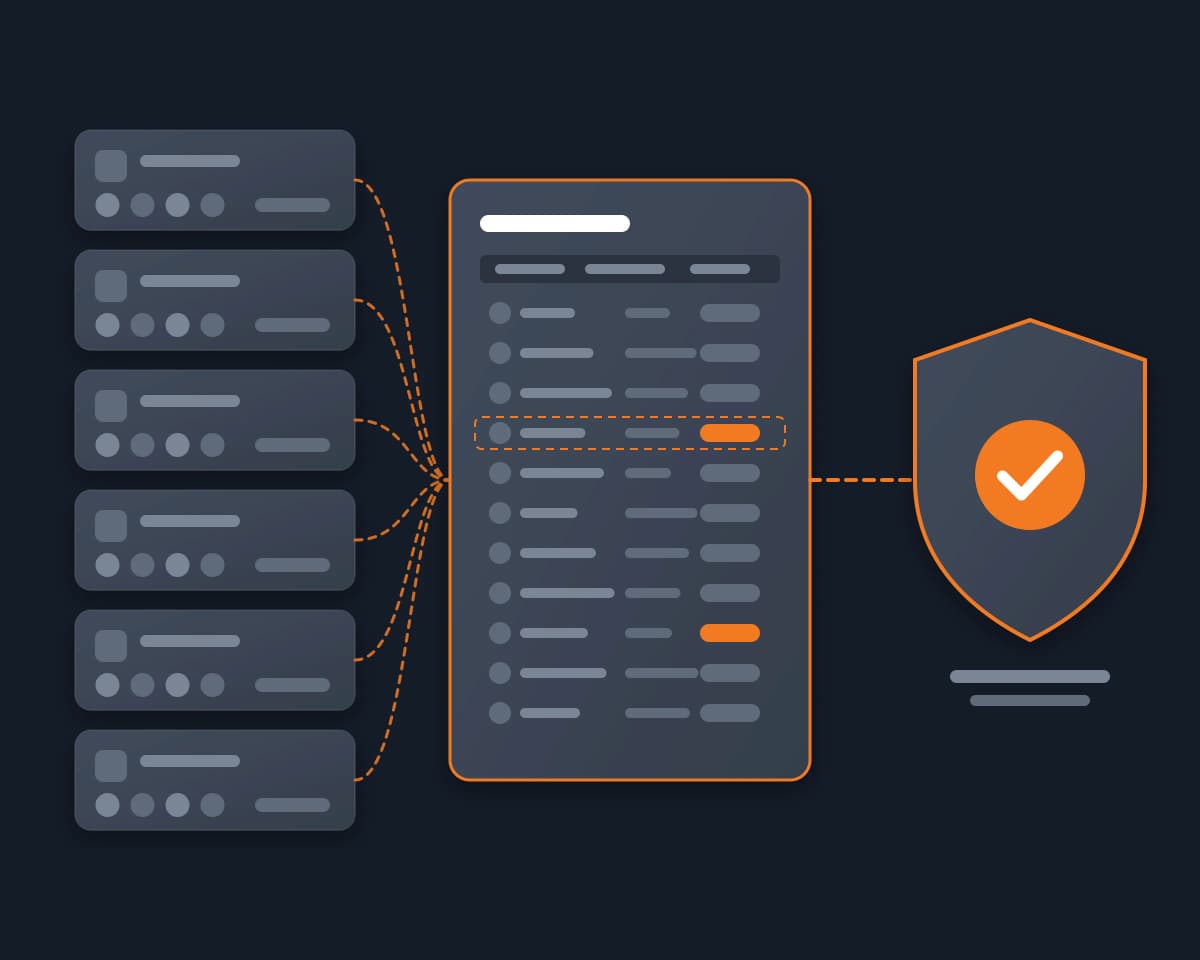
Reduck is an MCP server whose scripts run in your own Chrome, signed in as you. For an access review, your agent runs one list script per tool, in parallel, and gets back the same structure every time: email, name, role, status, pending invites. The Reduck team runs these scripts on its own stack.

A typical review, in one request:

  1. List users and roles runs on GitHub, Notion, Vercel, Cloudflare, Linear, Neon and Supabase, and List members on Slack.
  2. The agent merges them into one sheet, one row per person per tool, and compares it to your current team list.
  3. It flags who should not be there: leavers, unknown accounts, stale invites, admins who no longer need it.
  4. You decide. Remove a member and Deactivate a member apply what you approved, and a second export shows the result.
  5. You keep the consolidated file as the evidence of the review.

What your agent does

  • Export members and roles from each tool's admin page, pending invites included
  • Merge them into one access list across your stack
  • Compare it with your team list and flag leavers, unknown accounts and stale invites
  • Remove or deactivate a member when you ask, then export again to confirm

Manual export or Reduck

Manual export Reduck
Effort per review One console per tool, copy and paste One request
Format Different per tool Same fields everywhere
Pending invites Often missed Listed with members
Proof a leaver is gone Screenshot Export before and after
Next period Start again Same request

Who it's for

  • Startups going through SOC 2 or ISO 27001
  • Founders and ops leads who own access reviews without an IT team
  • Security teams with tools their compliance platform does not connect to

FAQ

For each system in scope, the list of people who have access and their role, checked against who should have it, with a record that someone reviewed it. SOC 2 and ISO 27001 auditors ask for that evidence every period. Reduck produces the lists and the comparison; the review decision stays yours.
Compliance platforms connect to part of a stack. For the other apps, the user list is yours to provide. Reduck exports it from the tool's own admin page, the same list you would copy by hand, in the same format every time. It is also a quick way to cross-check what an integration reports.
No. The list scripts only read the member pages. Removals are separate scripts that run only when you ask for them, and several of them run as a dry run by default.
The Notion removal records the member list before and after and returns whether the right person left and whether anyone else moved. For the other tools, run the list script again after the removal and keep both exports with your review.
The consolidated file your agent builds: one row per person per tool, the date of the export, what was flagged and what you decided. Keep the second export after removals with it. Attach it to the review in your compliance platform or your audit folder.
Yes. Reduck connects to Claude, ChatGPT, Claude Code, Codex and any other MCP client. You ask in plain words, and the agent runs the list scripts for each tool, in parallel when it can.
In your own Chrome, with the Reduck extension, where you are already signed in as an admin of each tool. No API tokens or new admin accounts to create, and nothing to share with a third party.
No. Reduck is an independent tool. Its scripts read each tool's admin pages under your own seat, one action at a time and only when asked.

Similar use cases

Drata

Drata MCP

Give Claude, ChatGPT or any MCP client your Drata workspace. Your agent lists the failing monitoring tests and their findings, excludes a resource with the justification auditors read, and checks who is still a Drata user, as your own login.

IT ops
Notion Vercel GitHub

Audit team access

Pull every member and role across your stack, then offboard someone with proof nobody else moved.

IT ops

Start building not clicking