SaaS invoice collection
Collect every SaaS invoice and receipt each month, from email and from the billing portals that never send a PDF, across about 40 subscriptions, and send them to your bookkeeper.
FinOps
List all members and their roles across my provider accounts, then remove email and confirm nobody else changed.
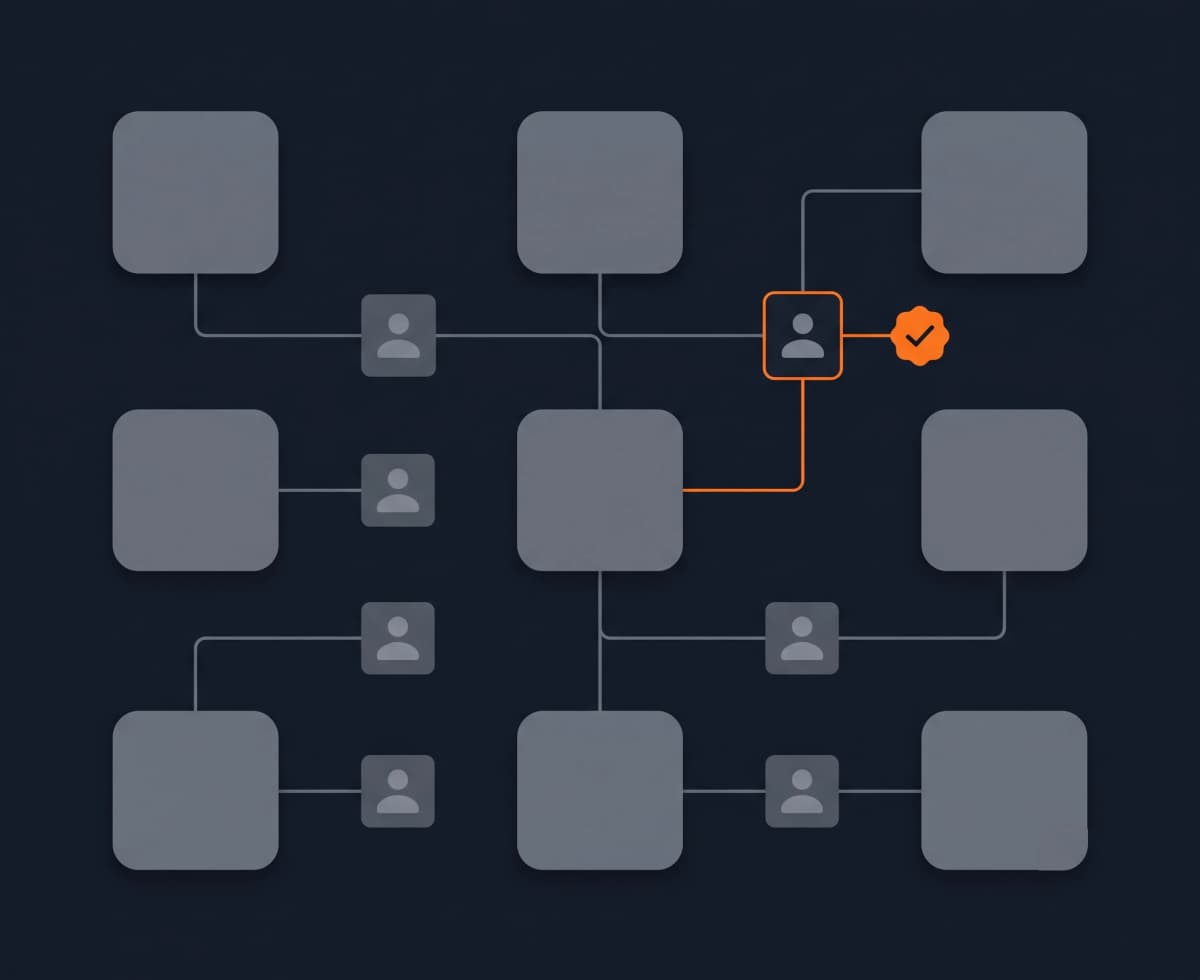
Access sprawls. Every tool has its own admin console, its own idea of roles, and its own member list, so nobody has one view of who can reach what. When someone leaves, offboarding turns into a tour of a dozen dashboards, and it's easy to miss one and leave access open for months.
None of these admin pages share an API or a layout, and they all sit behind an owner login. Some hide members until you scroll, some serve a different confirmation dialog depending on the case, and there's no single place to check that a removal actually landed. That's exactly why access reviews get skipped.
Reduck reads each tool's member list in your own signed-in session and brings them together, so you can see every person and role in one pass. When you offboard someone, your agent records the member list before and after and returns proof that the right person was removed and nobody else moved. What was an afternoon of clicking through consoles becomes one prompt you can run whenever someone leaves or on a set review date.
Collect every SaaS invoice and receipt each month, from email and from the billing portals that never send a PDF, across about 40 subscriptions, and send them to your bookkeeper.
FinOpsList every candidate for a role in your Welcome to the Jungle ATS, read each resume, and export a sheet your team can review, with experience, stage and next step per person.
HRFind companies matching a thesis, then pull funding rounds, investors and recent news on each.
Market intelligence