X (Twitter) daily digest
Your AI agent reads the X accounts and lists you choose, or your feed, and gives you one short summary each morning, with links. No X API needed.
Social media
Read the posts of the past 24 hours from my X list list and from accounts. Give me each post's author, time, text and link, newest first, then a short summary by theme.
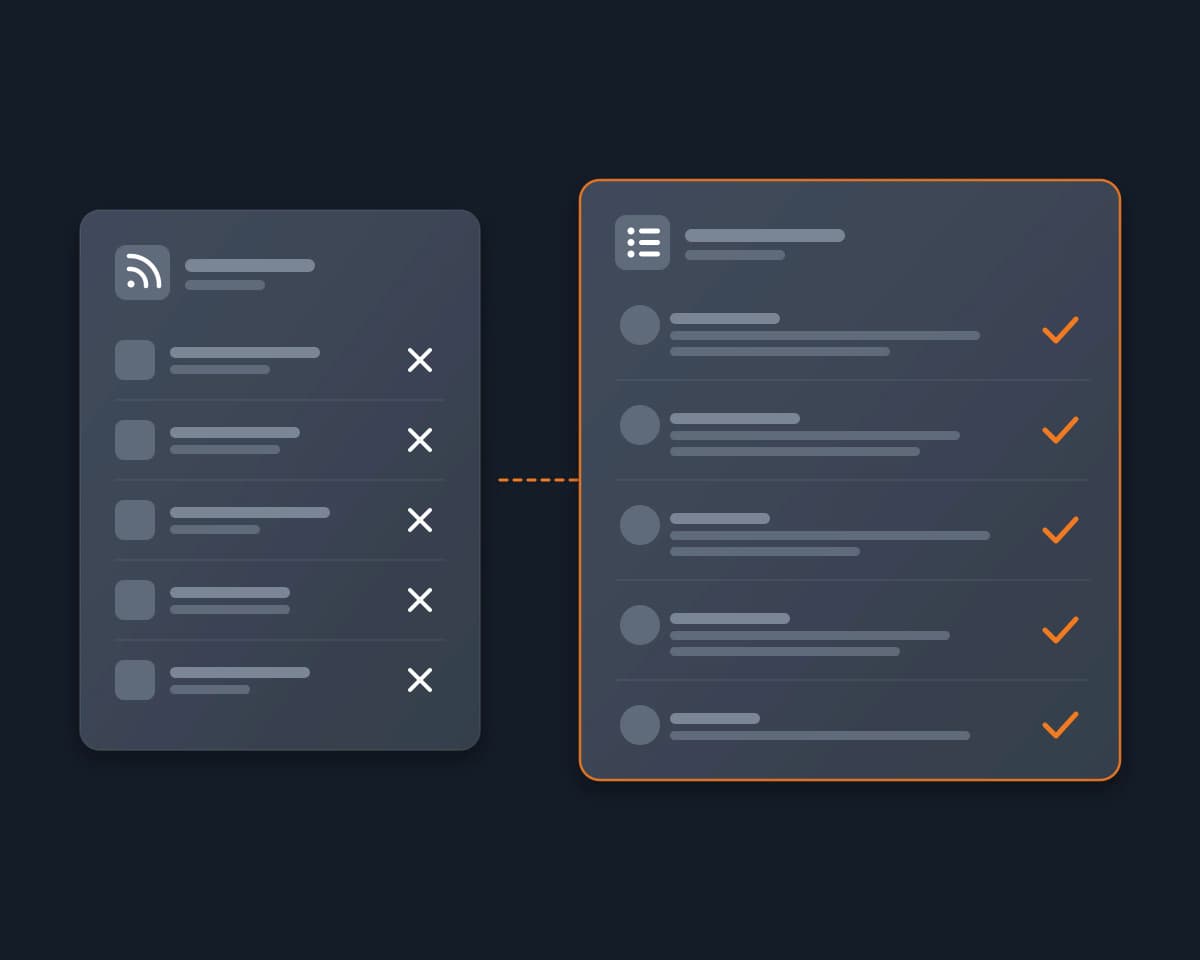
A Twitter (X) RSS feed used to be the simple way for researchers, journalists, investors and founders to follow a set of X accounts in a feed reader, or to send their posts to Slack, email or an AI summary. In 2026 there is no feed from X itself, and most of the free mirrors that made one are gone. This page lists what still works, checked on November 3, 2026, and a way to read X Lists and accounts with your AI agent when you do not need a feed URL.
No. X has no RSS feed for accounts, Lists or searches, and its API is pay-per-use: every post read is billed against credits you buy upfront, and you need a developer app to get a key.
The free workaround was Nitter, an open-source mirror of X where every profile had a feed. Its maintainer's notice on nitter.net says X Corp. sent cease and desist letters on August 24 and September 8, 2026, demanding a permanent takedown of Nitter instances and of the project's repository. On November 3, 2026, nitter.net feeds answered "410 Gone", and xcancel.com, the largest Nitter site, did not answer at all. The feed services that remain are paid past a small free plan, and some only follow public accounts that need no sign-in.
| Option | What you get | Cost | The catch |
|---|---|---|---|
| Reduck | No feed: your agent reads a List, accounts or a search in your signed-in Chrome | There is a free tier | No feed URL for a reader; it runs when your agent runs |
| X itself | No feed | X publishes no RSS feed | |
| nitter.net, xcancel.com | Nothing | nitter.net answers 410 Gone, xcancel.com does not answer | |
| Other Nitter instances | A feed per account (nitter.mie.foundation worked for @NASA) | Free | Volunteers run them, and they stop without notice |
| FxTwitter (FxEmbed) | https://fxtwitter.com/<handle>/feed.xml, one account per feed (worked for @NASA) |
Free | Its docs list profile feeds only: no Lists, no searches |
| RSS.app | Feeds from public X accounts, Lists, hashtags and searches, plus email digests and Slack, Telegram or Discord bots | Free plan: 2 feeds, 24-hour refresh, 5 posts per feed. Basic: $8.32 a month billed yearly ($9.99 monthly), 15 feeds, 60-minute refresh | Accounts that need a sign-in to view are not supported |
| RSSHub (self-hosted) | Routes for users, Lists, keywords and more | Your server | Needs the auth_token cookie of a signed-in X account, or your own pay-per-use X API keys |
| Feedly | X accounts, Lists, hashtags and searches in your Feedly feeds | Feedly's Threat Intelligence or Market Intelligence plans | You connect your own X API token, and its tweet quota applies |
We loaded each feed and status page ourselves on November 3, 2026. RSS.app's prices and limits are from its pricing page, its sign-in limit from its help center, and Feedly's X feature from its documentation, read the same day. RSSHub's setup is from its X (Twitter) route docs on GitHub.
Most people want the posts, not the feed: to read what a set of accounts posted today, or to give it to an AI that sums it up. Reduck's X scripts do that from your agent, with no feed in the middle.
The scripts run in your own Chrome, through the Reduck extension, where you are signed in to X. Your agent reads an X List, newest first, up to 100 posts per call, with each post's author, time, text, link and counts, and reposts marked as reposts. It can also read the latest posts of each account you name, one account per call. Then it gives you the list, a summary by theme, or a file, as you ask.
In a test on November 3, 2026, one call read the 40 newest posts of a public AI List, most of them from the past day, and another read the 10 latest posts of @NASA.
For a summary every morning, see the X (Twitter) daily digest.
Your AI agent reads the X accounts and lists you choose, or your feed, and gives you one short summary each morning, with links. No X API needed.
Social mediaPaste an X Article link and your AI agent reads the whole article, title, author, date and full text, then summarizes it, with or without an X account.
Social mediaThe X API bills every post read and every post created. Let your agent read accounts, search and post from your own signed-in X instead, with no developer app and no credits.
Social media