Overview
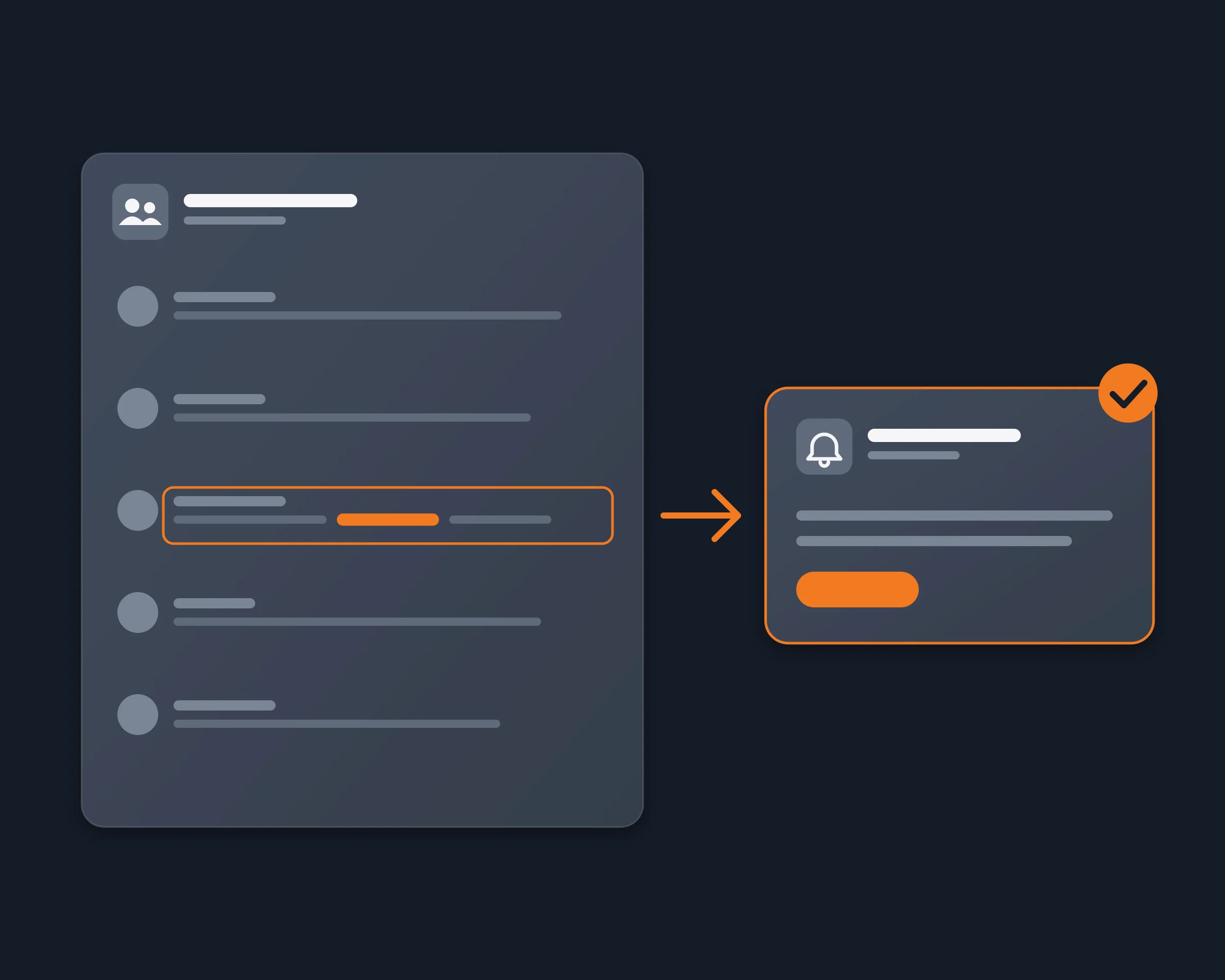
Freelancers, founders and marketers watch Telegram groups for the messages that matter to them: someone looking for a developer, a question about their product, a mention of their token or their company. Most of those groups are ones they only belong to, so they cannot add a bot. With the Reduck CLI or your AI agent, a short script searches all your chats for your keywords on a schedule, as you, and sends you only the new messages.
Why it's hard
- Telegram notifies @mentions and replies only. It has no alert for a word.
- A keyword-alert bot must be in the group. Someone with the rights has to add it, and with Telegram's privacy mode on, the default, a bot in a group receives only the messages meant for it.
- Monitoring services read public chats. Services that watch chats for you, such as CatchMate, read public chats you choose, not the private groups you are in.
- The API way needs a developer setup. Open-source trackers log in as you with an api_id and api_hash from my.telegram.org, a phone code and a session file that gives full access to your account.
- Searching by hand every day, for every keyword, is what most people end up doing.
How Reduck does it
Reduck runs Telegram actions in your own Chrome, where you are already signed in to web.telegram.org, so it sees every chat you can see. search_messages runs Telegram's own search for your words in all your chats at once, or in one chat by its peer id, and answers with the newest matches first: the chat, the sender, the time and the full text, 20 a page, with optional date bounds. A script keeps the id of each message it has already reported, so every run sends you only what is new.
Set up Telegram keyword alerts with the CLI
Save this as telegram-alerts.sh:
#!/bin/bash
KEYWORD="your product"
SINCE=$(date -u -v-1d +%Y-%m-%dT%H:%M:%SZ 2>/dev/null || date -u -d '1 day ago' +%Y-%m-%dT%H:%M:%SZ)

sqlite3 alerts.db "CREATE TABLE IF NOT EXISTS seen (id TEXT PRIMARY KEY)"
npx @reduck-ai/cli@latest run --script reduck/web.telegram.org/search_messages \
  "query=$KEYWORD" "minDate=$SINCE" > page.json || exit 1
jq -r '.results[] | ["\(.peerId):\(.id)", "\(.chatTitle) / \(.senderName): \(.text)"] | @tsv' page.json |
while IFS=$'\t' read -r id alert; do
  added=$(sqlite3 alerts.db "INSERT OR IGNORE INTO seen VALUES ('$id'); SELECT changes();")
  [ "$added" = "1" ] && echo "$alert"
done
Each run prints one line per new message: the chat, the sender and the text. Run it every 15 minutes with cron, with an API key in REDUCK_API_KEY, and send the lines where you want them, for example to your phone with ntfy:
*/15 * * * * cd ~/telegram-alerts && ./telegram-alerts.sh | while read -r line; do curl -s -d "$line" ntfy.sh/your-topic; done
To build alerts into your own code, call the same script with the REST API: POST /run with your API key in x-api-key, the script reduck/web.telegram.org/search_messages and its arguments, and "browser": "extension" so the run uses your signed-in Chrome.
How to start
- Create a free account at reduck.ai.
- Install the Reduck extension in Chrome and pair it.
- Connect Reduck to your agent: docs.reduck.ai.
- Ask: "Every morning, search all my Telegram chats for new messages that mention {keywords}. Drop the ones that are not really about them, and send me only the messages I have not seen yet, with the chat, the sender, the time and the text."
Sign in to web.telegram.org in that Chrome first.
Ways to get Telegram keyword alerts
| Method |
Any keyword |
Groups you only belong to |
Real time |
No api_id or session file |
| Telegram notifications |
No, @mentions and replies |
Yes |
Yes |
Yes |
| Keyword-alert bot in the group (KeeperBots) |
Yes |
Only if it is added to the group |
Yes |
Yes |
| Public-chat monitor (CatchMate) |
Yes |
Public chats only |
Yes |
Yes |
| Telethon tracker (GitHub) |
Yes |
Yes |
Yes |
No |
| Reduck CLI or agent |
Yes |
Yes |
No, at each scheduled run |
Yes |