Overview
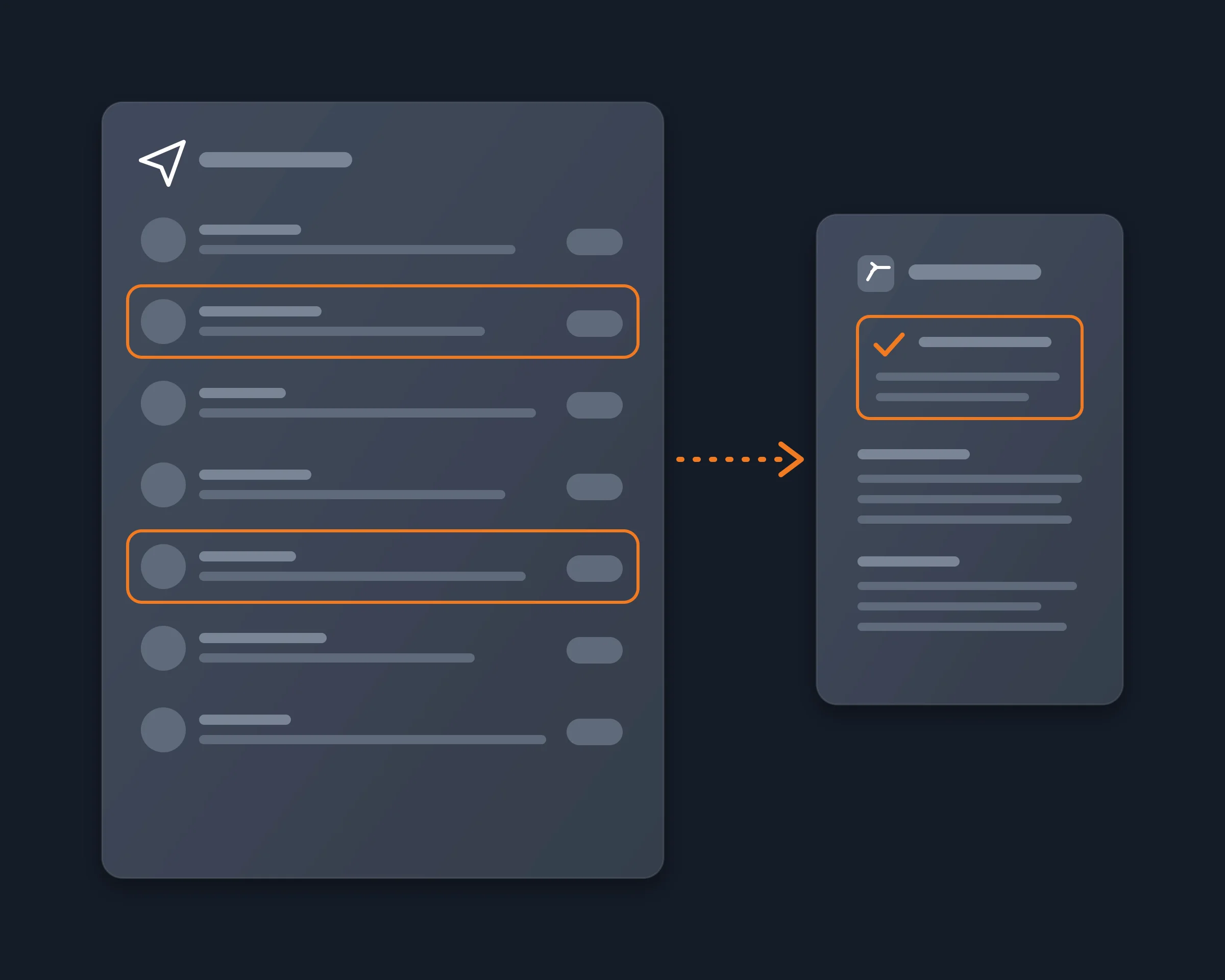
Reduck is an AI tool that summarizes your unread Telegram messages from Claude or ChatGPT: what matters, and which chats wait for your reply, with no bot and nothing marked as read.
Founders, business developers, community managers and crypto traders often start the day with hundreds or thousands of unread Telegram messages, across DMs, groups and channels. They want to answer the people who wait for them and keep the decisions and links that matter, without reading every message.
Why it's hard
- Telegram's own AI does not summarize your chats. Its AI summaries, added in its first 2026 update, cover channel posts and Instant View pages, not your DMs or groups.
- A bot cannot read your inbox. A bot sees only the chats it was added to and, with privacy mode on in a group, only the messages meant for it. It never sees your private chats.
- Opening a chat marks it as read. To read a chat in the app is to send read receipts and lose its unread badge, so you cannot skim and come back later.
- The API way needs a developer setup. A Telethon or TDLib script reads your chats as you, after you get an api_id at my.telegram.org, sign in with a phone code and keep a session file that gives full access to your account.
How Reduck does it
Reduck runs scripts in your own Chrome, where you are already signed in to web.telegram.org. Your agent:
- Lists your chats with get_inbox, 100 a page: each chat's unread count, unread mentions and last message, with who sent it.
- Puts first the chats where the last message is from someone else or mentions you: these are the ones waiting for your reply.
- Reads the unread part of each chat with get_conversation, 40 messages a call, with the sender, the time, the text and the reply link of each message.
- Writes the summary: the chats waiting for your reply and what was asked, then the decisions, questions and links of the other chats. search_messages finds a word, such as your name or a project, across all chats in one call.
- Marks the chats as read with mark_read, only if you ask.
You get one summary of your unread Telegram messages, with the chats to answer first, and your contacts see no read receipt until you decide.
How to start
- Create a free account at reduck.ai.
- Install the Reduck extension in Chrome and pair it.
- Connect Reduck to your agent: docs.reduck.ai.
- Ask: "Catch me up on my unread Telegram messages. First list the chats where someone is waiting for my reply, then summarize the rest by chat, with the decisions and the links shared. Do not mark anything as read."
Sign in to web.telegram.org in that Chrome first.
Tools to summarize unread Telegram messages
As each tool's own page describes it, read on November 19, 2026.
| Tool |
What it is |
Reads |
Chats waiting for your reply |
Needs |
| Reduck |
Scripts your AI agent calls (Claude, ChatGPT, any MCP client) |
All your chats, unread or not, history included |
Yes, first in the summary |
Telegram Web open in your Chrome |
| Telegram AI: Chat Summary and Search |
Chrome extension, side panel in Telegram Web |
The open chat: unread, last 24 hours or 7 days |
Not documented |
Chrome, Telegram Web |
| TeleBrief |
Android app |
The channels and groups you pick |
Not documented; extracts action items and deadlines |
Android; free tier of 3 channels and 1 brief a day |
| MCTL |
Telegram connector (MCP) for Claude |
Your chats, through a session MCTL keeps for you or on your own machine |
Yes, on request |
Sign in with Telegram to MCTL |
| unread |
Open-source command line tool and bot |
One chat, channel or forum per command |
Not documented |
Python, your own AI provider key |
Where Reduck is weaker: it runs while your Chrome is open, and it reads chats one call at a time, so a summary of hundreds of chats takes longer than an app that syncs your messages in the background.