App Logo
Social media

Export LinkedIn post likers and commenters (2026): 9 tools to scrape who liked or commented on a post, compared

Prompt template

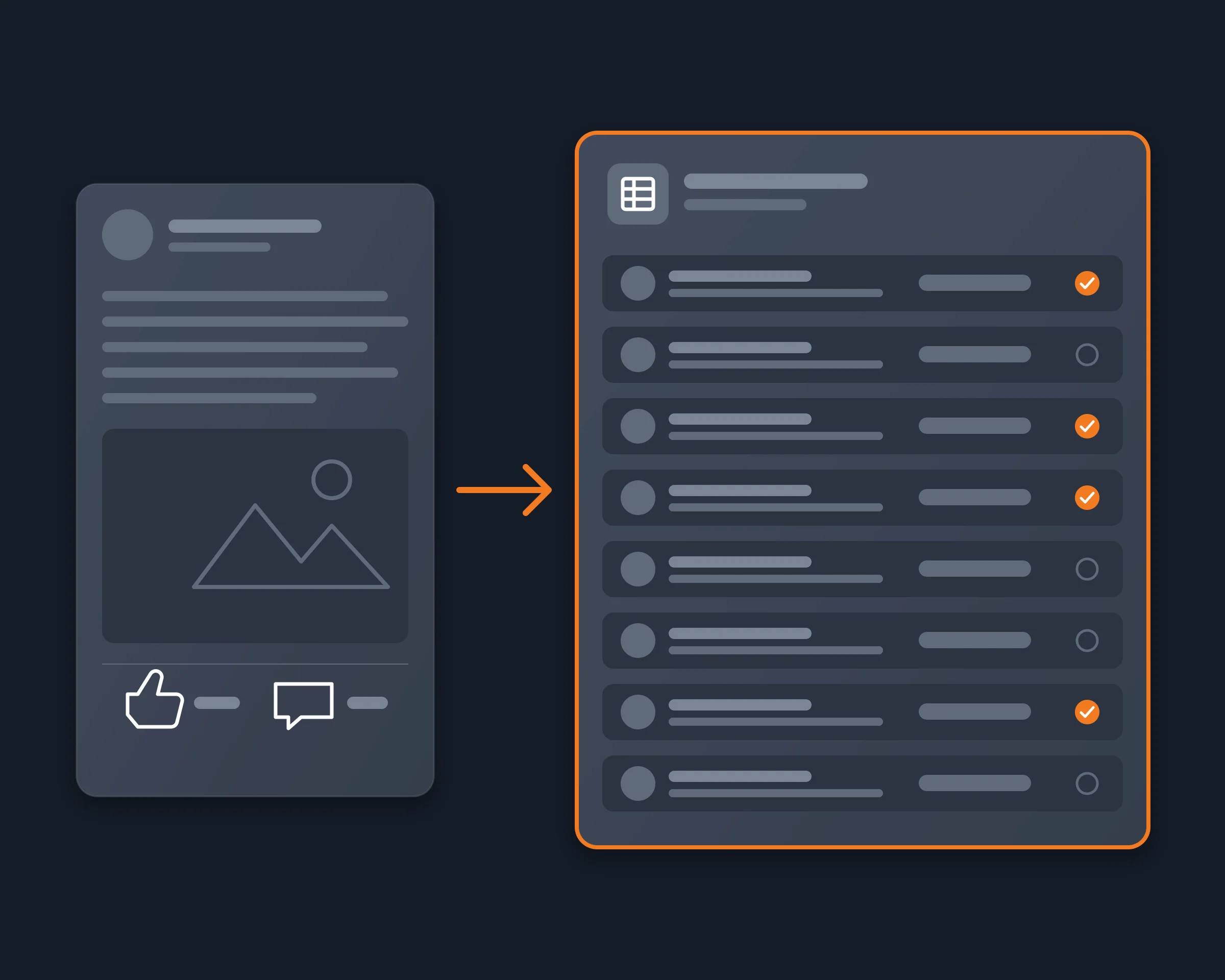
Export everyone who liked or commented on LinkedIn post URL to a CSV with their name, headline and profile link, and flag the ones who work at kind of company.
Overview

Founders, sales teams and creators export the people who liked or commented on a LinkedIn post to turn engagement into a lead list: someone who comments on a post about your problem is a warmer contact than a row from a database. LinkedIn shows who reacted and who commented under each post, but its help pages describe only reaction and comment counts in post analytics, with no export or download.

So every tool on this page reads the post for you. They differ on three things: likers, commenters or both; whether they use your LinkedIn account or not; and where the list goes (a CSV, a campaign, an API).

LinkedIn post likers and commenters export tools compared

As each vendor's own site describes it, read on October 29, 2026. "Not documented" means we did not find it on their site.

Likers / commenters LinkedIn account Output Cap per post Free plan or trial Starting price
Reduck Both, with name, headline and profile link (degree for likers) Your own, in your Chrome Your agent writes the CSV or sheet 200 by default, higher on request Free tier Free tier
PhantomBuster Both (Post Likers Export, Commenter and Liker Scraper) Your session cookie CSV, Google Sheets, CRM 3,000 likers Trial, exports limited to 10 rows €69 a month (Start)
Apify (HarvestAPI) Both, in two actors; reaction type included None CSV, JSON, Excel, API About 1,000 $5 of usage a month From $1.50 per 1,000 results
Linked Helper Both Your own, desktop app Not documented Not documented 14-day trial, no card $15 a month
Waalaxy Both, into a Waalaxy list Your own, through its extension Campaign Not documented Manual import on Freemium €19 a month (Pro)
Airscale Both Your own or Sales Navigator Table in Airscale 3,000 14-day trial $49 a month, 4,000 credits
HeyReach Likers only Your own, as a sender Campaign 10,000 per import 14-day trial $79 per sender a month
Listful Both, reaction type included Your own, in your Chrome CSV, webhook 3,000 Free (alpha) Free
1Lookup Both None, API key JSON API, CSV 100 per list Not documented $24.75 per 1,000 credits, 5 credits per list

Where each tool is stronger

  • Reduck: your AI agent exports likers and commenters, opens the profiles that matter with get_profile, filters by role or company and writes the CSV, in one conversation. No reaction type.
  • PhantomBuster: no-code exports of many posts on a schedule.
  • Apify (HarvestAPI): the lowest cost at volume, with no LinkedIn account in the loop.
  • Linked Helper, Waalaxy, HeyReach: engagers straight into a LinkedIn outreach campaign.
  • Airscale: likers and commenters, then enrichment, in one tool.
  • Listful: a free one-click CSV of the post you have open.
  • 1Lookup: an API for developers, with no LinkedIn login.

How Reduck does it

  1. You ask your agent: "Export everyone who liked or commented on this LinkedIn post to a CSV, and flag the ones who work at a SaaS company."
  2. get_post_reactors reads the post's reactions list in your own Chrome, where you are signed in to LinkedIn, and returns the total and each person's name, headline, connection degree and profile link.
  3. get_post_comments reads the comments, with each author, the text and its reactions. Sort by recent to reach every top-level comment.
  4. Your agent merges the two lists, opens the profiles it needs with get_profile, flags the people you asked for and writes the CSV.

No LinkedIn API key, no session cookie to paste into another service, and no price per 1,000 results.

How to start

  1. Create a free account at reduck.ai.
  2. Install the Reduck extension in Chrome and pair it.
  3. Connect Reduck to your agent: docs.reduck.ai.
  4. Ask: "Export everyone who liked or commented on {LinkedIn post URL} to a CSV with their name, headline and profile link, and flag the ones who work at {kind of company}."

FAQ

It depends on volume and on your LinkedIn account. For many posts with no LinkedIn account involved, Apify's HarvestAPI actors, billed per 1,000 results. For scheduled no-code exports, PhantomBuster's Post Likers Export, from €69 a month. For a free one-off CSV from the post you have open, Listful's extension. If you already use an AI agent, Reduck exports likers and commenters from your own signed-in Chrome and the same agent filters them and writes the CSV.
No. LinkedIn's help pages describe post analytics with reaction and comment counts, but no list export or download. So a list of likers in a sheet means copying names by hand, or one of the tools on this page.
Reduck, Apify (a separate comments actor), Linked Helper, Waalaxy, Airscale, Listful and 1Lookup cover commenters too. HeyReach's help says its post import takes the people who reacted, not the ones who commented.
It depends on the tool. Apify's HarvestAPI actors and 1Lookup say they need no LinkedIn login. PhantomBuster uses your LinkedIn session cookie. Linked Helper, Waalaxy, Airscale, HeyReach, Listful and Reduck use your own LinkedIn account, Reduck and Listful in your own Chrome.
PhantomBuster's page says LinkedIn shows up to 3,000 likers, and Airscale and Listful state the same cap. Apify's reactions actor reads up to about 1,000 per post, 1Lookup up to 100 per list, and HeyReach up to 10,000 per import. Reduck's get_post_reactors returns 200 by default and takes a higher limit; it returns the post's total reaction count, so a short list is never mistaken for the whole one.
No. get_post_reactors returns who reacted, with their name, headline, connection degree and profile link, and the post's total, not whether each person chose Like or Celebrate. Apify's reactions actor and Listful return the reaction type.
LinkedIn's User Agreement prohibits scraping, and no tool can promise that LinkedIn will never act on an account. Reduck runs each script only when your agent asks, in your own Chrome, and only reads. A list of people is personal data under GDPR: for outreach you need a lawful basis and a way for people to object.

Similar use cases

LinkedIn

LinkedIn keyword monitoring tools

The tools that alert you when a new LinkedIn post mentions your keywords, compared. KWatch.io, Octolens, SnitchFeed, filtrat, Brand24, Mentionlytics, Linked API and Reduck on what they watch on LinkedIn, how fresh the alerts are, where they go and price.

Social media
LinkedIn

Search LinkedIn posts

Let Claude, ChatGPT or any AI agent search LinkedIn posts by keyword from your own LinkedIn account, newest first or by relevance, and export each post's text, author, link and engagement to a CSV.

Social media

Start building not clicking