Overview
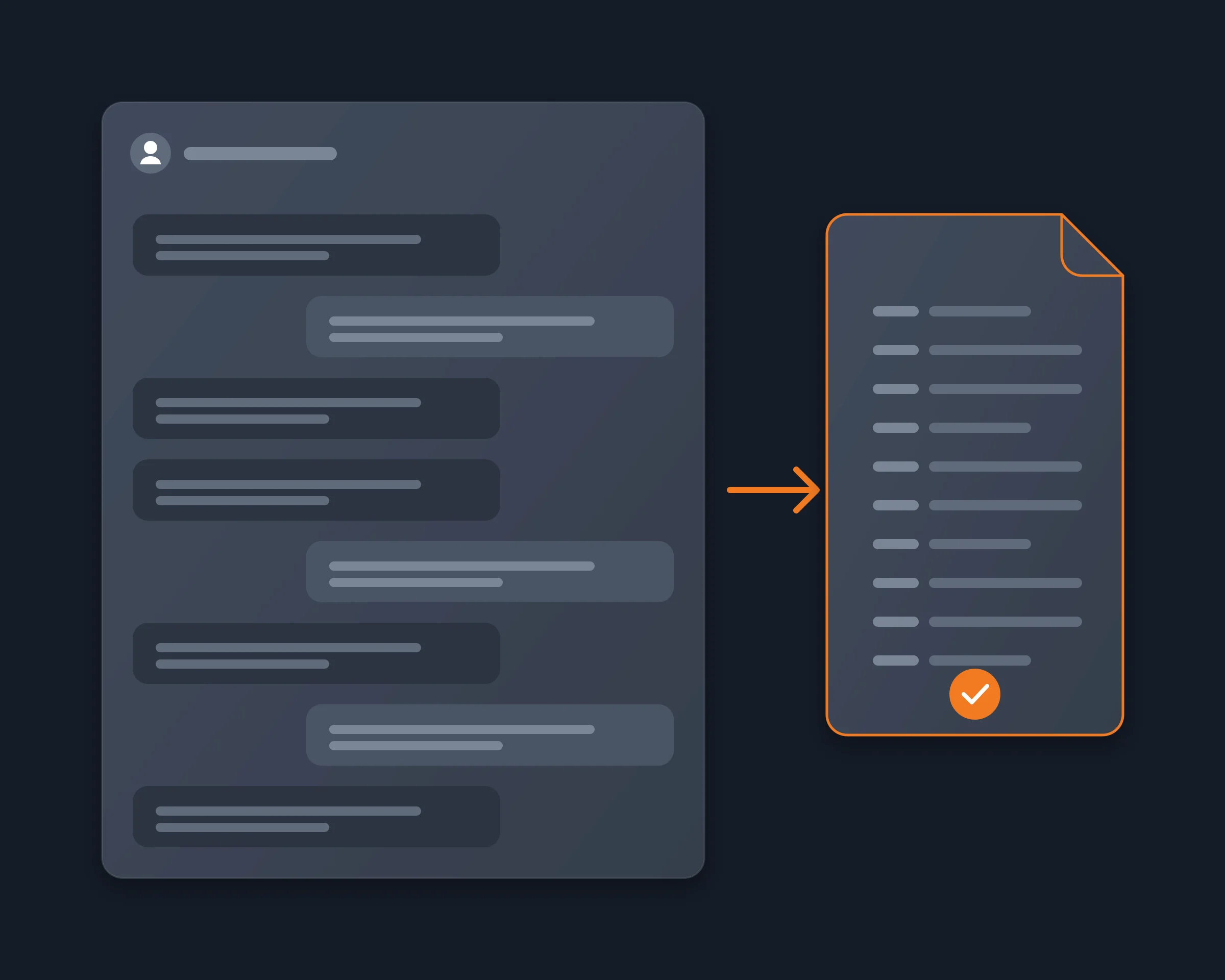
People export a Discord DM to keep it: the years of messages with a friend who passed away, a conversation they need as evidence, or a history they want before they leave Discord. What they want is the whole conversation, the other person's messages too, in a file they keep. An AI agent can do it for you: open the DM in your own Chrome, read it back to the first message, and save every message with who wrote it and when.
Why it's hard
- Discord has no export button in a chat. You can only scroll and copy.
- The official data package holds only your side. Discord's help center says its Messages folder holds the messages you sent, and the package can take up to 30 days.
- The tools that export both sides need your token. DiscordChatExporter logs in with your user token, and its own docs say automating a user account is against Discord's terms.
- Exporters got accounts flagged in 2026. piunikaweb.com reported a crackdown on DiscordChatExporter users on 2026-03-12, and users on r/discordhelp and r/BannedFromDiscord report Platform Manipulation violations and suspensions after exports.
- A bot cannot help. A bot cannot be added to a DM, so the bot route that is fine for servers does not exist for DMs.
How Reduck does it
Reduck runs Discord actions in your own Chrome, where you are already signed in, so there is no token to paste and nothing to install in Discord.
whoami tells your agent which account it reads as.list_dms lists your one-to-one and group DMs, most recent first, with the link of each.read_messages reads the DM you pick by its link, newest first, loading older messages until it has as many as your agent asks for: each comes with its id, the author's username and display name, its time and its text, and complete says whether the whole history came back.- Your agent writes the conversation to the file you asked for, oldest first: a readable transcript, CSV or JSON.
Reading changes nothing in Discord: no message is sent, edited or deleted.
How to start
- Create a free account at reduck.ai.
- Install the Reduck extension in Chrome and pair it.
- Connect Reduck to your agent: docs.reduck.ai.
- Ask: "List my Discord DMs, read my whole conversation with {username}, both sides, from the first message, and save the author, time and text of every message to {file or format}."
Stay signed in to Discord in Chrome, in one tab only, while it runs.
Ways to export your Discord DMs
As each tool's own page describes it, read on November 5, 2026.
|
Discord data package |
Screenshots |
DiscordChatExporter |
Discrub |
DiscordSuite |
Reduck |
| Both sides of the DM |
No, your messages only |
Yes |
Yes |
Yes |
Yes |
Yes |
| Images, files, voice messages |
Links to the files you sent |
As pictures |
Yes, with asset download |
Not documented |
Not documented |
No, text only |
| Needs your token |
No |
No |
Yes |
Web app: paste it; extension: reads it |
Not documented |
No |
| Setup |
A request, up to 30 days |
None |
Desktop app or CLI |
Chrome extension or web app |
Chrome extension |
Chrome extension |
| Called from your AI agent |
No |
No |
No |
No |
No |
Yes |
Where Reduck is weaker: it saves text only, not the files, and a DM with hundreds of thousands of messages takes long, because it reads the conversation the way you would scroll it.
Delete after you export
To delete your own messages in the DM once you have a copy, see Delete all your Discord DMs.