Overview
People delete their Discord DMs before they leave Discord, after a relationship or a friendship ends, or because years of private messages hold their address, their photos and their plans. Discord lets you delete one message at a time, and nothing else touches DMs: the tools that clean servers do not reach them, and a privacy request usually leaves them in place. An AI agent can do the work for you: go through your DMs, list every message you sent, delete the ones you pick, and check that they are gone.
Why it's hard
- No bulk delete. Discord deletes one message at a time, from its menu, and only the messages you sent.
- Closing a DM deletes nothing. Close DM hides the conversation from your list; every message stays.
- Server tools skip DMs. A moderation bot cannot enter your DMs, and deletion by server search works one server at a time.
- A privacy request usually leaves DMs. The 2026-11-03 r/discordhelp guide to Discord's GDPR erasure says it applies to the spaces you have left, and that DMs are usually kept.
- The tools that do it ask for your token. Undiscord runs as a userscript on your user token, Discrub's web app asks you to paste it, and Redact deletes your full history only on a paid plan.
How Reduck does it
Reduck runs Discord actions in your own Chrome, where you are already signed in, so there is no token to paste and nothing to install in Discord.
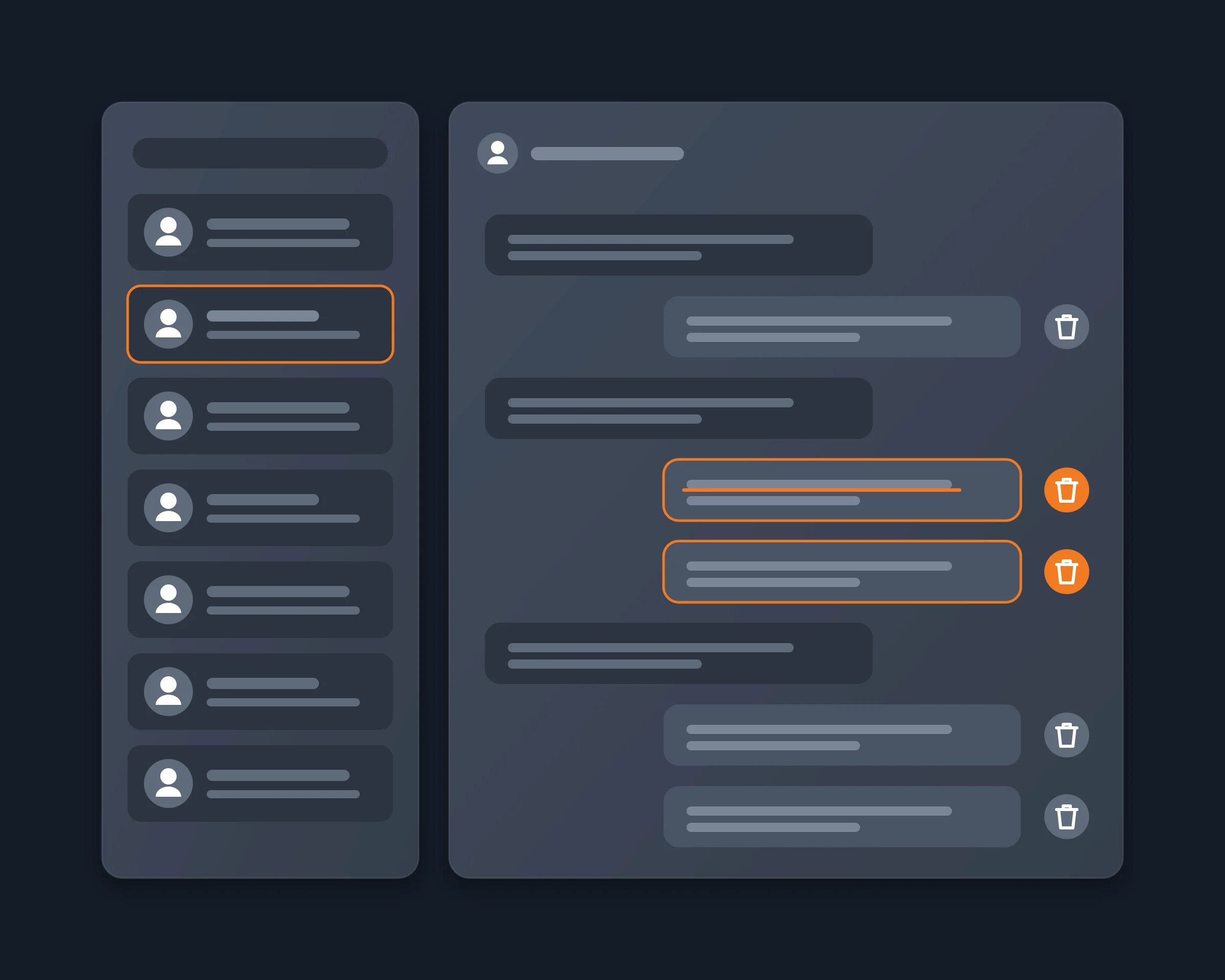
whoami gives your agent your Discord username, so it knows which messages are yours.list_dms lists your one-to-one and group DMs, most recent first, with the link of each.read_messages reads a DM by its link, newest first, as far back as your agent asks: each message comes with its id, author, time and text, and complete says whether the whole history came back.- Your agent keeps the messages you sent, shows you the list, and calls
delete_message for each one you approve, one after the other.
- A last
read_messages on the DM confirms that none of your messages is left.
Nothing is deleted before you see the list, and the other person's messages are never touched.
How to start
- Create a free account at reduck.ai.
- Install the Reduck extension in Chrome and pair it.
- Connect Reduck to your agent: docs.reduck.ai.
- Ask: "List my Discord DMs, read my conversation with {username or all of them}, show me every message I sent, delete them one by one, then read the DM again to check."
Stay signed in to Discord in Chrome, in one tab only, while it runs.
Ways to delete your Discord DMs
As each tool's own page describes it, read on October 20, 2026.
|
Delete by hand |
Close DM |
Privacy request (GDPR) |
Undiscord |
Discrub |
Redact |
Reduck |
| Deletes your DM messages |
Yes, one at a time |
No |
Usually not, per the 2026-11-03 guide |
Yes |
Yes |
Yes |
Yes |
| Price |
Free |
Free |
Free |
Free |
Free |
Full history: $7.99/month or $245 once |
Free tier |
| Setup |
None |
None |
Data package, then emails |
Userscript on your user token |
Web app: paste your token; extension: reads it |
Desktop app |
Chrome extension, no token |
| Pick which messages |
One by one |
No |
From your data package |
By channel |
Yes |
Yes |
Yes, in plain words to your AI agent |
Where Reduck is weaker: it goes one message at a time, so a DM with tens of thousands of your messages takes long, and it reaches only the DMs your account can still open.
Messages in servers
This page covers DMs. To delete your messages in Discord servers, by server, channel or words, see Delete all your Discord server messages.