App Logo
Messaging Reduck MCP

How to export a Discord channel's full chat history to a file (2026): a DiscordChatExporter alternative with no token

Prompt template

Export the full chat history of #channel in my Discord server server name: read every page, oldest messages included, and save the author, time, text and link of each message to a CSV, JSON or text file.

Overview

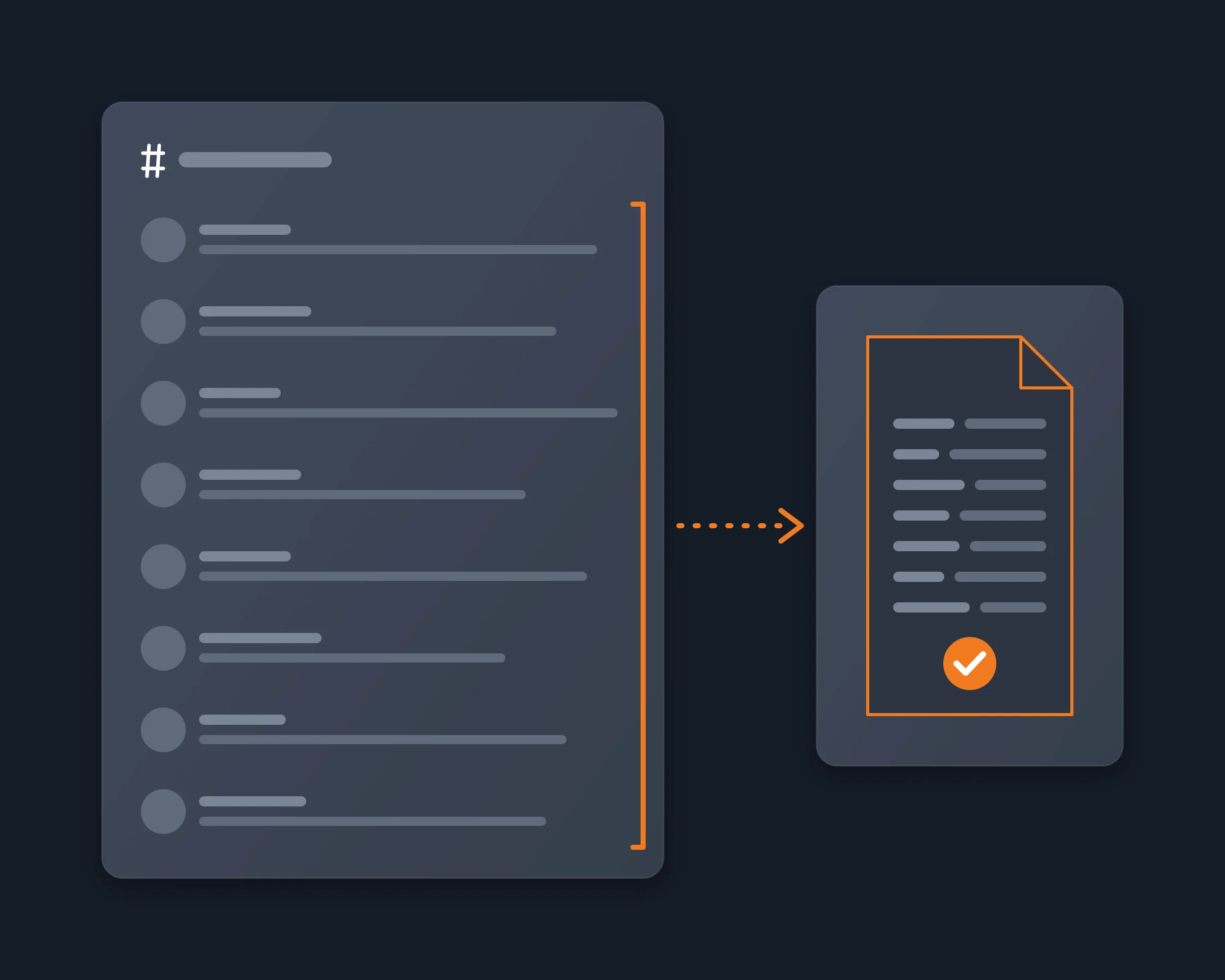
People export a Discord channel to keep it: a server is about to delete it, a community wants its history outside Discord, or someone needs the whole conversation in a file to read, search or give to an AI. What they want is every member's messages, from the first one, with who wrote each and when. An AI agent can do it for you: find the channel in your own Chrome, read it page by page to the first message, and write it to the file you ask for.

Why it's hard

  • Discord has no export button. A channel can only be scrolled and copied by hand.
  • The official data package holds only your messages. Discord's help center says its Messages folder holds the messages you sent, and the package can take up to 30 days.
  • A logging bot needs admin rights. A bot that saves a channel has to be added by someone with the Manage Server permission.
  • DiscordChatExporter needs your token. It logs in with your user token, which works like your password, and its own docs say automating a user account is against Discord's terms.

How Reduck does it

Reduck runs Discord actions in your own Chrome, where you are already signed in, so it sees every channel you can see, with no token and no bot.

  1. list_servers finds the server, and list_channels finds the channel.
  2. search_messages reads that channel 25 messages per call, with Discord's total count and the next page to read. Your agent follows the pages until the last one, so the oldest messages are included.
  3. Each message comes back with its id, author, time, text and link. Your agent checks the count against Discord's total and writes the file you asked for, oldest first: CSV, JSON or a readable transcript.

Reading changes nothing in Discord: no message is sent, edited or deleted.

How to start

  1. Create a free account at reduck.ai.
  2. Install the Reduck extension in Chrome and pair it.
  3. Connect Reduck to your agent: docs.reduck.ai.
  4. Ask: "Export the full chat history of #{channel} in my Discord server {server name}: read every page, oldest messages included, and save the author, time, text and link of each message to a {CSV, JSON or text} file."

Stay signed in to Discord in Chrome, in one tab only, while it runs.

Ways to export a Discord channel

As each tool's own page describes it, read in October and November 2026. "Not documented" means we did not find it on their site.

Copy by hand Discord data package DiscordChatExporter DiscordSuite Reduck
Other members' messages Yes No, only yours Yes Yes Yes
Needs admin rights or a bot No No No No No
Needs your token No No Yes Not documented No
File formats What you paste Files of your own messages HTML, TXT, CSV, JSON HTML, CSV, Excel, JSON, TXT CSV, JSON or text, written by your agent
Images and files By hand Links to the files you sent Yes Not documented No, text and links
Called from your AI agent No No No No Yes

Where Reduck is weaker: it saves text only, and a long channel takes many calls, because it reads 25 messages at a time.

Keep it up to date

To save new messages every day to a database instead of one file, see Archive a Discord channel to a database. To export a private conversation, see Export your Discord DMs.

FAQ

Discord has no export button, so you need a tool that reads the channel for you. With Reduck, your AI agent finds the channel, reads it 25 messages at a time until the first message, and writes every message's author, time, text and link to a CSV, JSON or text file.
Yes. Reduck reads the channel from your own account, so it exports every message you can scroll to as a regular member. It needs no Manage Server permission and no bot.
Only your side of it. Discord's help center says the Messages folder of the data package holds the messages you sent, and that the package can take up to 30 days to arrive. The other members' messages are not in it.
search_messages returns 25 messages per call, with Discord's total count and the next page to read. Tested on 2026-10-21 on a channel of 5,687 messages, it read a page at offset 2,500, so a channel of 3,000 messages is about 120 calls. Each call is one script run.
No. It saves each message's author, time, text and link. Attachments, images and embeds are not downloaded. DiscordChatExporter has a media download option if the files matter.
DiscordChatExporter is a free, open-source desktop app and CLI that exports a channel to HTML, TXT, CSV or JSON, with media. It needs your Discord token, and its own docs say that automating a user account is against Discord's terms. Reduck needs no token: it reads the Discord tab you are already signed in to. It is slower, it saves text only, and you ask for the export from your AI agent.
We cannot promise it never will. Reduck reads the channel in your own browser, one call at a time, with no token and no change to the Discord client, but reading a channel from a script is still automation of your account. Export the channels that matter, not a whole server at once.
Yes, with the Reduck CLI in a cron job that writes new messages to a database. The steps are on [Archive a Discord channel to a database](https://reduck.ai/use-cases/archive-discord-channel).

Similar use cases

Discord

Archive a Discord channel to a database

Archive a Discord channel even if you are a regular member with no permissions, and keep saving its new messages to a database on a schedule. Your AI agent, or the Reduck CLI in a cron job, reads the channel page by page with Discord's own search, as your own account, and writes every message's author, time, text and link. No bot to add, no user token to paste.

Messaging
Discord

Export your Discord DMs

Let Claude, ChatGPT or any AI agent read your Discord direct messages, one-to-one and group, and save the whole conversation, your messages and the other person's, with the author, time and text of each, to a file you keep. It runs in your own signed-in Chrome, with no user token to paste.

Messaging
Discord

Summarize a Discord server

Let Claude, ChatGPT or any AI agent read the Discord servers you are a member of and summarize what you missed, channel by channel, with links to the messages, from your own account, with no bot to add and no admin rights.

Messaging

Start building not clicking