Quick answer
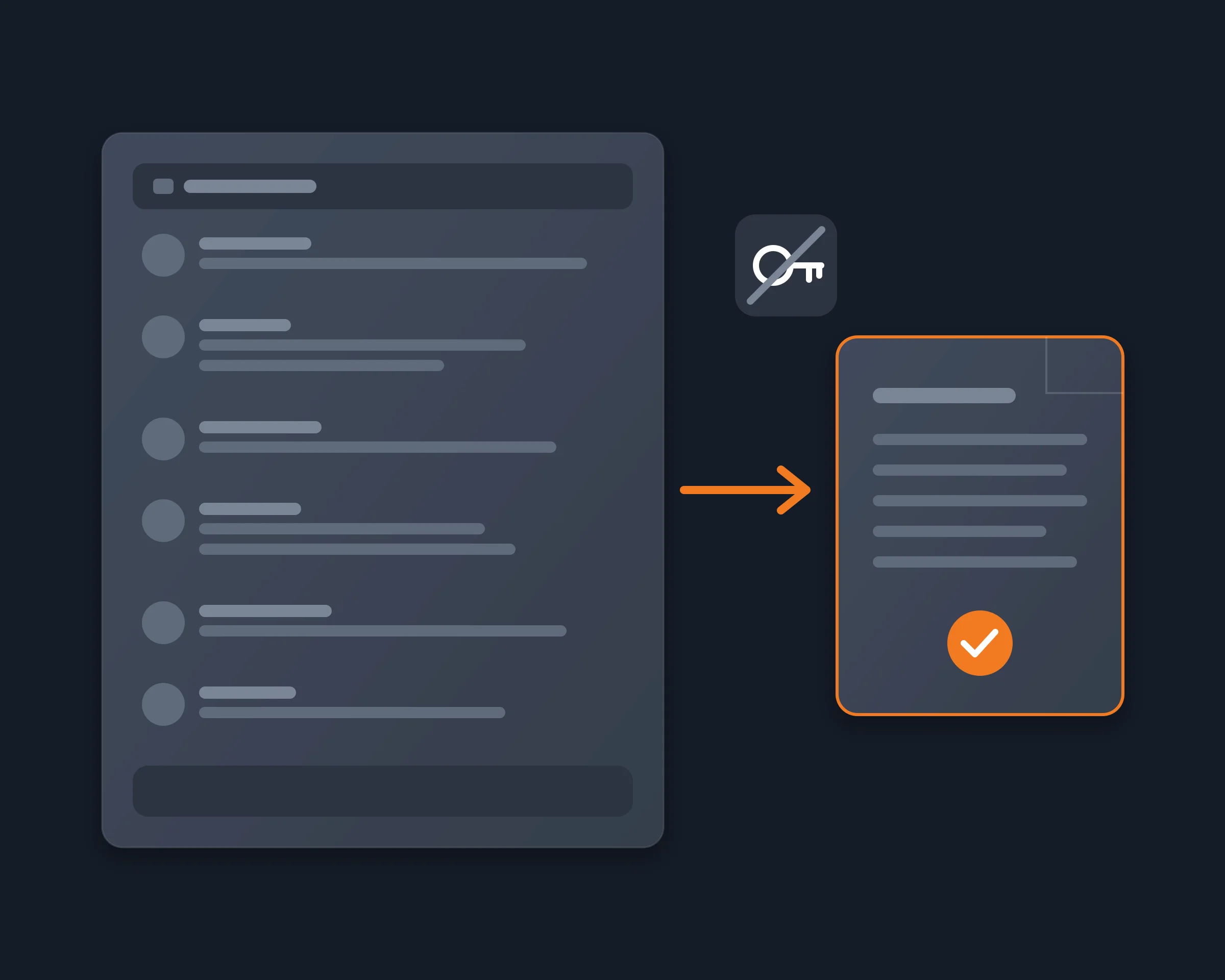
Yes. DiscordChatExporter logs in with your Discord token, but you can export a channel or a DM without one: Reduck lets your AI agent read the Discord tab you are already signed in to, in your own Chrome, and write every message to a CSV, JSON or text file. The table compares it with the other ways.
Why people look for an alternative
Community managers, moderators and members export a Discord channel or a DM to keep it: a server is about to close, a project wants its history outside Discord, or someone needs the whole conversation in a file to read, search or give to an AI. DiscordChatExporter is the classic tool, and it has two catches:
- It needs your token. It logs in with a user token or a bot token. A user token works like your password, and a bot token needs someone with admin rights to add the bot.
- Its own docs warn you. They say that automating a user account is against Discord's terms and can get you banned.
Discord's own data package needs no token, but it holds only the messages you sent, and it can take up to 30 days to arrive.
DiscordChatExporter alternatives compared
As each tool's own page or store listing describes it, read on November 13, 2026.
|
Needs your token |
Whose messages |
Export |
From your AI agent |
Price |
| Reduck |
No, it reads the Discord tab you are signed in to |
Everyone's, in channels and DMs |
CSV, JSON or text, no media |
Yes |
There is a free tier |
| DiscordChatExporter |
Yes, a user token or a bot token |
Everyone's |
HTML, TXT, CSV, JSON, with media |
No |
Free, open source |
| DiscordSuite |
No, it uses your open Discord session |
Everyone's |
HTML, Excel, CSV, JSON, TXT, with media |
No |
Free up to a lifetime cap; $4.99 a month or $24.99 a year |
| DiscordKit |
No login, as its listing says |
Everyone's |
CSV, HTML, JSON, TXT, with media |
No |
Free up to 200 messages, then paid |
| Discrub |
Not pasted, it stays in the browser |
Everyone's |
HTML, CSV, JSON, text, media only |
No |
Free |
| Discord data package |
No |
Only yours |
Files of your own messages |
No |
Free, up to 30 days to arrive |
How Reduck does it
Reduck runs Discord actions in your own Chrome, through the Reduck extension, where you are already signed in, so it sees every channel and DM you can see. It never receives your token or your password.
list_servers and list_channels find the channel; list_dms finds a DM.search_messages reads the channel 25 messages per call, with Discord's total count and the next page to read; read_messages reads a DM newest first, loading older messages until it has as many as your agent asks for.- Your agent follows the pages to the oldest message, checks the count, and writes the file you ask for, oldest first: CSV, JSON or a readable transcript.
Reading changes nothing in Discord: no message is sent, edited or deleted. Where Reduck is weaker: it saves text and links only, and a long channel takes many calls.
How to start
- Create a free account at reduck.ai.
- Install the Reduck extension in Chrome and pair it.
- Connect Reduck to your agent: docs.reduck.ai.
- Ask: "Export the full chat history of #{channel} in my Discord server {server name}: read every page, oldest messages included, and save the author, time, text and link of each message to a {CSV, JSON or text} file."
Stay signed in to Discord in Chrome, in one tab only, while it runs. For the steps in detail, see Export a Discord channel's full chat history.