Overview
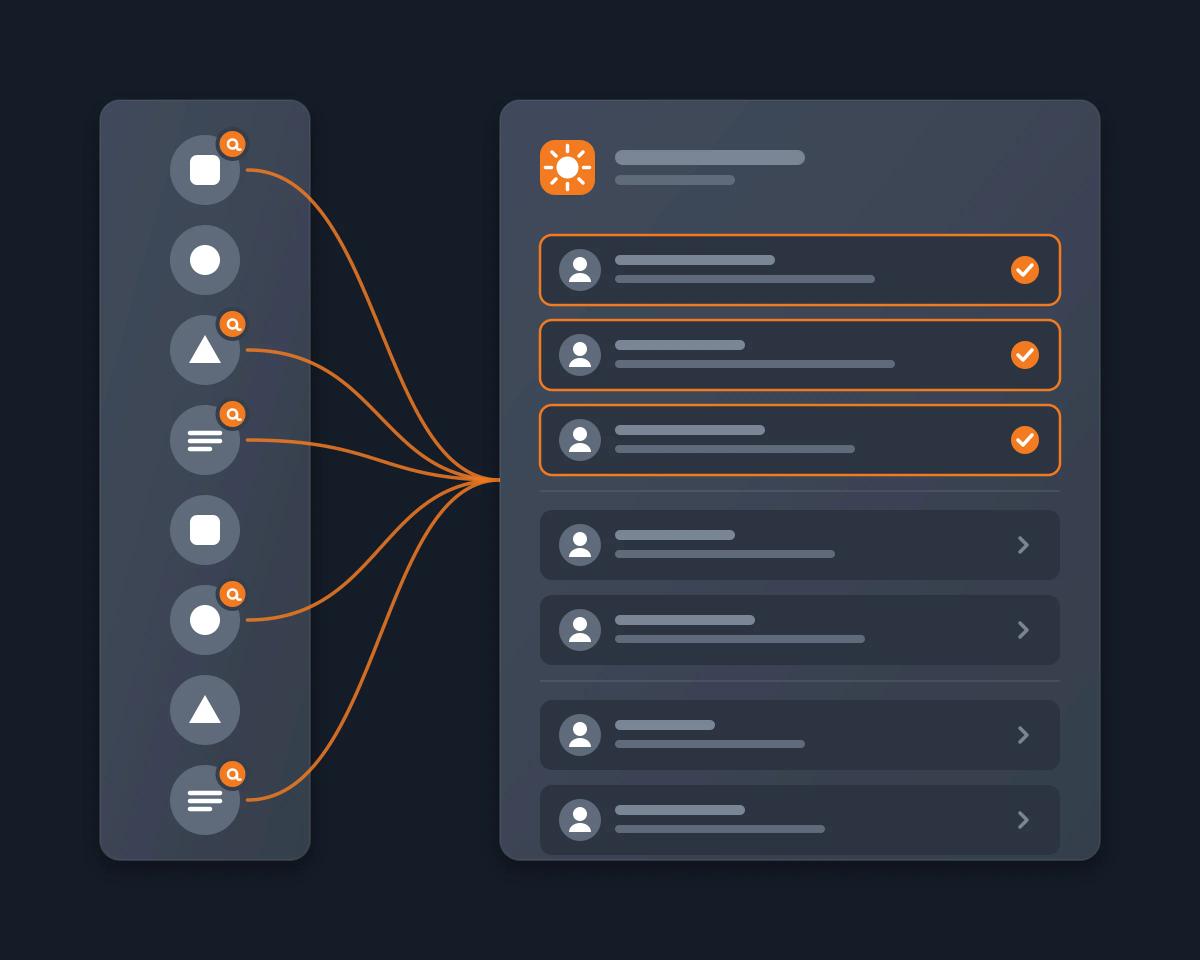
You are in many Discord servers: the support servers of the tools you use, open-source projects, crypto or hobby communities, your team. You ask a question in one, answer someone in another, and the next day you do not know who replied to you, or where. You want one list each morning: who mentioned you or replied to you across all your servers, what they ask, and which ones still need you. With Reduck, your AI agent reads your Discord Inbox as you and writes that digest.
Why it's hard
- The Inbox shows mentions, it does not summarize them. Discord's Mentions tab lists the messages that name you, your role or @everyone. You still open each one to know what it asks. "Include all servers" is a filter you turn on while viewing a server, and the Inbox is only on desktop and in the browser.
- Mentions disappear after 7 days. Discord's Inbox FAQ says mention messages clear automatically after 7 days. A week away, and they are gone.
- A reply without the ping is invisible. A reply reaches your Mentions only if its author leaves the @ ping on. Otherwise you scroll back through the channel to find it.
- Discord has no digest. Nothing sends you one summary of what is waiting for you. Unreads show what is new, channel by channel, about 15 messages at a time.
- Digest bots work one server at a time. Summary Bot's daily recap is a subscription "per server", and bots such as discord-ai-digest on GitHub need a bot token and someone who can add the bot. As a member of 20 servers, you would need 20 bots and 20 admins.
How Reduck does it
Reduck runs its Discord scripts in your own Chrome, through the Reduck extension, on the Discord session you are already signed in to. Your agent sees what you see: every server you are in and your DMs.
list_mentions reads your Mentions tab across all servers, newest first: the server, the channel, the author, the time, the text and a link to each message. You choose whether @everyone and role pings count.list_unreads reads your Unreads tab: unread DMs, group DMs, channels, threads and forum posts, with the number of mentions in each.read_messages reads a conversation further back when your agent needs the question a reply answers, or a reply sent without the ping.- Your agent keeps what is new since your last digest and writes it: what needs your answer first, then the rest, then the announcements.
Nothing is marked as read, nothing is posted, and no bot is added to any server.
An example
You ask, on Tuesday morning: "List who mentioned me or replied to me across all my Discord servers since yesterday, and my unread DMs. For each one, tell me who, where, what they ask of me and whether it still needs my answer, with a link to the message."
The agent answers with a short digest:
- Needs you (3): a maintainer in the #help channel of an open-source project answered your bug report and asks for your version; a member of your team's server asks you to review a document before noon; a DM from a partner asks to move a call.
- For your information (4): two replies thanking you in a hobby server, one reaction to your post, one thread you were added to.
- Announcements (6): @everyone posts in 3 servers, summarized in one line each.
Each line links to its message, so you jump straight to the ones that need you.
How to start
- Create a free account at reduck.ai.
- Install the Reduck extension in Chrome and pair it.
- Connect Reduck to your agent: docs.reduck.ai.
- Ask: "Every morning, list who mentioned me or replied to me across all my Discord servers since yesterday, and my unread DMs. For each one, tell me who, where, what they ask of me and whether it still needs my answer, with a link to the message."
Stay signed in to Discord in the same Chrome. If your agent runs scheduled tasks, give it the prompt once and it asks every morning.
Get the digest by email or on your phone
Reduck has no scheduler of its own. To get the list of your mentions without an AI chat, run the Reduck CLI from cron with an API key in REDUCK_API_KEY. Save this as digest.sh: it prints the mentions of the last 24 hours, one line each, without @everyone and role pings.
#!/bin/bash
npx @reduck-ai/cli@latest run --script reduck/discord.com/list_mentions include_everyone=false include_roles=false |
  jq -r '(now - 86400 | todate) as $since
    | .mentions[] | select(.timestamp > $since)
    | "\(.guildName) #\(.channelName) - \(.authorName): \(.content) \(.url)"'
Send the lines where you want them, for example to your phone with ntfy, every morning at 8:
0 8 * * * cd ~/discord-digest && ./digest.sh | curl -s --data-binary @- ntfy.sh/your-topic
How it compares
As each product's own page describes it, read on November 18, 2026.
|
Servers covered |
Your DMs |
Mentions and replies to you |
Who sets it up |
Summary |
| Discord Inbox |
All, with "Include all servers" |
Unreads only |
Yes, kept 7 days |
Nobody, built in (desktop and browser) |
No |
| Summary Bot daily recap |
One server per subscription |
No |
Not documented |
Added to the server; Manage Server to post in a channel |
Yes, of the server's conversations |
| Wardens |
Every server you are in |
Yes |
Mentions, in one timeline; replies not documented |
Nobody: a desktop app (Mac, Windows) in private beta that signs in with your Discord session |
On demand, for one channel or a search result |
| discord-ai-digest (GitHub) |
The server the bot is in |
No |
No |
Your own bot, with a bot token and an OpenAI key |
Yes, posted in a channel |
| Reduck |
Every server you are in |
Yes |
Yes |
Nobody: your agent reads as you |
Yes, only for you |
Where Reduck is weaker: it runs only while your Chrome is open with the extension and Discord signed in, it has no scheduler of its own, and it cannot go back further than the 7 days Discord keeps mentions. To summarize everything said in one server, not only what concerns you, see how to catch up on a busy Discord server.