Export X analytics
Export the analytics of your X posts (impressions, engagements, profile visits, link clicks) to a spreadsheet by asking your AI agent, with no ads account, no X API and no X Premium.
Social media
The analytics export button is gone from my X account. Export the analytics of my last count X posts to a CSV, with impressions, engagements, profile visits and link clicks, and tell me which posts performed best.
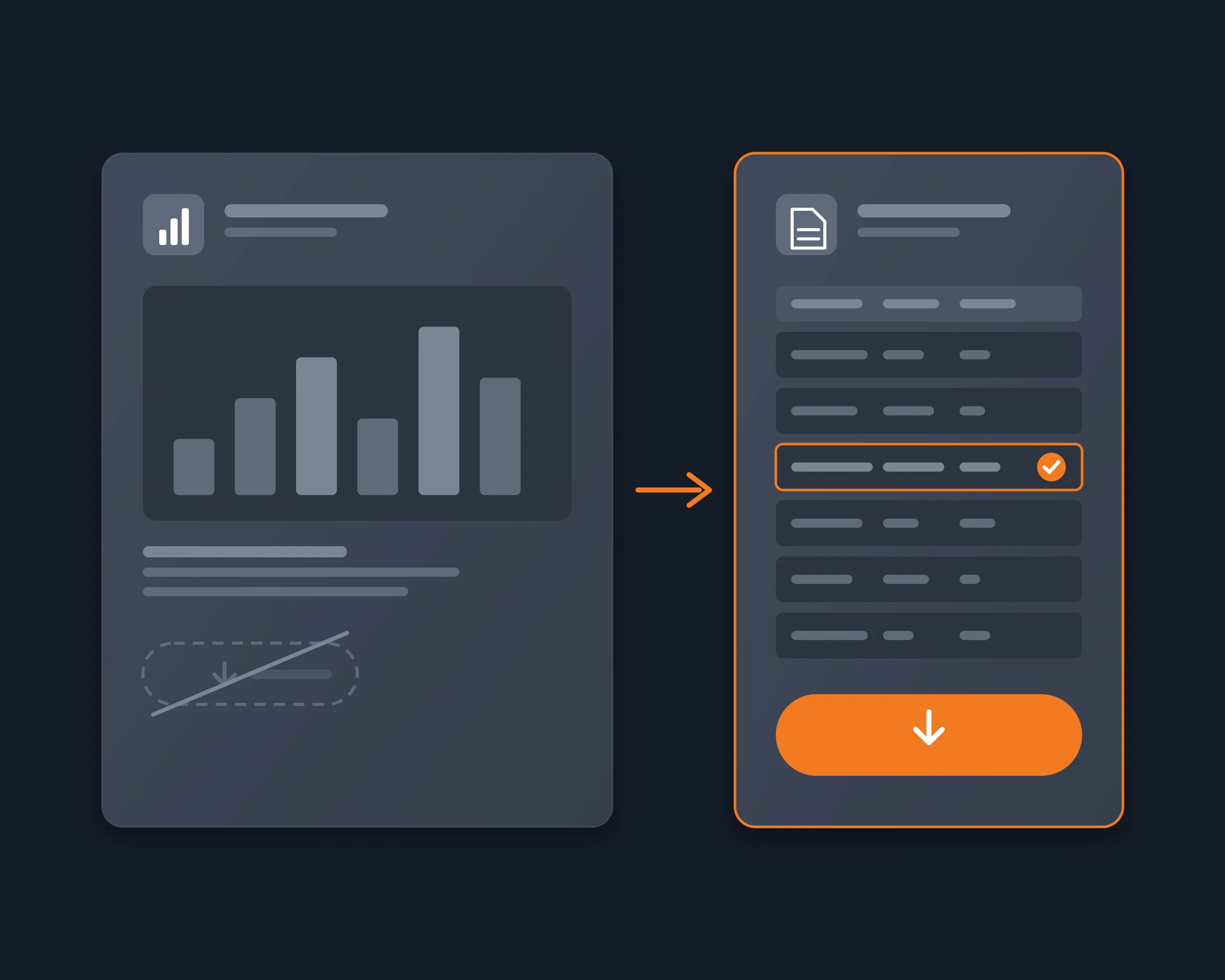
Creators, founders and marketers who post on X download their tweet analytics to see which posts worked and to report results. When the analytics export button is gone from their account, they need another way to get a spreadsheet of their posts with impressions, engagements, profile visits and link clicks, one row per post. This page says why the button disappears, which alternatives still work, checked in November 2026, and how your AI agent downloads your tweet analytics without the button.
X's CSV export is in the Post Activity Dashboard. X's help center says you open it with an ads account at ads.x.com or by registering at analytics.x.com, and that it exports 30 days at a time, with at most 3,000 posts per file. An account with no ads account and no analytics registration has no export button. X also says the dashboard can show no data for an account it finds in breach of its rules.
Elsewhere, X shows a post's engagements, profile visits and link clicks only to its author, on that post's analytics panel, one post at a time. Copying them by hand for a month of posts is the workaround most people are left with.
| Option | What you get | Cost | The catch |
|---|---|---|---|
| Reduck | Impressions, engagements, profile visits, link clicks, likes, reposts and replies, one CSV row per post | There is a free tier | Your own posts only for private metrics; one post's panel per call |
| X Post Activity Dashboard | X's own CSV of your posts' metrics | Free, with an ads account or analytics.x.com | 30 days and 3,000 posts per file; no button without access |
| X archive | A backup of your account in HTML and JSON | Free | Not a per-post analytics report; X says it can take a few days |
| X API | Public metrics for any post; engagements, URL clicks and profile clicks for your own | $0.005 per post read, pay-per-use, no free tier described | A developer app and code; private metrics only for posts from the last 30 days |
| Tweet exporters (InsightSocial, Apify) | Views, likes, reposts and replies of any public account | InsightSocial: free up to 500 rows a month. Apify Tweet Scraper V2: $0.40 per 1,000 tweets | Public counts only: no engagements, profile visits or link clicks |
The X API's prices and limits are from its pricing and metrics docs, and the exporters' from their own pages, read on November 12, 2026. The dashboard's limits are from X's help center.
Reduck runs in your own Chrome, through the Reduck extension, where you are already signed in to X. Your agent lists your latest posts with get_user_posts, opens the analytics panel of each one with get_post_analytics, and writes one row per post: the text, the date, the impressions, the engagements, the profile visits, the link clicks, the likes, the reposts and the replies. Then it reads the table with you: which posts got the most impressions, the best engagement rate, the most clicks.
You do not need the export button, an ads account, X Premium or the X API. We tested it on an account without X Premium, and on November 12, 2026 it read the analytics of a post published 49 days earlier, past the X API's 30-day limit for these metrics.
get_user_posts: id, link, text, date, views, likes, reposts, replies, quotes, bookmarks.get_post_analytics: impressions, engagements, detail expands, profile visits, link clicks.For more on the export itself, see Export X (Twitter) analytics to CSV per post.
Export the analytics of your X posts (impressions, engagements, profile visits, link clicks) to a spreadsheet by asking your AI agent, with no ads account, no X API and no X Premium.
Social mediaThe X API bills every post read and every post created. Let your agent read accounts, search and post from your own signed-in X instead, with no developer app and no credits.
Social mediaGive Claude, ChatGPT or any MCP client your X account, as you, with no developer app, no API key and no pay-per-use credits.
Social media