App Logo
Productivity Reduck MCP

Can Claude or ChatGPT Send Gmail Attachments? Yes, With Reduck (2026)

Prompt template

Send an email from my Gmail to recipient with the subject "subject" and a short message saying message. Attach file names from the reduck folder on my Desktop. Show me the recipient, the text and the files before you send it.

Overview

Freelancers, founders and finance teams use Claude or ChatGPT to write their emails: the invoice to a client, the contract to sign, the monthly report, a job application with a CV. Since 2026 both assistants can also send the email from Gmail. What they want is one request, such as "Email this PDF to John with the subject 'November Report'", and the email in John's inbox with the PDF attached, without opening Gmail.

Why it's hard

  • Claude's Gmail connector sends the email without the file. Anthropic's help page for Google Workspace connectors says Claude can send, reply to and forward Gmail emails, after your approval by default, and can access attachment metadata, "not attachment content". Forwarding moves a file that someone already sent you. It does not attach a new file to an email that Claude wrote.
  • ChatGPT's Gmail sending has the same gap. ChatGPT sends Gmail and Outlook emails from the web app on Plus, Pro, Business and Enterprise plans. TechRadar's hands-on test on June 9, 2026 found that it cannot send attachments. On October 24, 2026, a user opened a feature request on the OpenAI Developer Community, "Allow attaching files when sending emails from ChatGPT", for a CV, an invoice or a contract.
  • Reading a file and sending an email are two separate abilities. You can upload a PDF to the chat and the assistant reads it. The Gmail action has its own fields, and none of them is a file.
  • The workarounds break the flow. You save a draft and attach the file by hand in Gmail, or you put a Google Drive link in the email. A link depends on its sharing settings, and the other side of a contract or an invoice usually wants the file in their inbox.
  • Gmail MCP servers need a setup. Most of them call the Gmail API, so you sign in with Google OAuth, and some ask you to create your own Google Cloud OAuth client first. Hosted email MCP services keep a connection to your mailbox on their servers.

How Reduck does it

Your AI agent runs Reduck's Gmail scripts in your own Chrome, where you are already signed in to Gmail. There is no Google Cloud project, no OAuth app and no token, and the email goes out from your own address, as if you sent it.

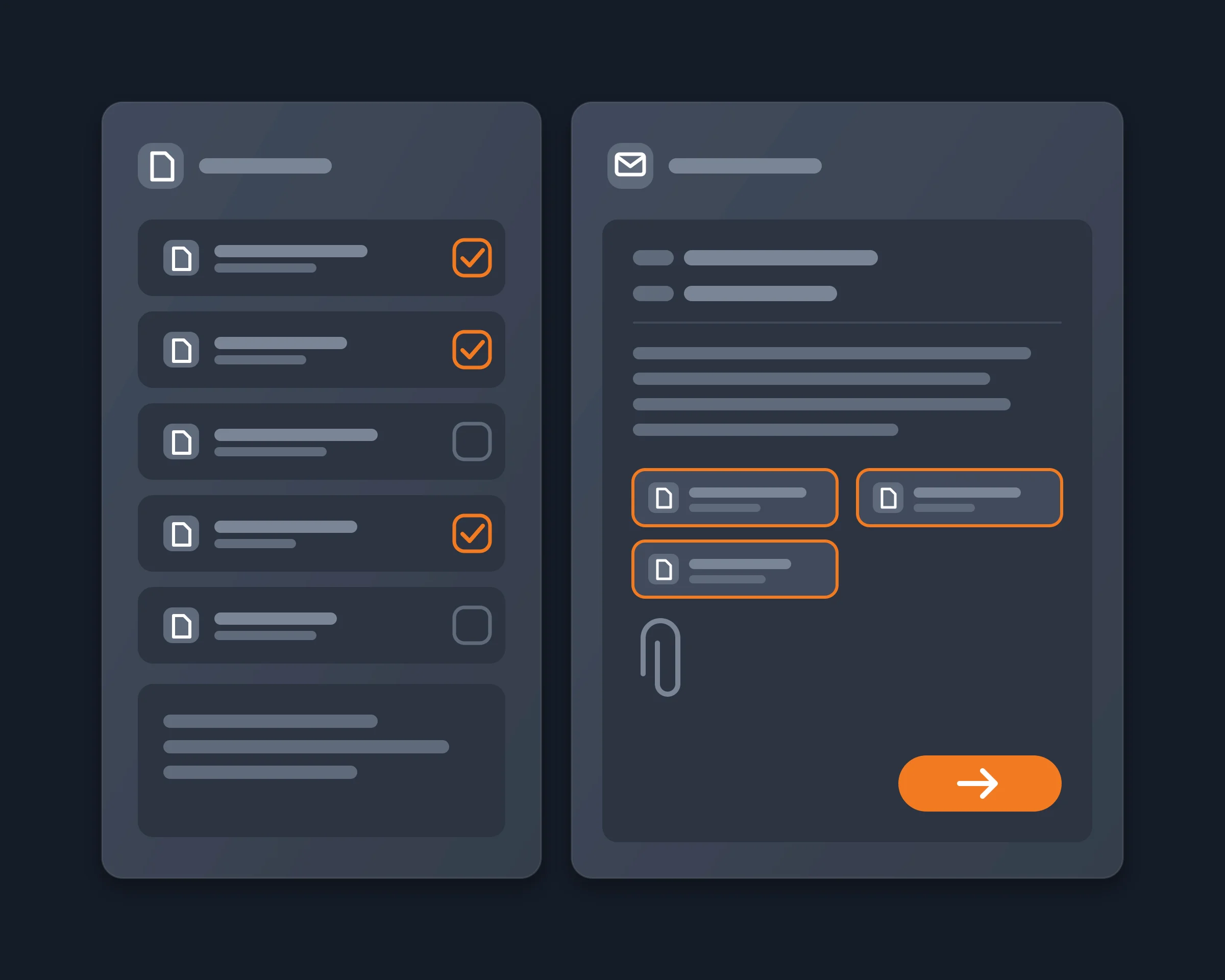
  1. It sends a new email with files. send_email takes the recipients (to, cc, bcc), the subject, a plain-text body and up to 10 files: attachment, attachment2, up to attachment10. attachmentNames sets the name that the recipient sees for each file. The script returns the name of every attachment as Gmail showed it before sending.
  2. It replies in a thread with files. search_emails finds the conversation and gives its thread id. reply_to_email replies, or replies to all, in that thread with up to 10 files, and keeps the original subject and history.
  3. It sends later if you want. With sendAt, a date and time, the email or the reply waits in Gmail's Scheduled folder. You can still edit or cancel it there, and Gmail sends it at that time.
  4. It uses the right account. With several Google accounts in the same Chrome, the account field picks the one to send from.

What you get: one request to your agent, and the email with its files in the recipient's inbox, sent from your own Gmail address, now or at the time you chose. The same works for a reply in an existing thread.

How to start

  1. Create a free account at reduck.ai.
  2. Install the Reduck extension in Chrome and pair it.
  3. Connect Reduck to your agent: docs.reduck.ai.
  4. Ask: "Send an email from my Gmail to {recipient} with the subject "{subject}" and a short message saying {message}. Attach {file names} from the reduck folder on my Desktop. Show me the recipient, the text and the files before you send it."

Before the first send:

  • Put the files in a folder named reduck on your Desktop. Your agent names them from there. With the Reduck CLI, give any path on your computer instead.
  • Let the extension read local files. In Chrome, open the Reduck extension's details and turn on "Allow access to file URLs".
  • Stay signed in to Gmail in that Chrome.

Ways to send a Gmail attachment from an AI agent, compared

As each tool's own page describes it, read on November 10, 2026. "Not documented" means we did not find it on their page.

Attaches a file Files per email Where the file comes from Draft with attachment Setup Price
Reduck Yes Up to 10 Your computer No Chrome extension, no Google Cloud or OAuth app There is a free tier
Claude Gmail connector No 0 Not applicable No Connect Gmail in Claude Your Claude plan
ChatGPT Gmail No 0 Not applicable No Connect Gmail in ChatGPT Plus, Pro, Business or Enterprise
Carly Yes Not documented The chat, Drive or OneDrive, another email Not documented Carly connector, Gmail connected to Carly "Free Zapier-style workflows; AI agents from $35/month"
MailMCP Yes 10 A link or an upload Not documented Hosted MCP service Not documented
Mailbox MCP Yes Not documented Not documented Yes Hosted MCP service Free tier: 5 calls a day
Gmail MCP servers on GitHub Yes Not documented Your computer Yes, on some Google OAuth, on your own computer Free
Draft, then attach by hand Yes Gmail's limit Your computer Yes None Free

Where the others are stronger: Mailbox MCP and some Gmail MCP servers save a draft with its attachments, which Reduck does not do yet. Carly sends from rules when an email arrives, also when your computer is off. Hosted services such as MailMCP take a file by link or upload, so the file does not need to be on your computer. Reduck is for sending from your own Gmail in your own browser, with no Google Cloud setup, from an agent that can also find the thread, write the text and pick the files.

FAQ

Not through its own Gmail connector. Anthropic's help page says the connector can send, reply to and forward Gmail emails, after your approval by default, and that it reads attachment metadata, not attachment content. The email goes out without the file. With Reduck, Claude calls the send_email script, which attaches up to 10 files from your computer.
Not natively. ChatGPT can send a Gmail email from the web app on paid plans, but TechRadar's June 2026 test found that it cannot send attachments, and a feature request on the OpenAI Developer Community (October 24, 2026) asks for the same thing. With Reduck connected to ChatGPT, ChatGPT sends the email and the files through your own Gmail.
Up to 10 files per email or per reply. Each file has a name that you can set, and the script returns the name of every attachment as Gmail showed it before sending. Gmail's own size limit for one email applies.
On the computer where your Chrome runs. From an agent, put the files in a folder named reduck on your Desktop and give their names. From the Reduck CLI, give any path on your computer. A file that you only uploaded to the chat is not on your computer, so save it to that folder first.
No. The scripts act in the Gmail tab of your own Chrome, where you are already signed in. Gmail MCP servers that use the Gmail API ask you to sign in with Google OAuth, and some ask you to create your own Google Cloud OAuth client first.
Not yet. Reduck's create_draft script saves a Gmail draft with a subject and a body but no attachment. To check the email before it goes, ask your agent to show you the recipient, the text and the files first, or schedule it with sendAt: a scheduled email waits in Gmail's Scheduled folder, where you can still edit or cancel it.
Yes, with reply_to_email. It takes the thread id from search_emails or the link of the conversation, replies or replies to all, and attaches up to 10 files. The reply stays in the same thread, with the original subject.
No. The scripts run in your own Chrome, so your computer and Chrome must be on when the agent sends. For a later time, sendAt schedules the email in Gmail itself: Gmail then sends it at that time, also when your computer is off.

Similar use cases

Claude OpenAI Atlassian Slack Stripe Gmail

Download invoices with Claude

Ask Claude for the month's invoices. It runs a saved script for each billing portal in your own signed-in Chrome, downloads the PDFs and emails them to your accountant.

FinOps

Start building not clicking