Export LinkedIn post likes and comments
Let Claude, ChatGPT or any AI agent export who liked and who commented on a LinkedIn post, with each person's name, headline and profile link, from your own LinkedIn account, ready for a CSV.
Social media
Export the guest list of the Luma event event link to a CSV with each attendee's name, bio and LinkedIn link, and flag the ones who work on topic.
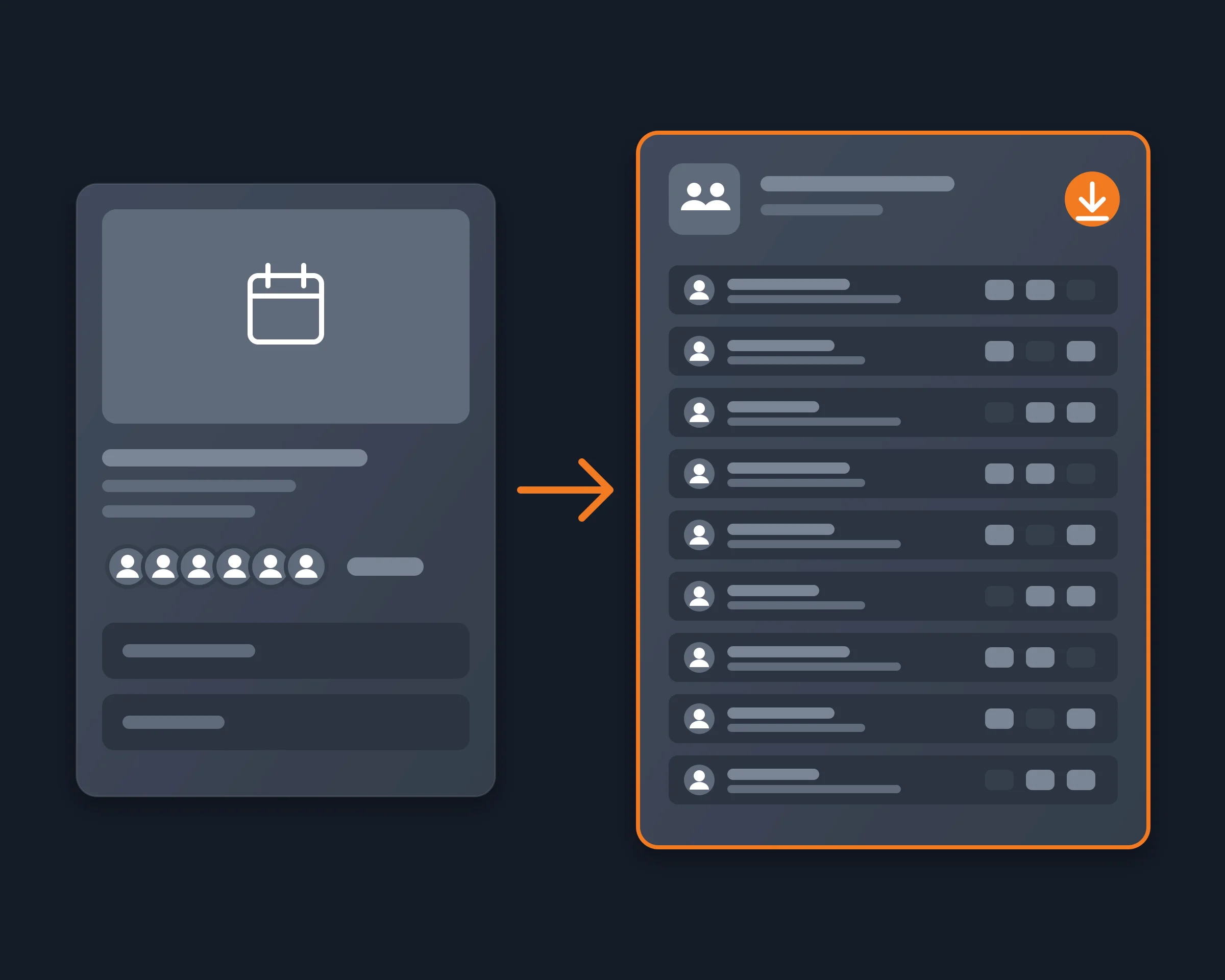
A Luma event's guest list tells you who you will meet: founders, engineers, investors, with their bios and LinkedIn links. Luma shows it to the people who are going. It does not let them take it with them.
Luma's guest CSV download is a host feature. As a guest, the full list is a scrolling panel on the event page, and only approved guests can open it. The tools that export it, mostly Apify actors, ask you to dig your session cookie out of DevTools and paste it into a third-party service, then bill per attendee. None of them sits where you prepare for the event: in your AI assistant.
Reduck reads Luma in your own Chrome, where you are already signed in. get_event_attendees opens the event and returns every guest your account can see, with name, bio and social handles, and says whether that is the full list or only the public preview. Your agent filters the list ("only founders", "only people working on AI agents"), writes the CSV, and can open the LinkedIn profiles that matter. search_events finds the next events worth going to, and register_to_event signs you up when you say so.
| Script | What it does | Takes |
|---|---|---|
get_event_attendees |
The guest list your account can see: name, bio, socials; full or preview, and why | the event slug, a cap |
get_event |
An event's details: description, hosts, venue, guest and ticket counts | the event slug |
search_events |
Upcoming public events by city or topic, with guest counts and whether the list is shown | a city or a topic |
list_my_events |
Your own upcoming or past events, with your registration status | upcoming or past |
register_to_event |
Signs you up for a free event (changes your account) | the event slug, your answers |
The Luma scripts are in the catalogue.
| Luma CSV download | By hand | Apify actors | Reduck | |
|---|---|---|---|---|
| Who can use it | Hosts | Approved guests | Approved guests | Approved guests |
| Emails | Yes | No | No | No |
| Login | Your Luma | Your Luma | Your session cookie, pasted | Your own Chrome, already signed in |
| Price | Included | Free | Per attendee | Your Reduck plan |
| Called from your AI agent | No | No | Through Apify's MCP | Yes |
Let Claude, ChatGPT or any AI agent export who liked and who commented on a LinkedIn post, with each person's name, headline and profile link, from your own LinkedIn account, ready for a CSV.
Social mediaConnect Claude, ChatGPT or any MCP client to your own LinkedIn account to search people, read full profiles, posts and your inbox, and message your connections, with no LinkedIn developer app.
Social mediaLet Claude, ChatGPT or any AI agent export a LinkedIn Sales Navigator lead list or search to CSV or Google Sheets, every page, with each lead's name, title, company, location and Sales Navigator link, from your own Sales Navigator seat.
Growth hacking