App Logo
Growth hacking Reduck MCP

Export a LinkedIn Sales Navigator Lead List to CSV or Google Sheets with Claude or ChatGPT (2026)

Prompt template

Export my Sales Navigator lead list list name to a CSV with each lead's name, title, company, location and Sales Navigator link.

Can you export leads from Sales Navigator natively?

No. LinkedIn's Sales Navigator help says there is no option to export account and lead information into a CSV or XLS file. Sales Navigator lets you read a lead list page by page, but there is no export button: no CSV, no Excel, no Google Sheets. The only native route is CRM Sync, on the Advanced Plus plan only, into Salesforce, Microsoft Dynamics or HubSpot. The usual answer is a paid Chrome extension such as Evaboot or Skrapp.

How to export a Sales Navigator lead list to CSV or Google Sheets

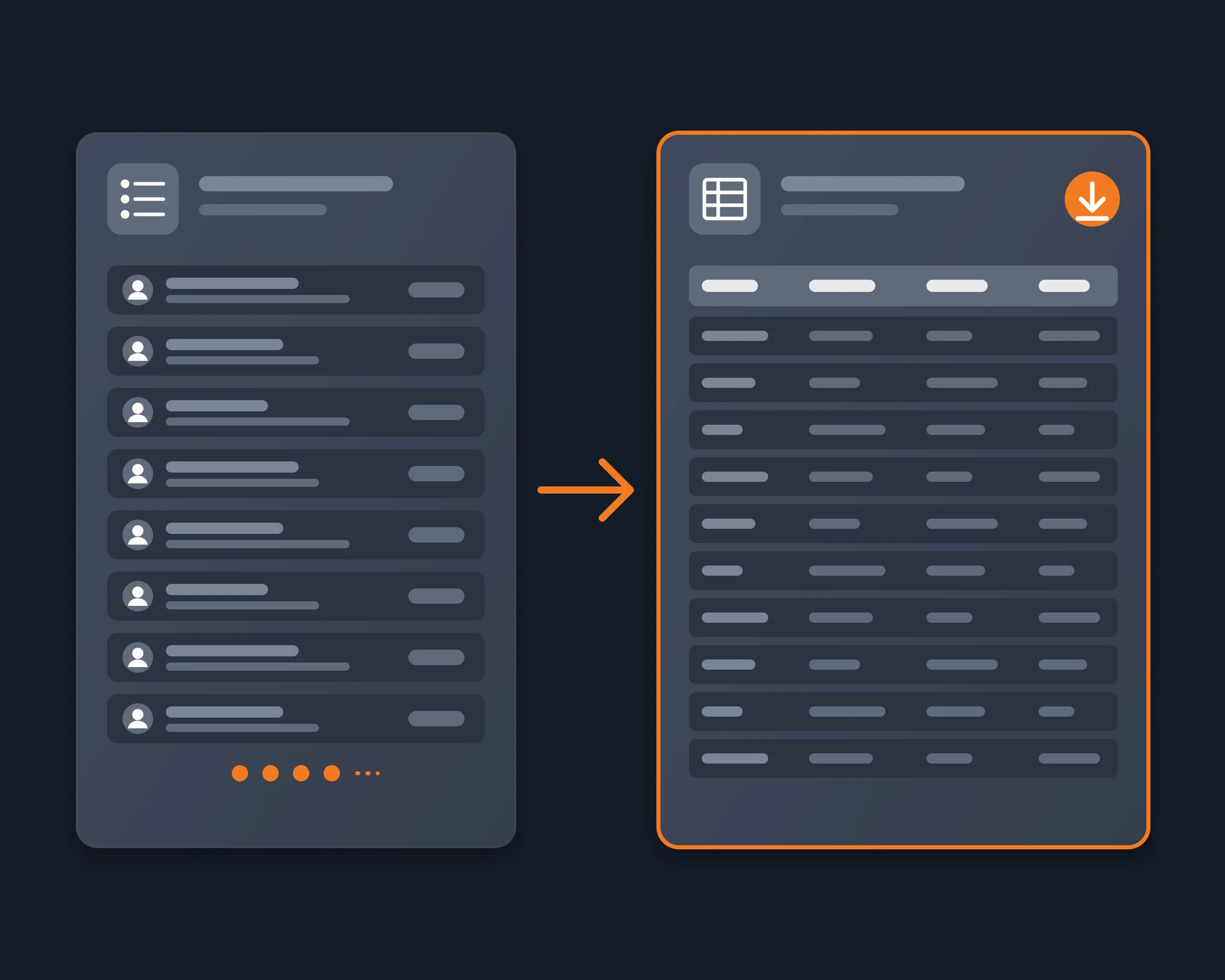
Reduck reads Sales Navigator in your own Chrome, where your seat is already signed in, and your AI agent does the export:

  1. Install the Reduck extension in Chrome and stay signed in to LinkedIn there, with your Sales Navigator seat.
  2. Add Reduck to your client: Claude Code, Claude Desktop, ChatGPT or any other MCP client.
  3. Ask: "Export my Sales Navigator lead list 'VP Sales – SaaS – France' to a Google Sheet with name, title, company, location and link."
  4. The agent lists your lead lists with sales_navigator_list_lead_lists, then sales_navigator_export_lead_list reads every page of the one you name and returns each lead with a complete flag.
  5. The agent writes the rows to a CSV, or into a Google Sheet with sheets_write_cells.

Export a saved lead list or a live search

A saved lead list exports whole, up to 5,000 leads by default. To start from a search instead, sales_navigator_search_people runs it with Sales Navigator's filters, 25 results a page, and the agent can save the results into a new lead list, then export that list. One search shows at most 2,500 results: split a bigger one by location, headcount or seniority.

Sales Navigator export scripts

Script What it does Takes
sales_navigator_list_lead_lists Your lead lists: id, name, number of leads, last change nothing
sales_navigator_export_lead_list Every lead in one list, all pages, with a complete flag the list id, a cap
sales_navigator_search_people A lead search with Sales Navigator's filters, 25 a page filters or keywords, an offset
sales_navigator_get_lead One lead's full profile and position history the lead id
sales_navigator_create_lead_list A new manual lead list (changes your account) a name
sales_navigator_save_lead_to_list Saves leads into your lists (changes your account) lead ids, list ids
sheets_write_cells Writes the rows into a Google Sheet the sheet, the rows

The full list of LinkedIn scripts is in the catalogue.

4 ways to export Sales Navigator leads, free and paid

By hand Chrome extensions (Evaboot, Skrapp…) CRM Sync Reduck
Cost Free Evaboot $29–$299/month, no free tier Advanced Plus seat Free tier
Plan needed Any Sales Navigator plan Any Sales Navigator plan Advanced Plus Any Sales Navigator plan
Runs In your browser In your browser, as you Between LinkedIn and your CRM In your own Chrome, as you
Output What you copy CSV or Excel CRM records CSV, Google Sheets, or the rows in your chat
Email addresses No Yes, for credits From your CRM No
From Claude or ChatGPT No Evaboot has an MCP No Yes

Evaboot's prices and MCP are from its own site, read on 2026-10-19.

A free Evaboot alternative, if you do not need emails

Evaboot's strength is email finding and verification, and Reduck does not do that. If what you need is the lead list itself, with names, titles, companies, locations and Sales Navigator links, in a CSV or a Google Sheet, Reduck exports it from your own seat, with a free tier. If you need emails too, export with Reduck and run the file through an email finder, or use Evaboot.

Who it's for

  • Sales teams who build lists in Sales Navigator and work them in a sheet or a sequencer
  • Founders running their own outbound with Claude or ChatGPT
  • Agencies who hand a client their Sales Navigator list as a file

FAQ

No. LinkedIn's Sales Navigator help says it does not offer an option to export account and lead information into a CSV or XLS file. On the Advanced Plus plan, CRM Sync links leads and accounts with Salesforce, Microsoft Dynamics or HubSpot, and you export from the CRM. On Core and Advanced there is no export at all, so a lead list in a spreadsheet means copying it by hand or a tool that reads it for you.
Yes. Copying leads by hand into a sheet is free, and Evaboot's own guide calls that the free method. Evaboot itself has no free tier: its guide lists it at $29 to $299 a month. Reduck has a free tier, and one export of a whole lead list is one run, so you can export lists to CSV or Google Sheets on it. You still need your own Sales Navigator seat, and Reduck does not add email addresses.
Yes. Your agent exports the list with sales_navigator_export_lead_list, then writes the rows into a Google Sheet with sheets_write_cells, in the same Chrome where you are signed in to Google. No CSV import step is needed. If you prefer a file, ask for a CSV instead and import it with File, Import in Google Sheets.
The whole list. sales_navigator_export_lead_list pages through the list (25 leads per request by default) until it has every lead, up to 5,000 by default. It returns the list's total and a complete flag: complete is false when the export stopped early, so a partial file is never mistaken for the whole list.
From a lead list: first and last name, current title and company, location, connection degree, the Sales Navigator lead link, the date the lead was added to the list, how many of your lists hold the lead, and the CRM status. From a search: name, title, company, industry, location, tenure, summary and the lead link. sales_navigator_get_lead adds the full position history for any lead.
No. Reduck exports what Sales Navigator shows you. Contact details come only for leads your seat has unlocked. Some extensions add one: Skrapp's guide says its extension returns a found and verified email for each lead, for credits. If you need emails, export the list with Reduck and run it through an email finder, or use one of those tools.
Yes. sales_navigator_search_people runs a search with Sales Navigator's filters (title, location, seniority, function, company headcount, years in role and more), 25 results a page. sales_navigator_create_lead_list makes a new list, and sales_navigator_save_lead_to_list saves leads into it. These two change your account, so your agent asks before running them.
Sales Navigator shows at most 2,500 results for one search. This limit is LinkedIn's, so every tool hits it. Split a bigger search into narrower ones, by location, headcount or seniority, and save the leads to one list, then export the list.
LinkedIn's User Agreement prohibits scraping, and no tool can promise that LinkedIn will never act on an account. Reduck does not run a crawler: each script runs only when you or your agent asks, in your own Chrome, with your own seat. A lead list is personal data under GDPR: if you use it for outreach, you need a lawful basis and a way for people to object.
Yes. Reduck connects to ChatGPT, Claude, Claude Code, Codex, Cursor and any other MCP client. You ask in plain words, and the agent picks the Sales Navigator scripts it needs. You need a Sales Navigator seat in the Chrome where the Reduck extension runs.

Similar use cases

Google LinkedIn

LinkedIn lead generation

Google the hottest LinkedIn posts on "AI agents that browse the web", pull profiles of people who reacted/commented, and flag those matching "CTO building AI agents at a US startup".

Growth hacking
LinkedIn

LinkedIn MCP

Connect Claude, ChatGPT or any MCP client to your own LinkedIn account to search people, read full profiles, posts and your inbox, and message your connections, with no LinkedIn developer app.

Social media

Start building not clicking