App Logo
Social media

Export LinkedIn connection requests and new connections with an AI agent: the profiles of everyone who added you (2026)

Prompt template

List everyone who sent me a LinkedIn connection request or connected with me in the last number of days days. Open each profile and put them in a sheet with their name, headline, current company, location and profile link. Mark the requests I should accept, using this rule: your rule. Do not accept or ignore anything until I say so.
Overview

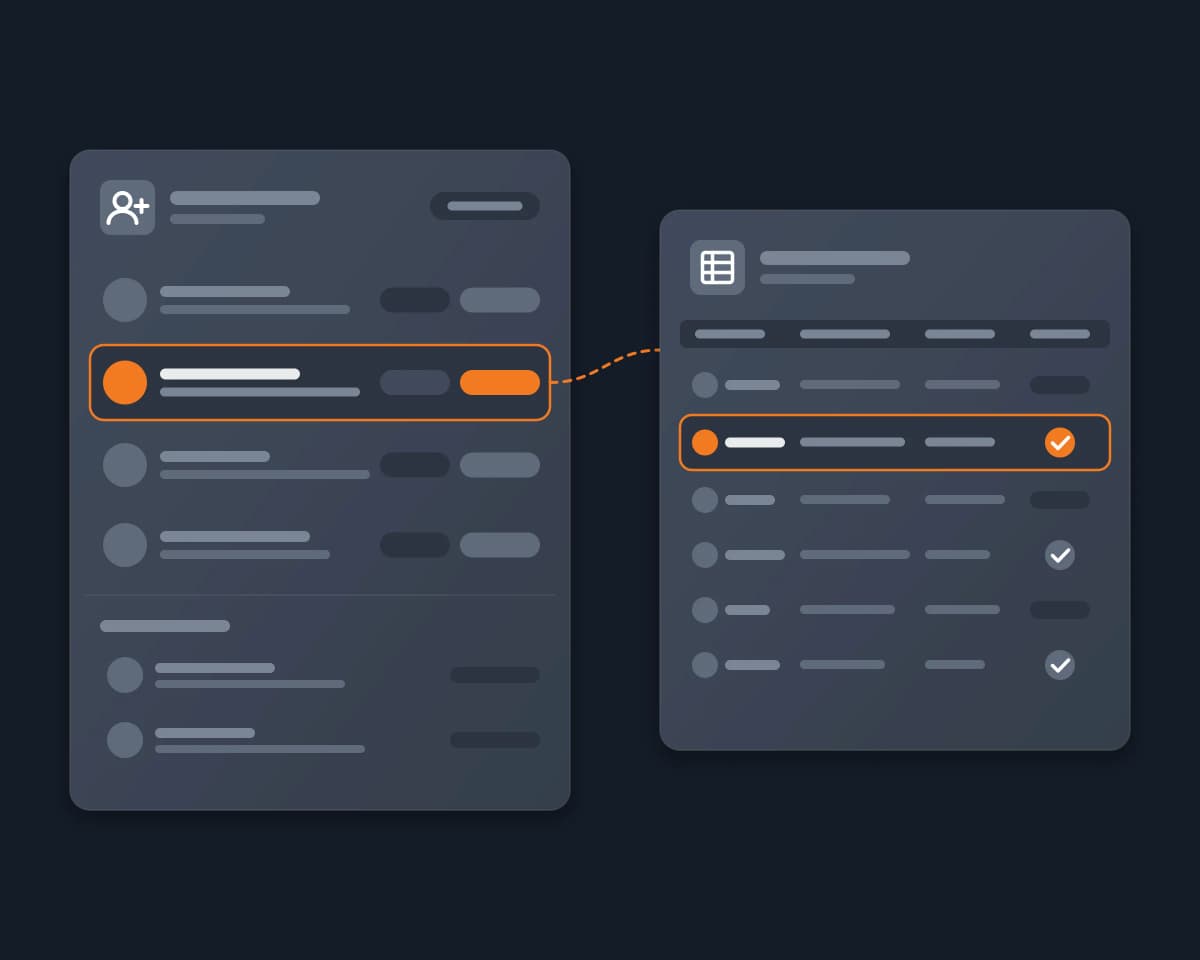
When people find you on LinkedIn, after a post, a talk or a job ad, they send you connection requests. Founders, recruiters, salespeople and creators want to know who these people are: which ones are buyers, candidates or peers, which ones to accept, and which ones to follow up with. To decide, they need each person's profile, and they need the list in a sheet or a CRM.

"People who added me" means two lists on LinkedIn: the connection requests you received and did not answer yet, and the people who connected with you recently. This page covers both.

Why it's hard

  • The Received tab has no export. LinkedIn shows your pending requests 10 at a time, with a name and a short line. To see a person's role, company and location, you must open each profile.
  • The data archive is partial. The Invitations file (Settings & Privacy, Data privacy, Get a copy of your data) has names, profile URLs, the date and the message, but no headline, company or location. The Connections file has company and position, but LinkedIn lists it in the group that can take up to 48 hours. Both are snapshots: new requests need a new download.
  • There is no API for you. Microsoft's documentation says the LinkedIn Connections API is restricted to developers approved by LinkedIn. We found no public API for received requests.
  • The automations stopped or need your cookie. Zapier's LinkedIn app has no "new connection" trigger: Zapier staff wrote in October 2023 that it was removed. The tools that export received requests run on their own servers with your LinkedIn session cookie, or are Chrome extensions that you use one list at a time.
  • Many requests are noise. Requests from bots, fake profiles and sales pitches arrive with the real ones, so each profile needs a check before you accept it.

How Reduck does it

Your AI agent runs Reduck's LinkedIn scripts in your own Chrome, where you are already signed in. It needs no API key and sends no cookie to a server.

  1. It lists the two lists. get_received_invitations reads your Received tab: each request with the name, the profile link, the type (person, page, event, newsletter) and the id that accept_invitation takes. get_connections reads your connections, newest first, with each person's headline, profile link and the "connected on" date.
  2. It opens each profile. get_profile returns the headline, location, current company, About text, experience and education. It does not record a profile view.
  3. It applies your rule. You write the rule in your own words, for example: "accept founders and marketers in B2B software, ignore anyone whose headline says sales or recruiting, and flag profiles with no photo and no experience". The agent marks each person accept, ignore or check.
  4. It acts only when you say so. accept_invitation and ignore_invitation change your account. The agent shows you the list first, and accepts or ignores the ones you approve.

What you get: one sheet or CSV with every person who added you in the period you choose, with name, headline, current company, location and profile link, the "connected on" date for new connections, and a suggested decision for each pending request. Ask again next week to get the new ones.

How to start

  1. Create a free account at reduck.ai.
  2. Install the Reduck extension in Chrome and pair it.
  3. Connect Reduck to your agent: docs.reduck.ai.
  4. Ask: "List everyone who sent me a LinkedIn connection request or connected with me in the last {number of days} days. Open each profile and put them in a sheet with their name, headline, current company, location and profile link. Mark the requests I should accept, using this rule: {your rule}. Do not accept or ignore anything until I say so."

Tools to export LinkedIn connection requests, compared

As each vendor's own page describes it, read on October 29, 2026. "Not documented" means we did not find it on their page.

Received requests New connections Headline and company Full profile read and sorted Where it runs Price
LinkedIn data archive Invitations file: names, URLs, date, message Connections file, up to 48 hours Company and position for connections only No LinkedIn, by email Free
Apify "LinkedIn Pending Invitations Exporter" Yes No Headline No Apify servers, with your li_at and JSESSIONID cookies $1.70 per 1,000 calls; the page showed 0.0% of runs succeeded
Apify "Linkedin Network Scraper" No Yes, with "new since last run" Headline No Apify servers, with your cookies Apify usage
PhantomBuster "LinkedIn Connections Export" Not documented Yes Title No PhantomBuster servers, with your session cookie Subscription
Linked API Yes, by API Yes, by API Not documented No, you build it Linked API's cloud browser on your account From $49 a month per seat, billed yearly
Unpend Yes, in its Network Manager Yes Not documented No Chrome extension, in your browser Viewing free, CSV export in Pro
Outscore Yes, as you browse Not documented Not documented No Chrome extension, in your browser $10 a month, $79 a year or $99 once
Relevance AI "LinkedIn AI Agent" No, you give it profile URLs No Yes Yes, a research brief per profile Relevance AI's servers 2 to 5 cents per profile
Reduck Yes, with the type of each invitation Yes, with the "connected on" date Yes, from each full profile Yes, by your own rule, and accepts or ignores after your OK Your own Chrome, no cookie sent to a server There is a free tier

Where the others are stronger: Outscore keeps a history of every request as you browse, with no prompt. Apify and PhantomBuster run on a schedule with your computer off, and Linked API is built for a product that needs an API. Reduck runs when your agent asks, and your Chrome must be open.

FAQ

On a computer, open My Network, then Invitations, then the Received tab: these are the people who sent you a connection request that you did not answer yet. The people who are already your connections are in My Network, then Connections, with Sort by set to Recently added. People who follow you without a connection are a third list, under Followers. LinkedIn shows each list one page at a time, and none of the three has an export button.
Partly. In Settings & Privacy, Data privacy, Get a copy of your data, the Invitations file comes within about 10 minutes. LinkedIn says it holds the invitations you sent and received, with the names, profile URLs, the date sent and the message. It has no headline, company or location, and it is a snapshot of one moment. The Connections file adds company, position and the connection date, but LinkedIn lists it in the group that comes within 48 hours.
Not for most developers. Microsoft's documentation says the use of the Connections API is restricted to developers approved by LinkedIn. We did not find a public API that returns the connection requests you received. Reduck needs no API: it reads the pages you already see in your own browser.
No. The get_profile script reads a profile without recording a profile view, so the person does not see you in their profile viewers. For the same reason, it does not return the connection count, which only the profile page shows.
Only if you tell it to. Reading the lists and the profiles changes nothing on your account. Accepting and ignoring are two separate scripts that write: the prompt on this page asks the agent to wait for your answer, and accept_invitation has a dry run that finds the request without clicking Accept. Ignoring a request is not easy to undo, so check the list before you say yes.
LinkedIn puts invitations to follow a page, attend an event or subscribe to a newsletter in the same Received list as connection requests. get_received_invitations gives each one a type (person, page, event or newsletter), so your agent can keep only the people. On the account we tested on 2026-10-29, 2 of the 10 newest invitations were from people.
Yes. list_followers returns the people who follow you, with their name, headline and profile link, up to 500. get_profile_viewers returns who viewed your profile; LinkedIn shows the full 90-day list only to Premium members, and the free account shows only the last few.
As many as you ask for, but LinkedIn loads 10 connections at a time, newest first. A few hundred take minutes, and each step counts against your account like your own browsing. For 'who added me', ask for the last 7 or 30 days, not your whole network.
LinkedIn's User Agreement prohibits scraping, and its help page on prohibited software names extensions that scrape or automate activity. No tool can promise that LinkedIn will never act on an account. Reduck does not run a crawler and does not send your session cookie to a server: each script runs in your own Chrome, only when you or your agent asks, and reads the same pages you see. Keep the volume to what you would read yourself.
Yes. Reduck connects to Claude, ChatGPT, Cursor and any other MCP client. You ask in plain words, and the agent picks the LinkedIn scripts it needs.

Similar use cases

LinkedIn

LinkedIn MCP

Connect Claude, ChatGPT or any MCP client to your own LinkedIn account to search people, read full profiles, posts and your inbox, and message your connections, with no LinkedIn developer app.

Social media
Google LinkedIn

LinkedIn lead generation

Google the hottest LinkedIn posts on "AI agents that browse the web", pull profiles of people who reacted/commented, and flag those matching "CTO building AI agents at a US startup".

Growth hacking

Start building not clicking